AI home design for the whole house, inside and out
AI home design from photos of the house you live in: the front, every room and the backyard. Upload one photo at a time, pick a style, and see the same walls, windows and rooflines with a new look.
1 free design with Google sign-in, no card, while today's free designs last.
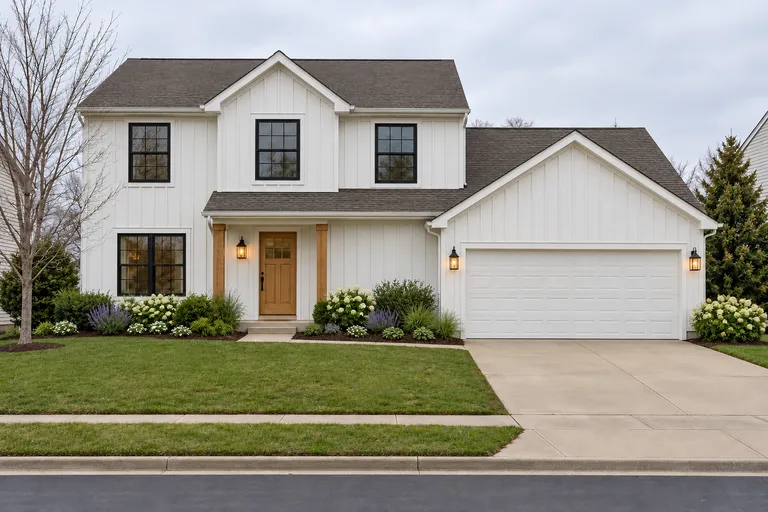 Created with AI
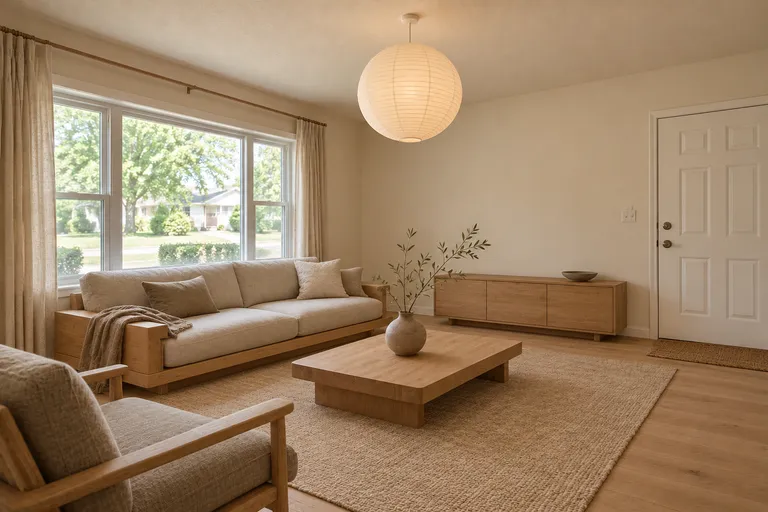 Created with AI
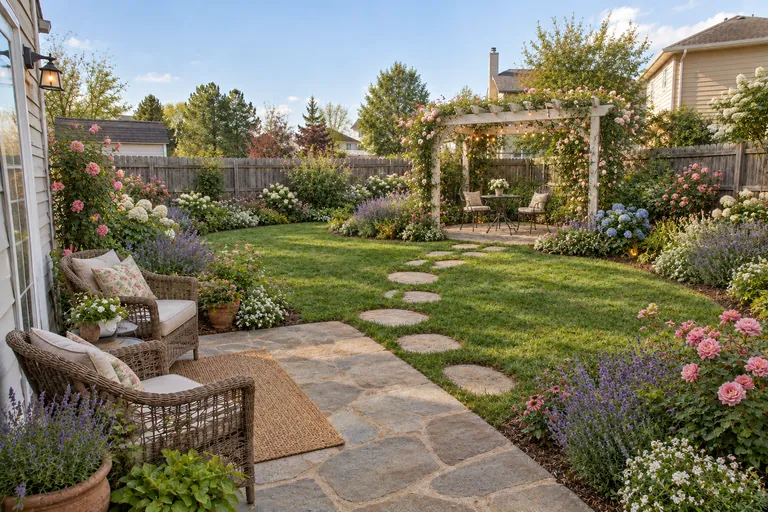 Created with AI
A house tour, before and after
From the street to the back fence: each stop is one photo of a real-looking house before, and the same photo after one click. The walls, windows and camera angle stay where they were.
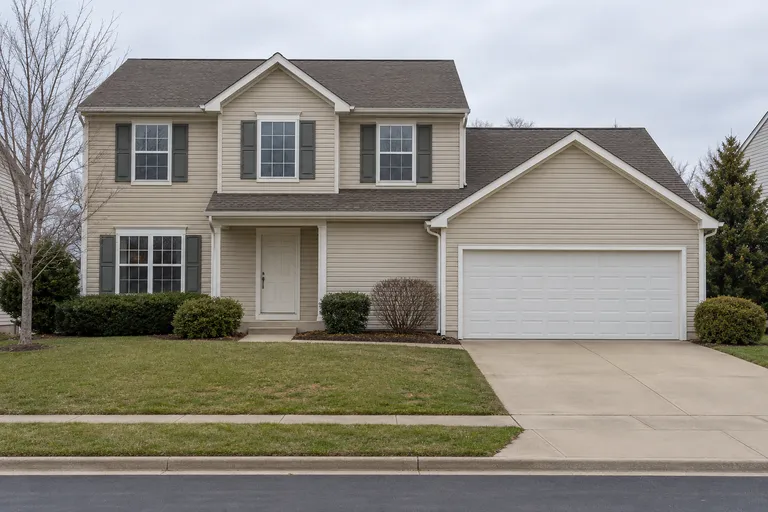 Before, created with AIFarmhouse, created with AI
01
House exterior
AI exterior house design from a photo of your house: pick a style and see new siding, colors, trim, a front door and planting on the same house, with the roofline and windows kept.
AI exterior house design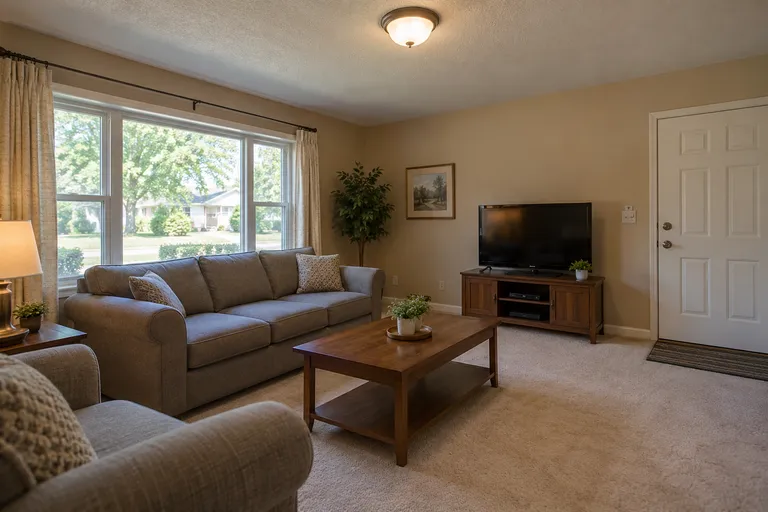 Before, created with AIJapandi, created with AI
02
Living room
AI living room design starts from the room you have: upload a photo, pick a style, and see the same walls and windows with new furniture, colors and decor.
AI living room design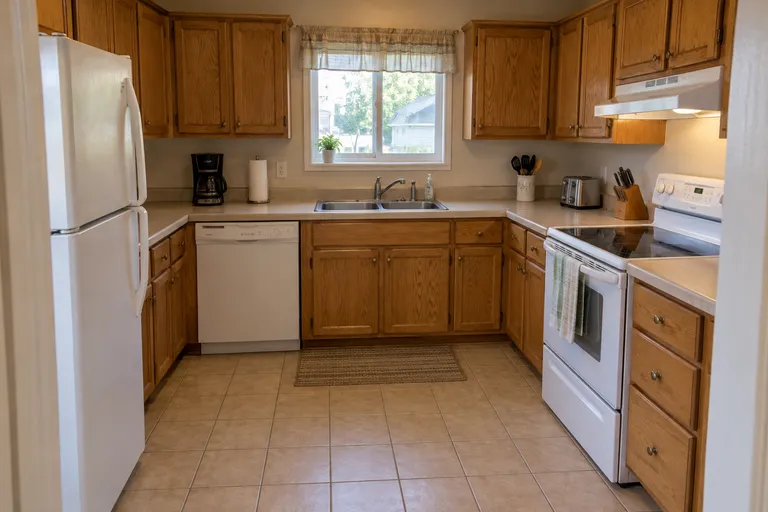 Before, created with AI
 Modern, created with AI
03
Kitchen
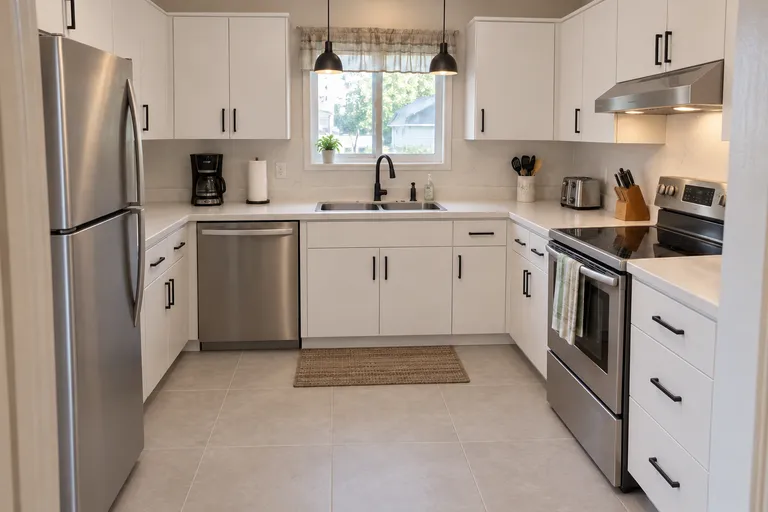
AI kitchen design shows a remodel before it starts: upload a photo of your kitchen, pick a style, and see new cabinets, counters and lighting in the same room.
AI kitchen design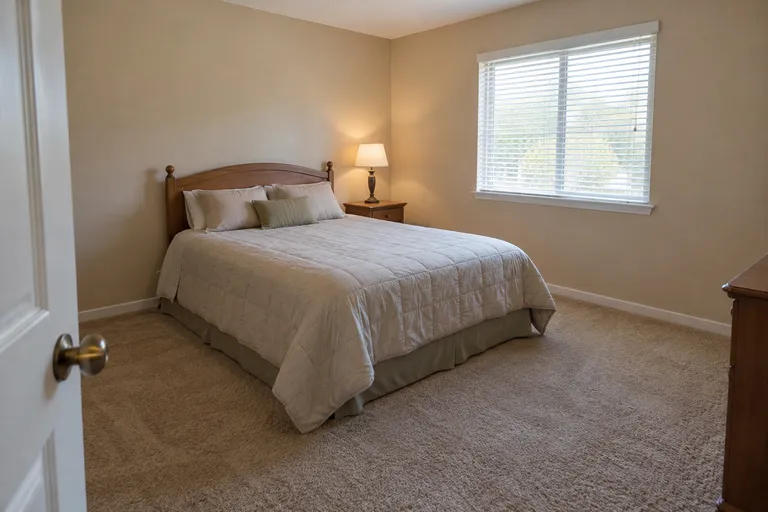 Before, created with AI
 Scandinavian, created with AI
04
Bedroom
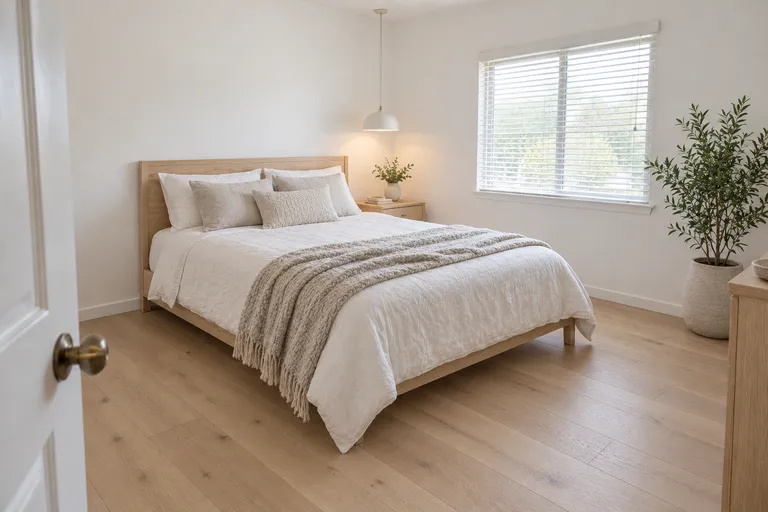
AI bedroom design on your own bedroom: one photo, one style, and the same room comes back with a new bed, bedding, colors and lighting.
AI bedroom design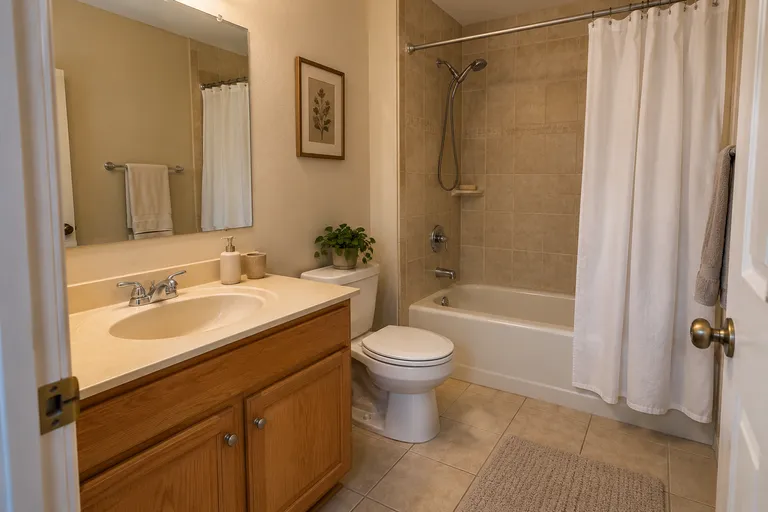 Before, created with AI
 Spa, created with AI
05
Bathroom
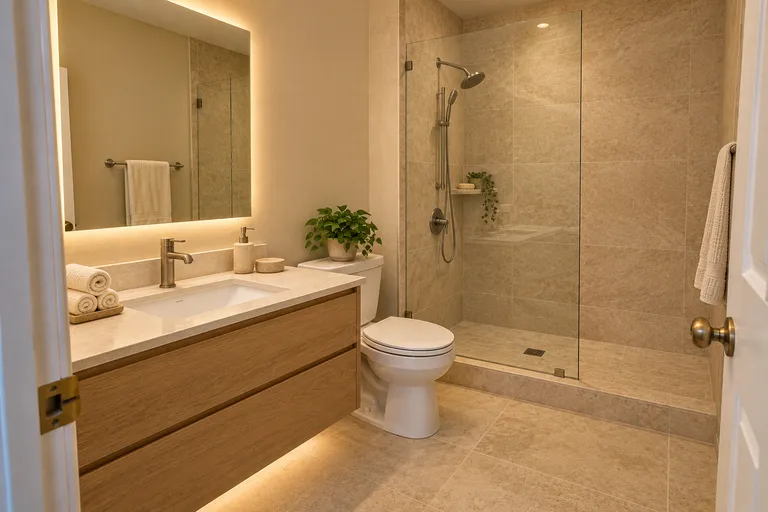
AI bathroom design on your own bathroom: upload a photo, pick a style, and see new tile, a new vanity and new lighting in the same room before you remodel.
AI bathroom design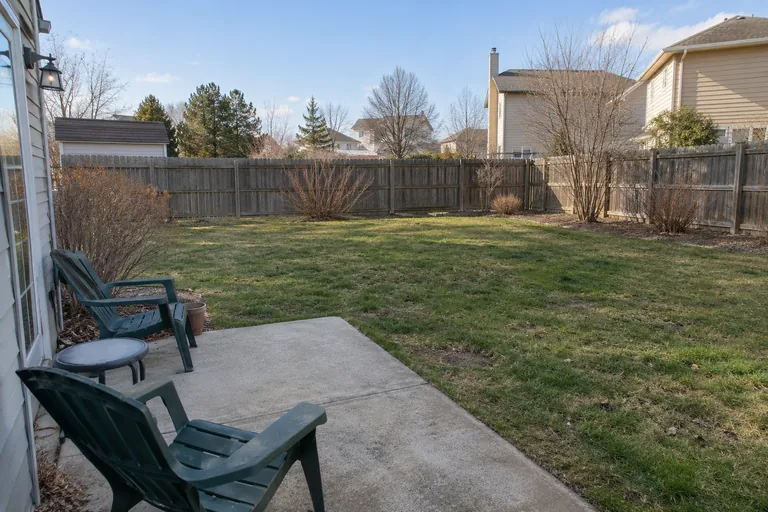 Before, created with AICottage garden, created with AI
06
Backyard
AI landscape design for the yard you already have: upload a photo of your backyard, pick a style, and see new paving, planting, seating and lights inside the same fence.
AI landscape design
Plan a whole-home makeover
Start where you live most
The living room or the kitchen, for most people. Settle that room's style first; the others follow it.
Pick one thread through the house
The tool's color or material choice (light wood, dark wood, warm neutrals, black and white and more) carries into every design. Use the same one in each room and different styles still look like one home.
Let the outside match the inside
A modern farmhouse front leads naturally into a farmhouse or coastal living room; a contemporary front into a modern or Japandi one. Try the front of the house in the style you picked inside.
Change things in the right order
Paint and lighting first, then the big pieces, then rugs and decor. The pictures show where you're heading, so each step heads the same way.
Try AI home design on your house
Pick the room, or House front or Backyard, then a style. One photo, one design.
Your photo
Tip: stand in a doorway or corner and fit the whole room in one wide photo, floor to ceiling. Close-ups of one corner give odd results.
Style
Examples created with AI.
Size
about 1 megapixel · 1 credit
Your image will show up here.
Designs are made with OpenAI's GPT Image 2.5. The AI is asked to keep your walls, windows and camera angle. Compare the result with your photo before making real changes.
Home design AI or floor-plan software?
They answer different questions. Floor-plan and 3D home design programs help you lay out a house that isn't built yet: walls, room sizes, where the stairs go. Home design AI like this one starts from a photo of a house that is: it keeps the shape and changes the look.
If you're moving walls, you need the first kind, and an architect. If you're choosing a style, colors and furniture for the house you have, the second kind gets you there in minutes.
Inside first, or outside?
Most people start inside, in the room they spend the evenings in. Then the front of the house, because it's the first thing visitors see, and the backyard when the weather turns. For styles room by room, see AI interior design.
AI home design FAQ
Can AI design my whole house?
It can redesign each part of it from a photo: every room, the front of the house and the backyard, one photo at a time. Use the same color or material for each and the designs work together. It doesn't plan a new house from scratch.
Is there a free AI home design app?
There's nothing to install: it runs in the browser on a phone or a computer. New accounts get 1 free design at standard size, with a small getairoomdesign.com mark: sign in with Google, no card needed, while the day's free designs last. After that, one design takes 1 credit at 1K, 2 at 2K and 3 at 4K, and the packs are $9.90 for 50 credits, $19.90 for 150 or $39.90 for 500, paid once.
Can it draw a floor plan or design a new house?
No. It restyles photos of a house that already exists: new furniture, colors, siding or planting on the same walls, windows and rooflines. For a floor plan or a new build you need an architect or floor-plan software.
Can I see my house in a different color?
Yes: upload a photo of the front, pick a style and a color or material, and the same house comes back with new siding, trim and door colors.
Does home design AI work on a backyard?
Yes: pick Backyard or garden as the room, then a garden style like a cottage garden, a modern patio or a low-water xeriscape.
More: the AI room design home page, the room visualizer, the AI room decorator and pricing.