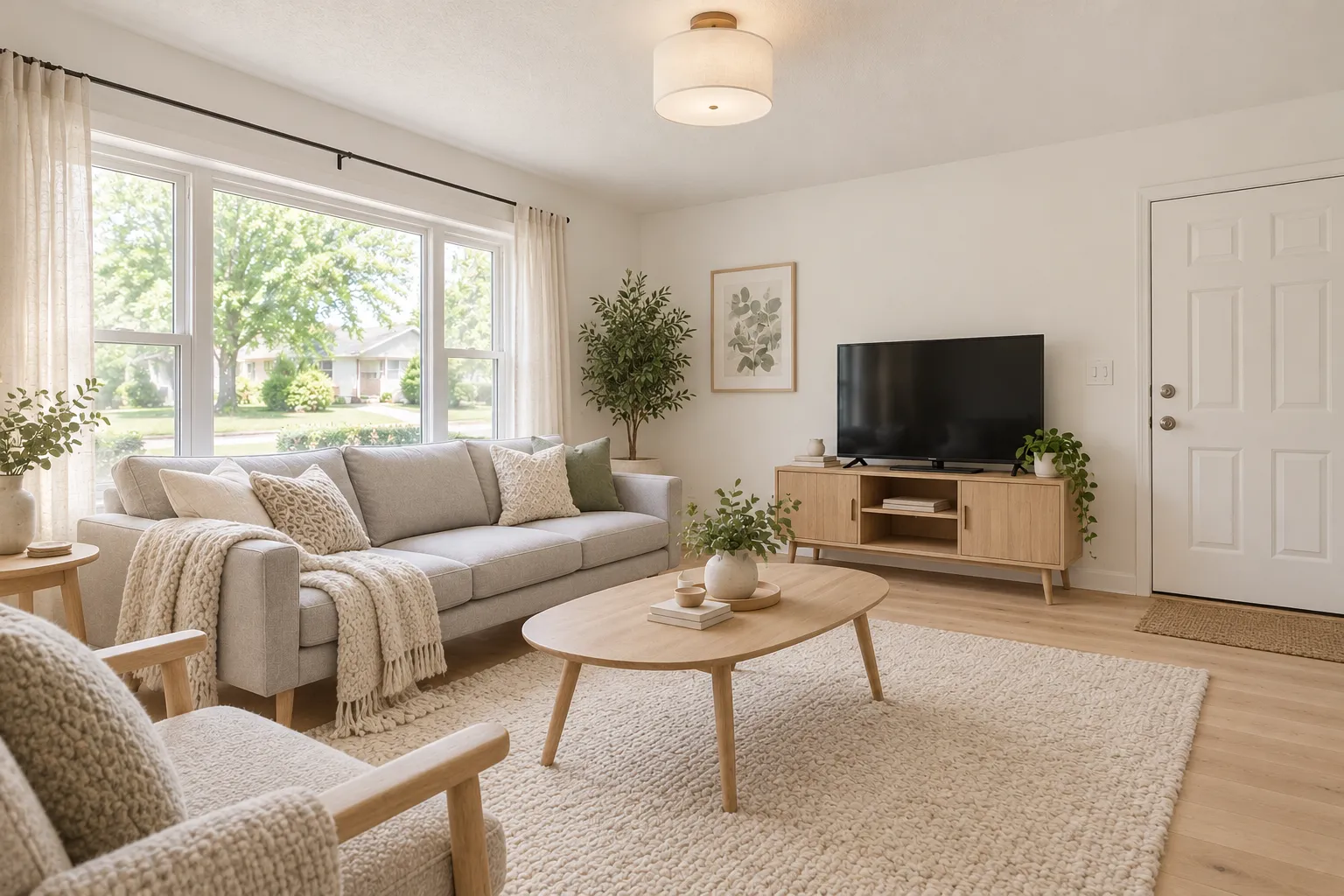
 Example design, created with AI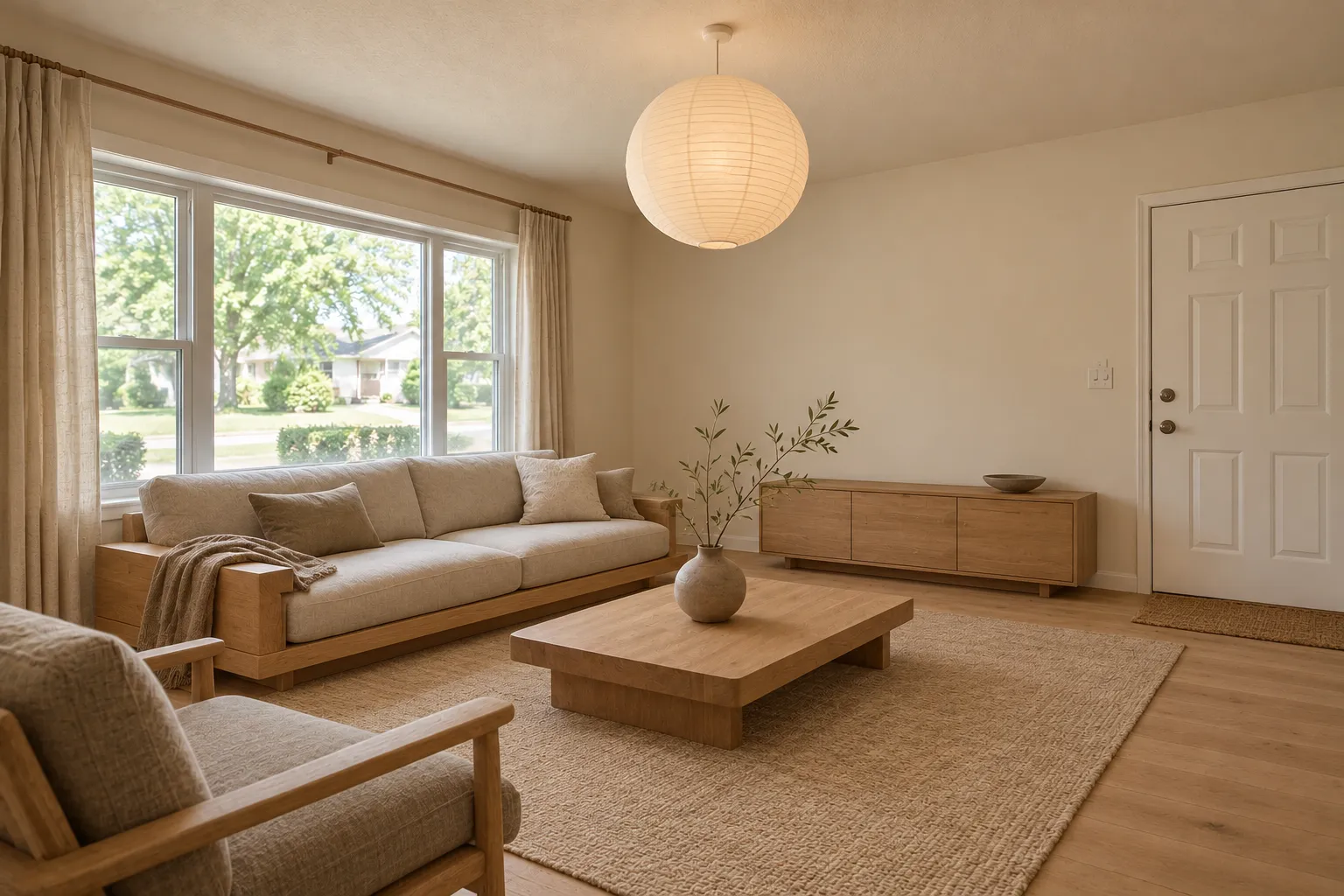
Seven rooms, each with its before in the corner · Scroll to explore
AI Room Design Free: Try 1 Design on Your Own Room
AI room design for your real room: upload a phone photo and see it in Japandi, Scandinavian, Modern, Boho and more before you buy anything. No app to install, no monthly subscription.
One free standard design for new accounts with Google sign-in, with a small watermark and subject to daily availability. Buy one-time credits when you want more.
Seven rooms, the room before in each corner
Example design, created with AI1 / 7
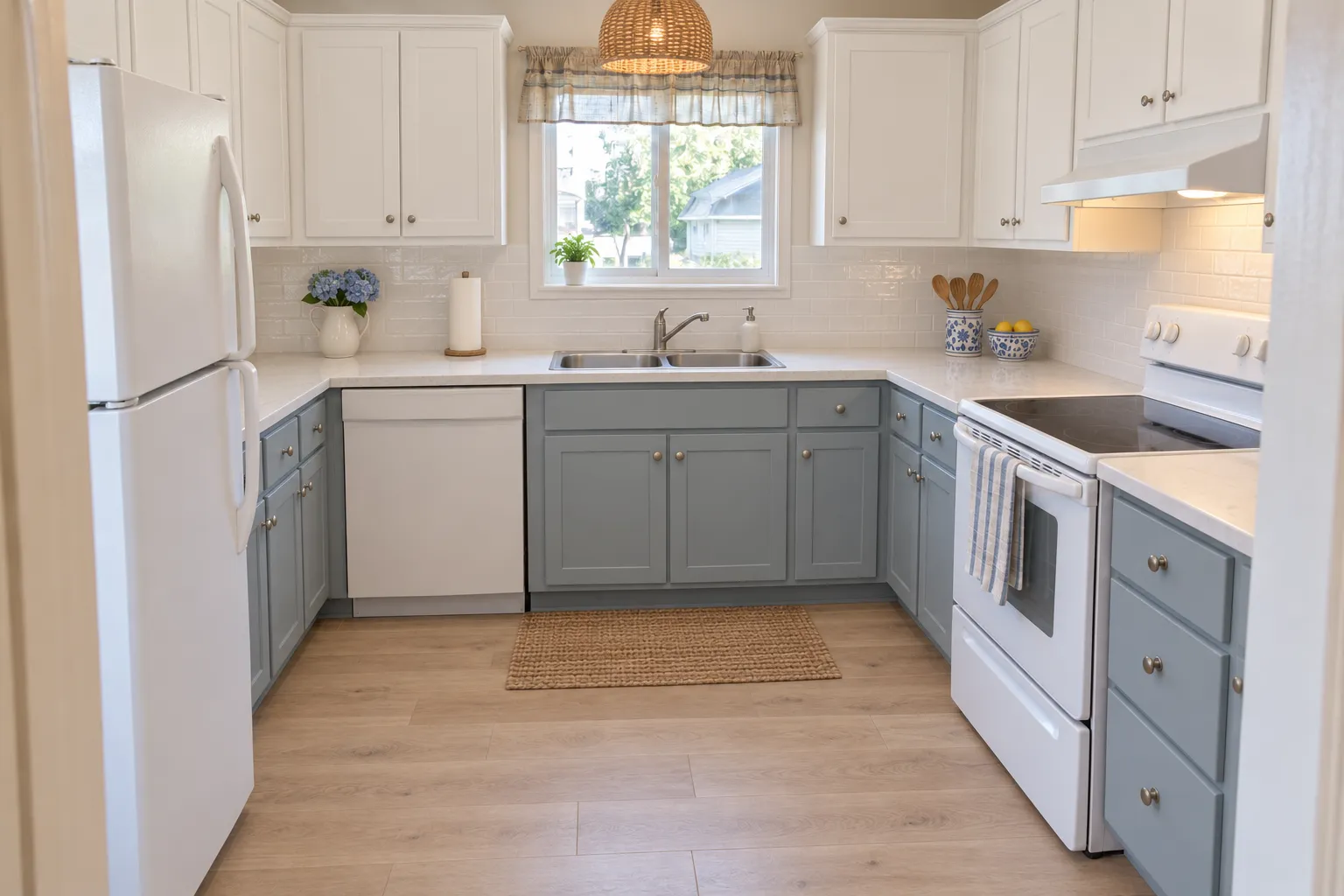 Example design, created with AI
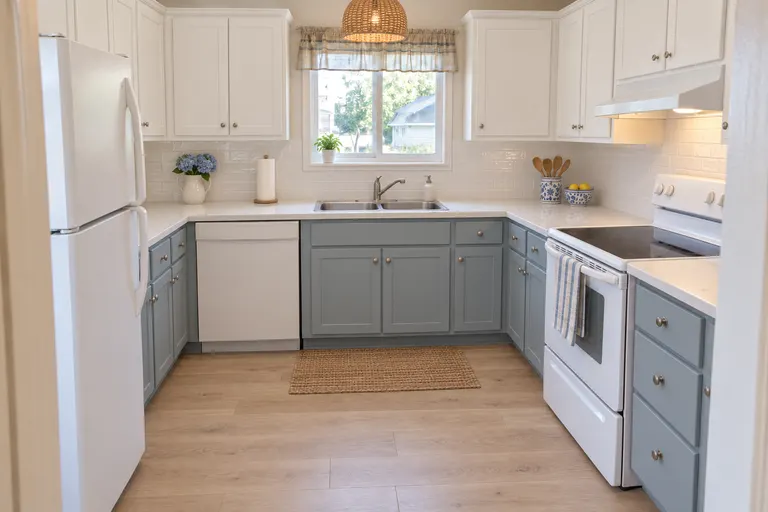
Coastal kitchen
Use this style on my kitchen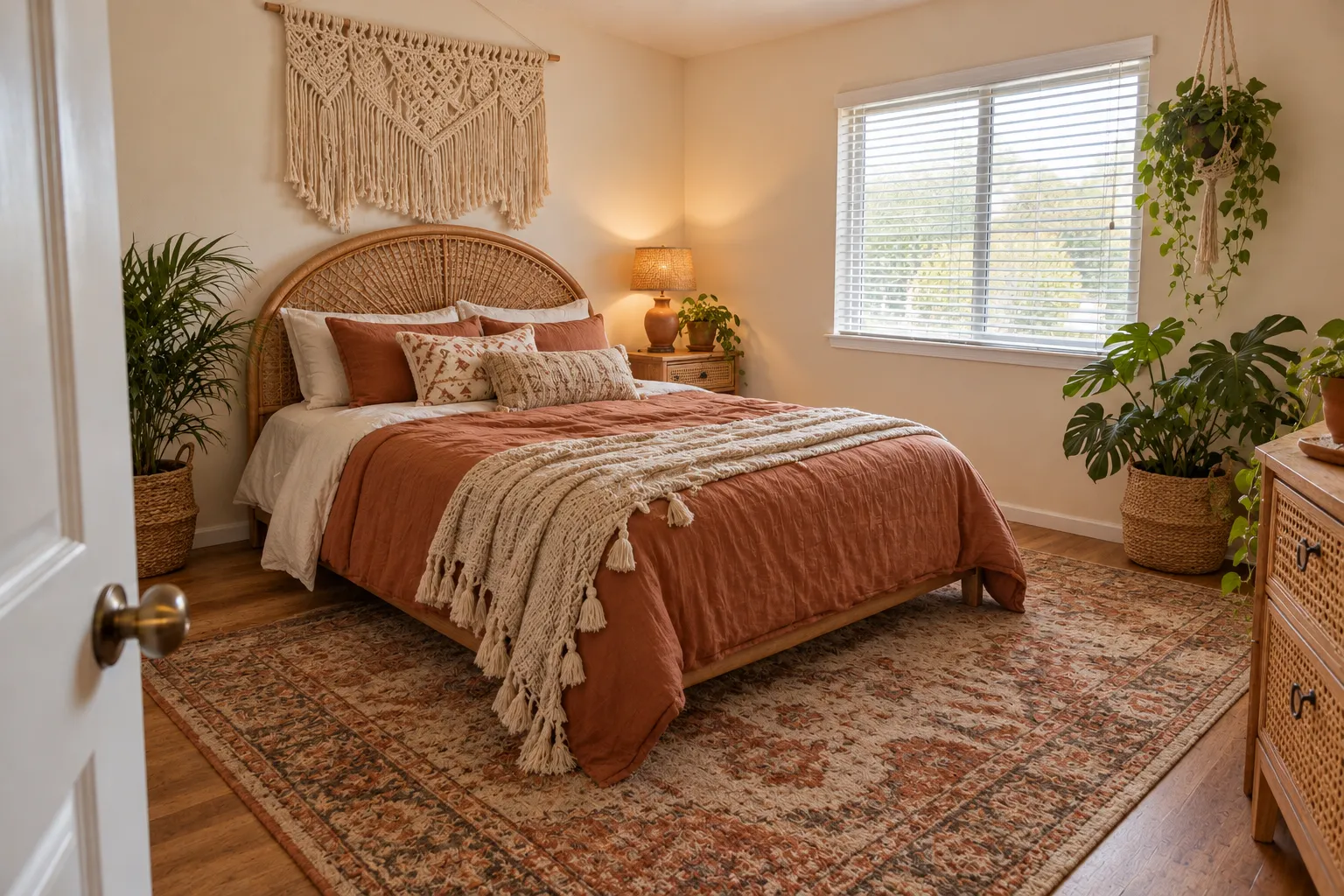 Example design, created with AI
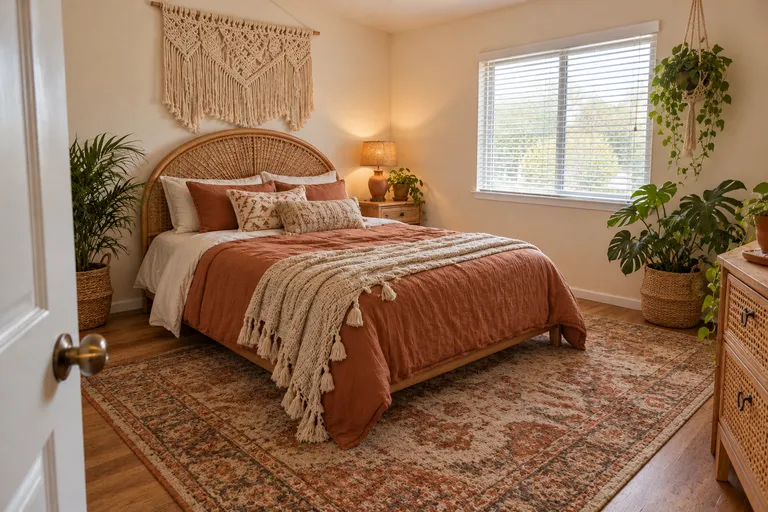
Boho bedroom
Use this style on my bedroom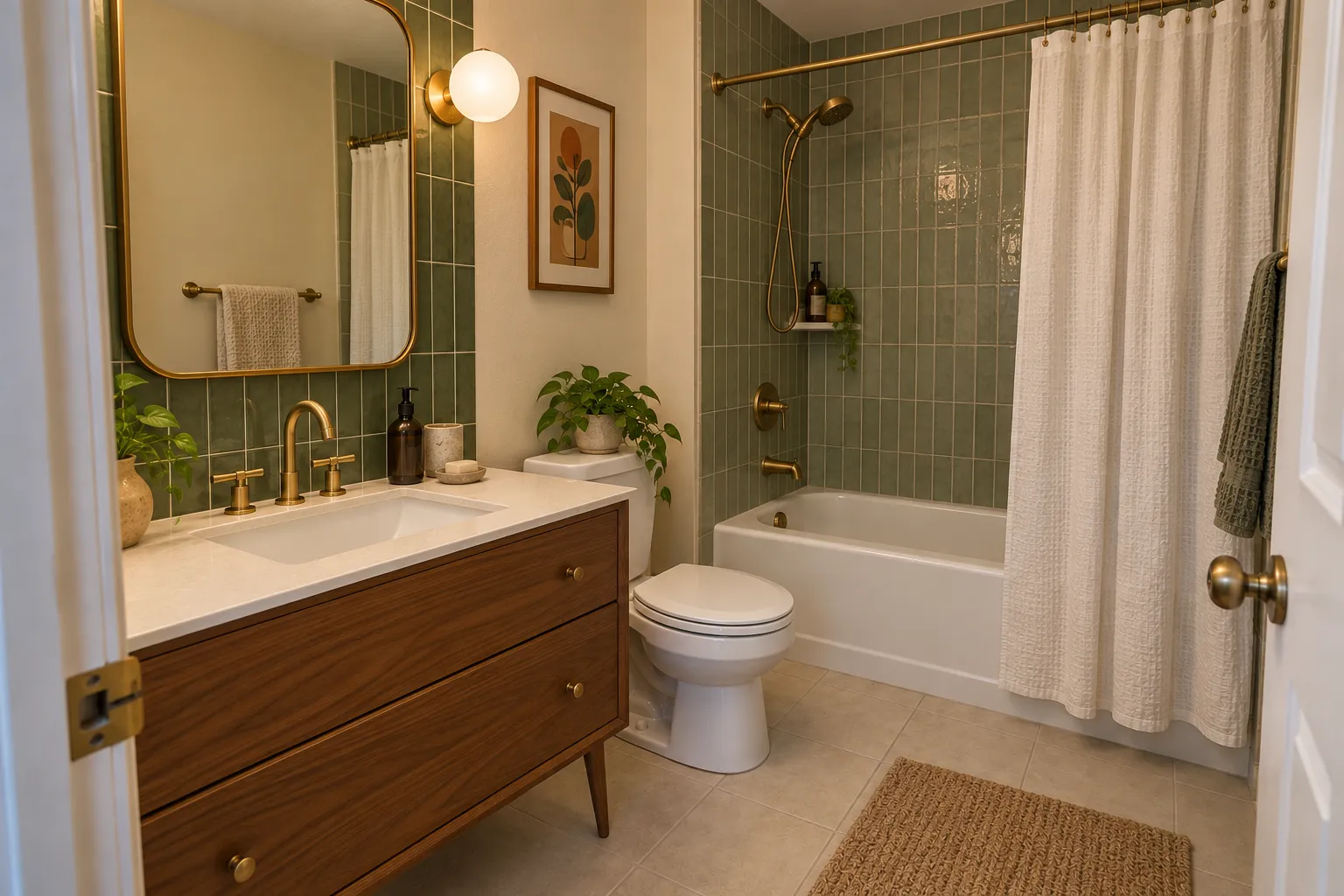 Example design, created with AI
4 / 7
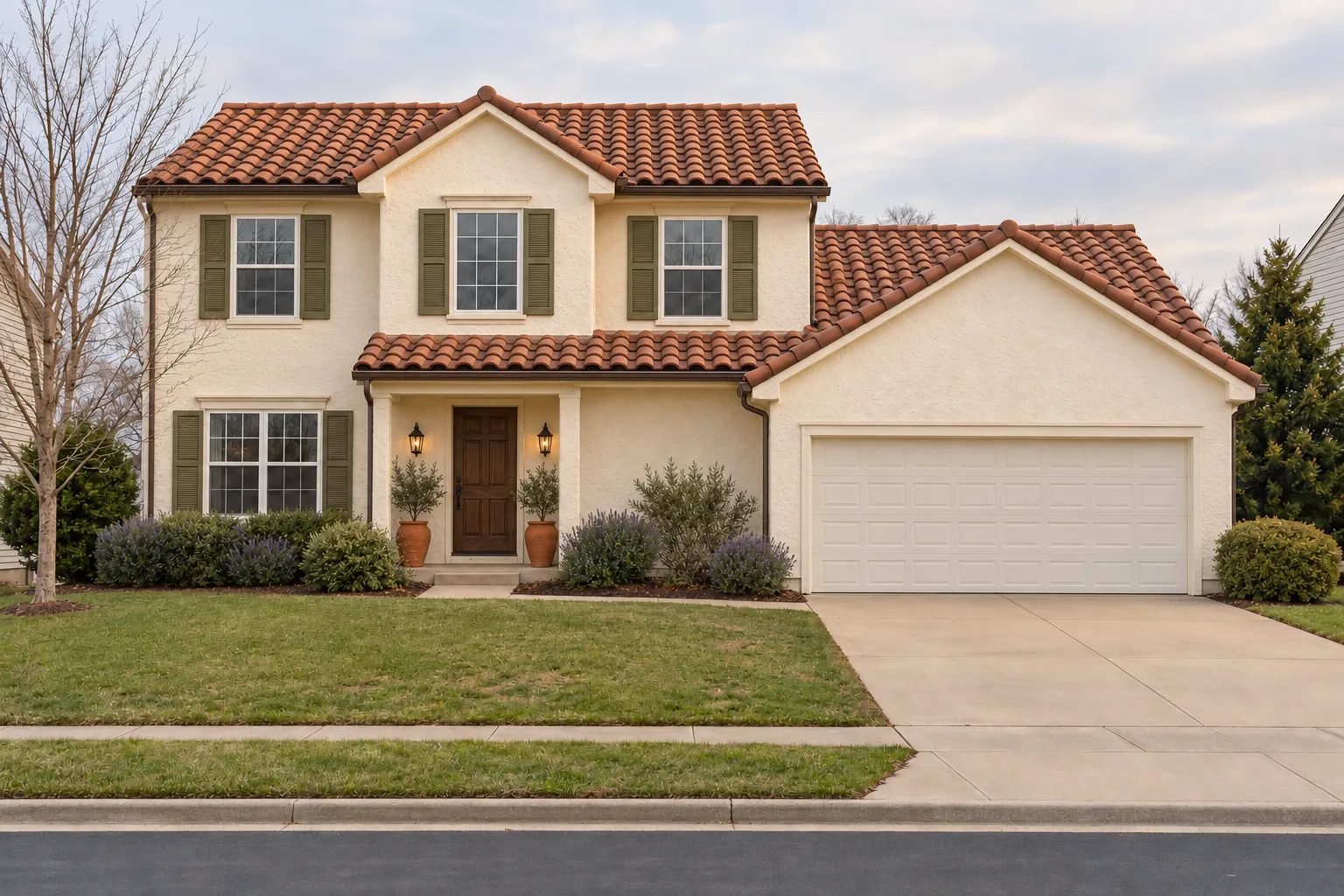 Example design, created with AI
Mediterranean house
Use this style on my house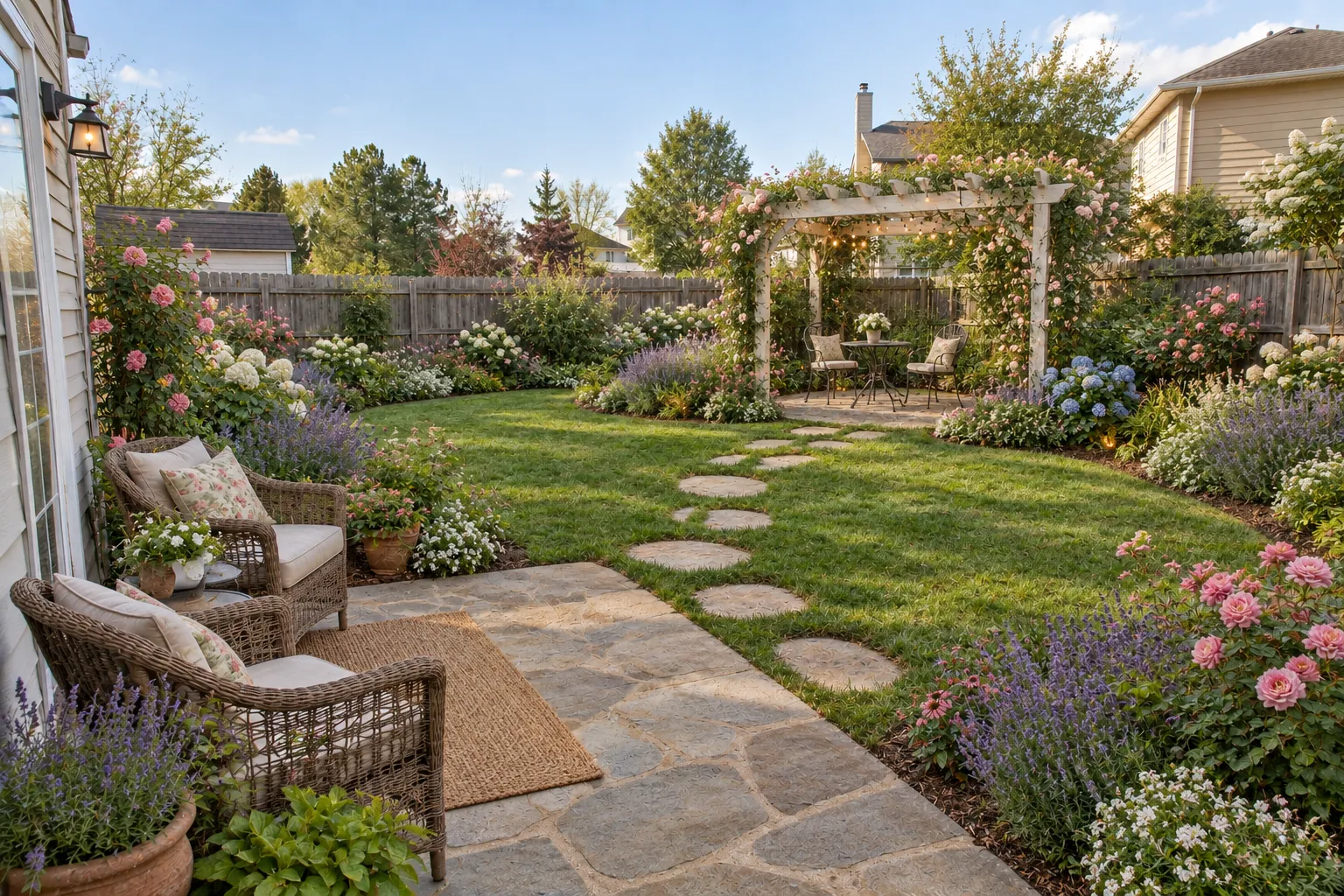 Example design, created with AI
Cottage garden
Use this style on my backyard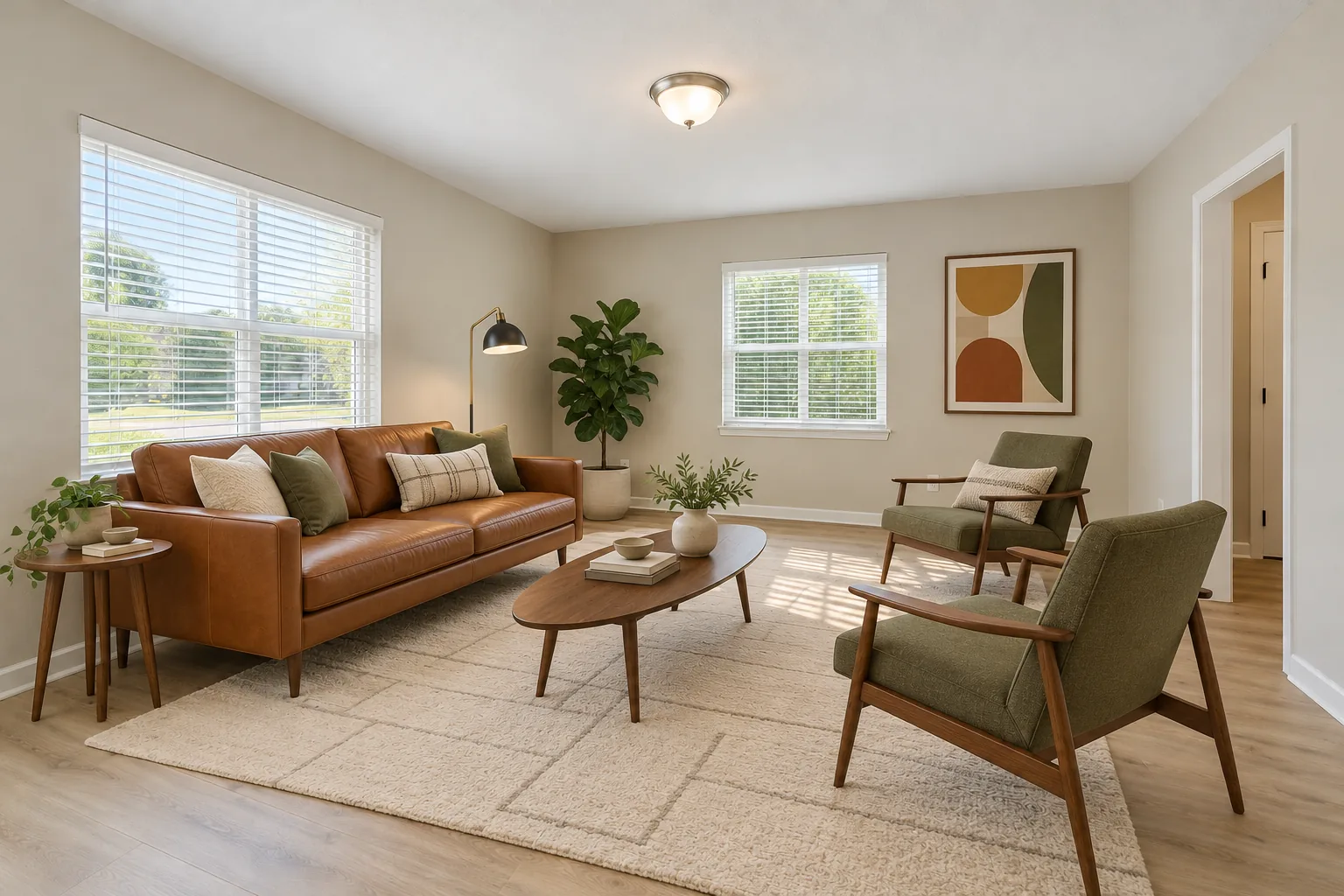 Example design, created with AI
7 / 7
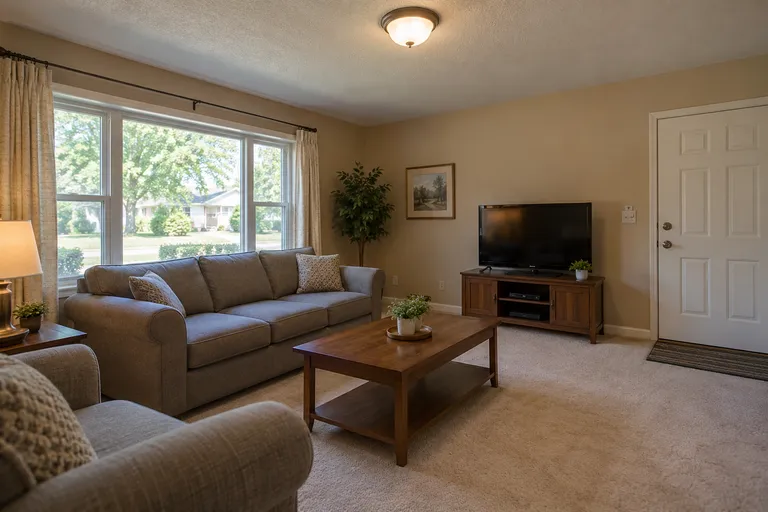
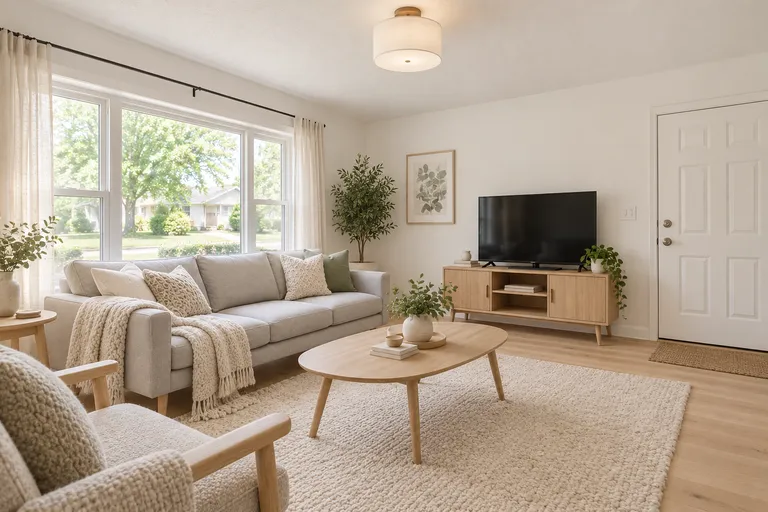
 Your turnExamples created with AI
Your room is next
Upload your room photo
$9.90 for 50 credits, $19.90 for 150 or $39.90 for 500, paid once. No subscription.
Redesign your room
Upload a photo, pick the room and a style, and get the same room back in that style.
Your photo
Tip: stand in a doorway or corner and fit the whole room in one wide photo, floor to ceiling. Close-ups of one corner give odd results.
Style
Examples created with AI.
Size
about 1 megapixel · 1 credit
Your image will show up here.
Designs are made with OpenAI's GPT Image 2.5. The AI is asked to keep your walls, windows and camera angle. Compare the result with your photo before making real changes.
A good fit if you want to compare styles
Try ideas on a phone photo of your own room before buying furniture or paint, with one-time credits and no software subscription.
For ideas, not construction plans
It cannot give exact measurements, guarantee unchanged doors and windows, or identify furniture you can buy. Check every result before making real changes.
AI room redesign: a new look inside the same four walls
An AI room redesign changes what you could carry out of the room: the sofa, the rug, the lamps, the curtains, the wall color and the decor. The AI is asked to keep the walls, windows, doors and camera angle. It can still get these wrong, so compare the result with your original photo.
That's the line between a redesign and a remodel. A remodel moves walls, pipes and cabinets and needs a contractor; a redesign is furniture, paint and a free weekend. It's also the part a picture can show you honestly before you spend anything. For cabinets and tiles, see the AI kitchen remodel and bathroom remodel ideas.
Get more out of a redesign
- Try two or three styles on the same photo and look at them side by side. Most people know which one is theirs in seconds.
- Keeping a piece you love? Pick a style that suits it, then check it's still there in the picture.
- Settled on a color or a material, like sage green or light wood? Pick it, and every style keeps to it.
- Shoot from a corner in daylight. The more of the room the photo shows, the more there is to redesign.
Redesign a living room, bedroom, house front or backyard.
Example photo, created with AI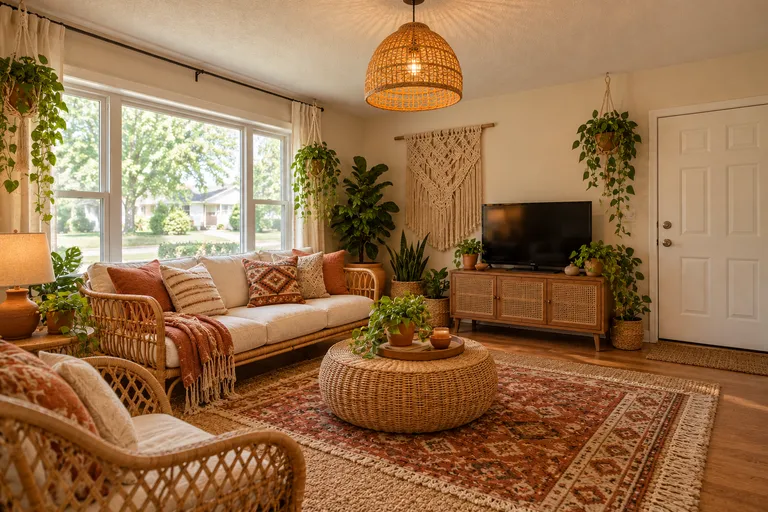 Example design, created with AI
An AI room decorator for the room you already have
Most people don't want a new house. They want the room they already have to feel right. Used as an AI room decorator, the tool takes one photo and tries a style on it: new furniture, colors, rugs, lamps and decor, while asking the AI to keep the walls and windows in place. See the AI room decorator page for one living room decorated four ways.
Try Japandi on Monday and boho on Tuesday, keep the one you like, and shop for that. If you've already settled on a color or material, like sage green or light wood, pick it and the design keeps to it. Restyle a result to try a second idea on the same picture.
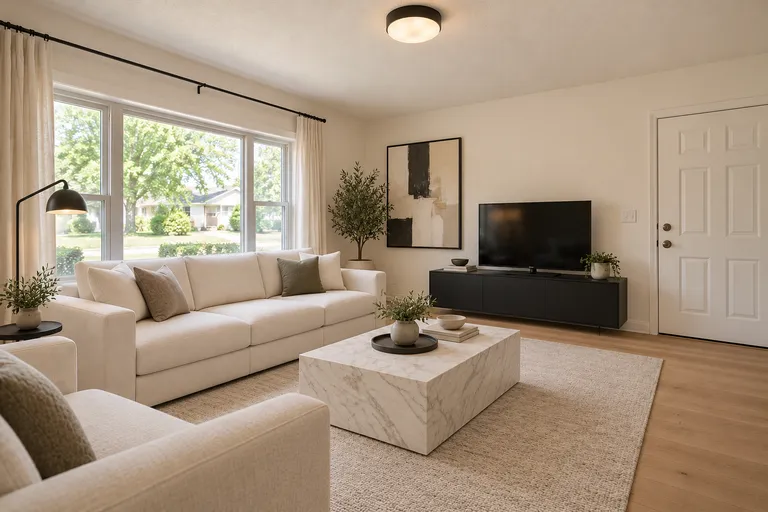
Modern
Boho
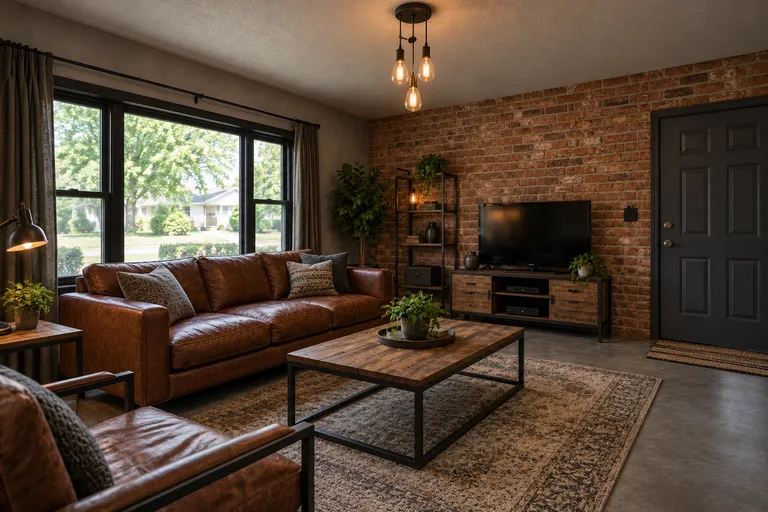
Industrial
Example designs, created with AI.
Pick your room
Every room has its own page with the tool set to that room, the styles that suit it and what to check before you buy anything.
- 1/6Living roomAI living room design
- 2/6BedroomAI bedroom design
- 3/6KitchenAI kitchen design
- 4/6BathroomAI bathroom design
- 5/6House exteriorAI house exterior design
- 6/6BackyardAI backyard design
Or start from a style: Japandi interior design, low wood, earth tones and paper lamps. Planning more than one room? See AI interior design for every room.
How AI room design works
One photo and a few picks, no prompt to write. Or switch to Custom and say what you want in your own words.
01
Take a photo
Stand in a corner, hold the phone sideways, in daylight. The more of the room you get in, the more there is to redesign.
02
Pick the room and a style
Then a color or material if you have one in mind. Try two styles on the same photo: side by side, the choice is easier.
03
Download or restyle
Save the design, or restyle the result in another style. Standard size takes 1 credit; pick 2K or 4K for a sharper file.
What it keeps, what it changes
Each request asks the AI to keep the walls, windows, doors, ceiling and camera angle while changing furniture, colors, floors, lighting and decor. This is a design preview, not a guarantee of structural accuracy.
It doesn't measure. A design is a picture to decide with, not a floor plan or a shopping list, and the furniture in it isn't a product you can order. Take it to a store, a contractor or a designer as the brief.
What it costs
$9.90 for 50 credits, $19.90 for 150 or $39.90 for 500: about 8 to 20 cents a design at standard size. One design takes 1 credit at 1K, 2 at 2K and 3 at 4K. Paid once, no subscription, and credits don't expire. A pack you haven't used can be refunded within 7 days.
See pricingAI room design FAQ
What kind of photo works best?
A wide photo of the whole room, taken from a doorway or corner in daylight, with the floor, walls and windows in view. The AI restyles and furnishes what it sees, so a close-up of one corner can come out crowded or strange. Move personal items you don't want in the picture.
Can AI design my room from a photo?
Yes. Upload one photo of your room, pick the room, a style and, if you like, a color or material, and the AI redraws the same room in that style while you wait.
Is there a free AI room design?
Yes, one. New accounts get 1 free design at standard size, with a small getairoomdesign.com mark: sign in with Google, no card needed, while the day's free designs last. After that, one design takes 1 credit at 1K, 2 at 2K and 3 at 4K, and the packs are $9.90 for 50 credits, $19.90 for 150 or $39.90 for 500 (about 8 to 20 cents a design at standard size), paid once with no subscription; designs from a pack have no mark.
Will it keep my walls, windows and floor plan?
That's what it's told to do: every design asks for the same walls, windows, doors, ceiling and camera angle, and changes the furniture, colors and decor. Check the result before you act on it, because an AI picture can still move a small detail.
Which styles can I pick?
Modern, Minimalist, Scandinavian, Japandi, Mid-century modern, Boho, Industrial, Farmhouse, Coastal, Contemporary, Spa, French country, Mediterranean, Art deco, Quiet luxury, Traditional, Transitional, Organic modern, Modern cottage, Craftsman, Cottage garden, Xeriscape, Naturalistic, Japanese garden. You can add one color or material: light wood, dark wood, warm neutrals, black and white, sage green, navy blue, terracotta, marble.
Can ChatGPT design my room?
ChatGPT can help you explore room ideas in words or pictures. Here you can choose a ready-made style or switch to Custom and describe your own changes. Both start from your photo and ask the AI to preserve the room's structure, but the result still needs checking.
Is there an app?
There's nothing to install. It runs in the browser on a phone, a tablet or a computer, and on a phone you can take the photo and upload it in one go.
Can I type my own changes?
Yes. Switch to Custom and write up to 400 characters about furniture, colors, materials or decor. Requests to move walls, doors or windows are not accepted. You can also use the ready-made room and style choices.
Which AI model does it use?
OpenAI's GPT Image 2.5. Get AI Room Design is an independent service and isn't affiliated with OpenAI.
What happens to my photos?
After Google sign-in, your photo is uploaded for safety checks and generation. Finished designs are saved in Your designs, where you can download them. Our Privacy Policy explains storage, access and deletion; avoid uploading sensitive personal details.