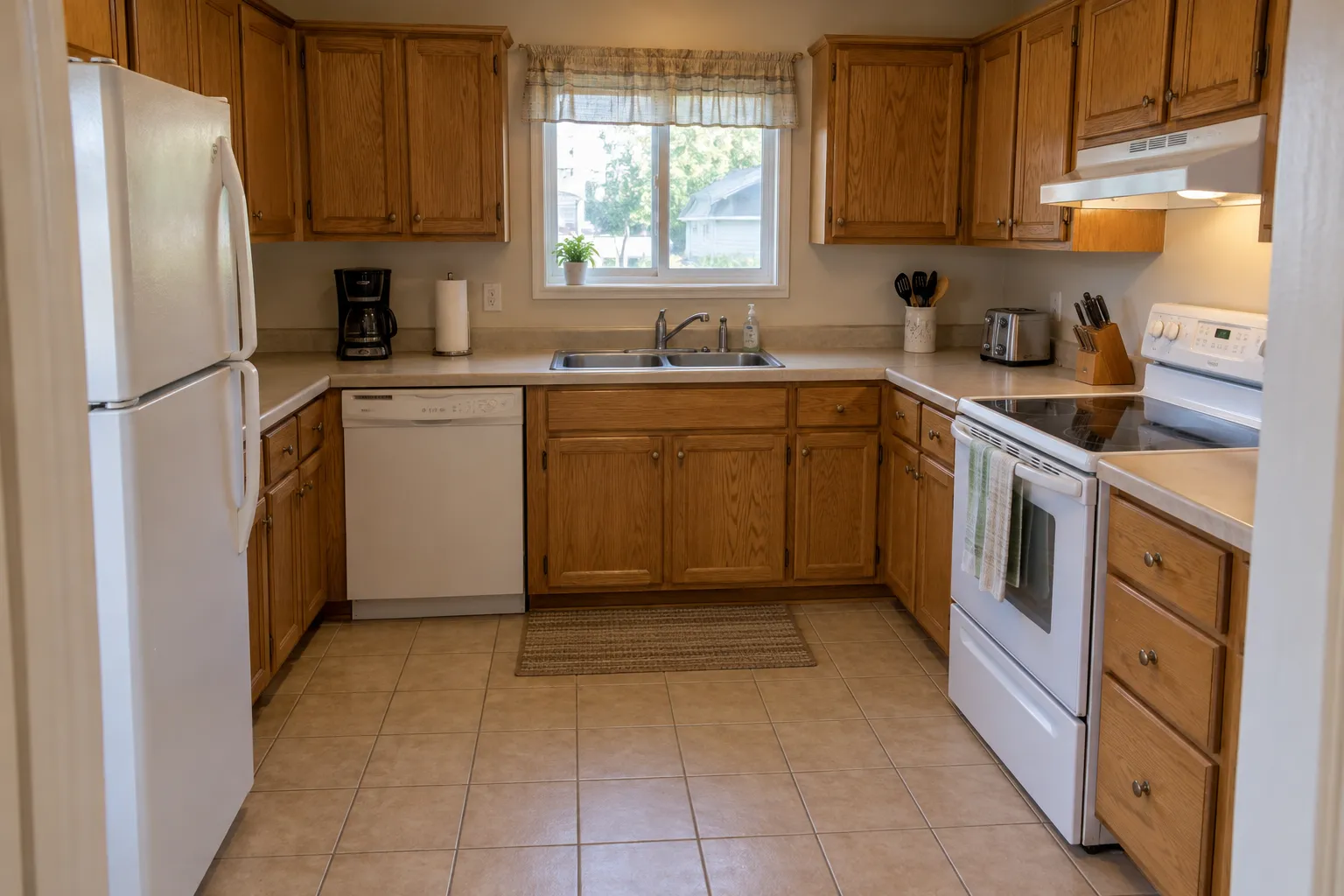
 Example photo, created with AI
- Oak cabinets
- Beige laminate counters
- White appliances
Your room today
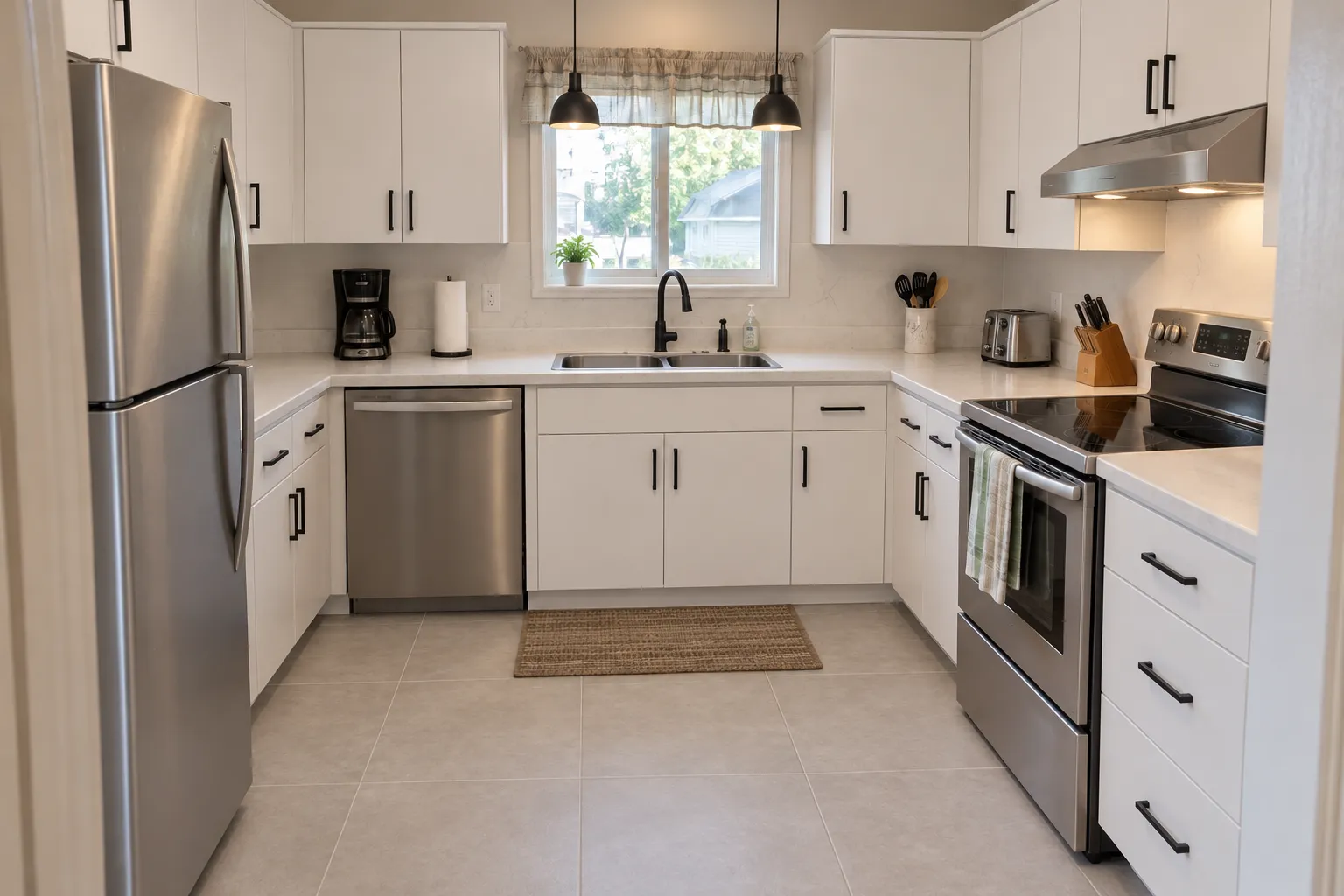
One kitchen, two styles · Scroll to explore
AI kitchen design shows a remodel before it starts: upload a photo of your kitchen, pick a style, and see new cabinets, counters and lighting in the same room.
The same kitchen in two styles
Example photo, created with AIYour room today
Example design, created with AI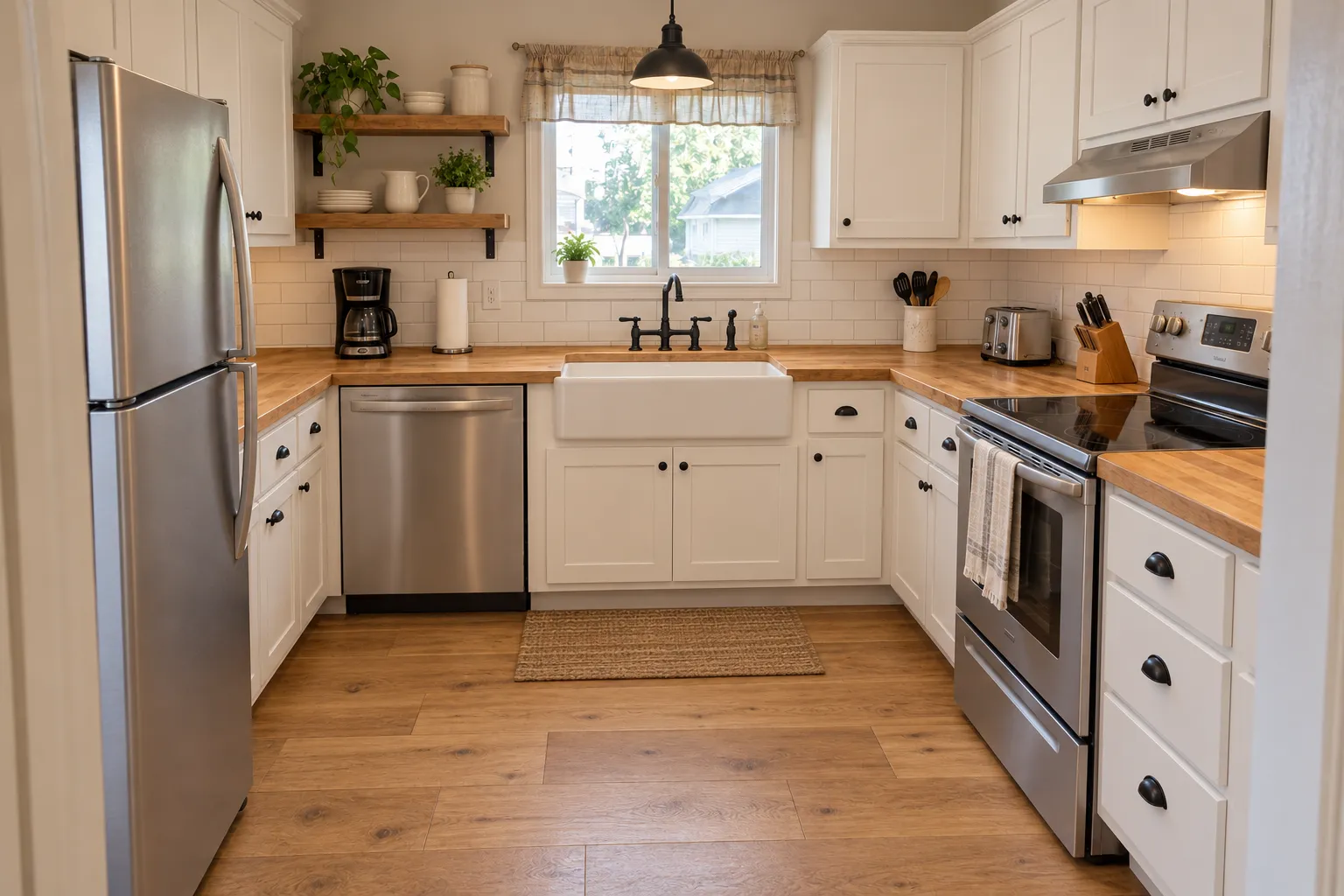 Example design, created with AI
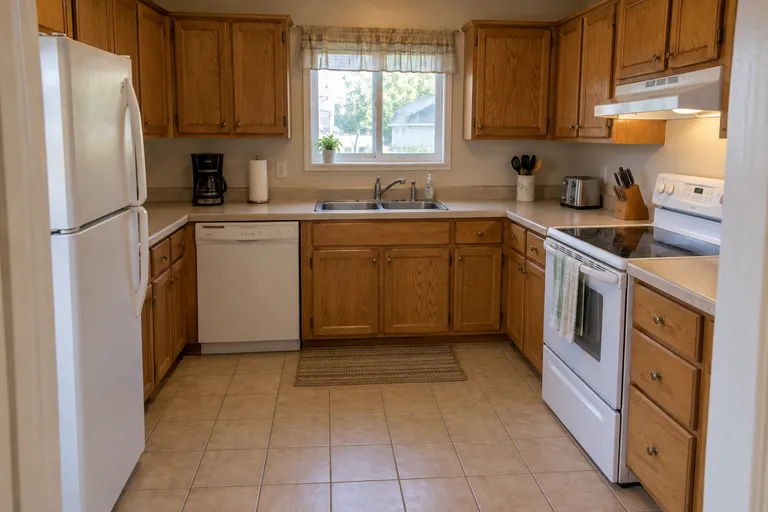
 Your turnExamples created with AI
$11.90 for 35 credits or $32.90 for 125, paid once. No subscription.
Upload a photo of your kitchen, pick a style, and get the same kitchen back in that style.
Your photo
Tip: stand in a doorway or corner and fit the whole room in one wide photo, floor to ceiling. Close-ups of one corner give odd results.
Style
Examples created with AI.
Size
about 1 megapixel · 1 credit
Your image will show up here.
Designs are made with OpenAI's GPT Image 2.5. The AI is asked to keep your walls, windows and camera angle. Compare the result with your photo before making real changes.
Every picture starts from the same photo of one ordinary kitchen, so only the style changes. Find the one you'd want to live with, and try it on yours.
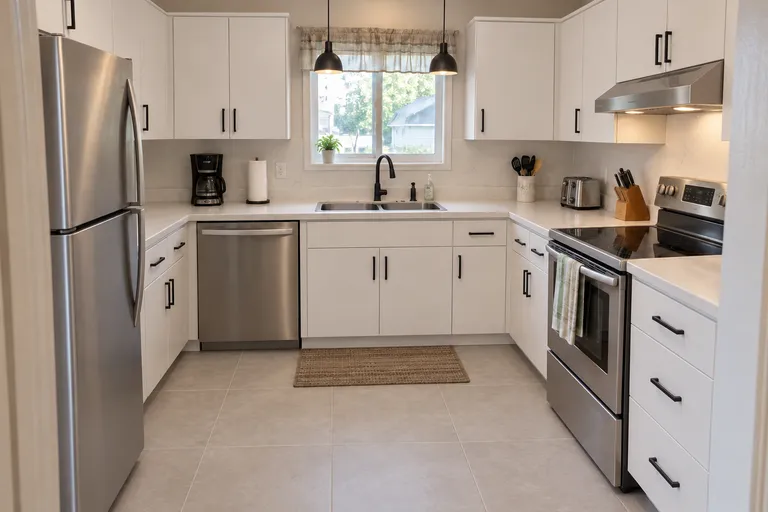
Created with AIFlat white cabinets · Quartz counters · Matte black handles
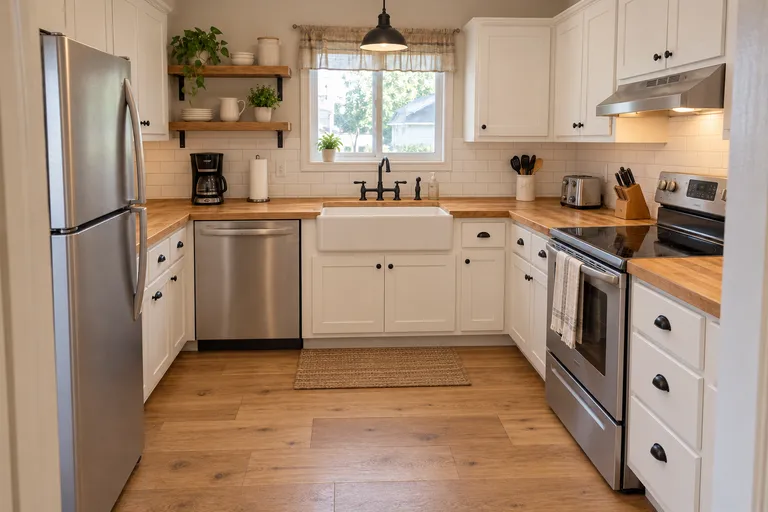
Created with AIShaker cabinets · Butcher-block counters · An apron sink
 Created with AI
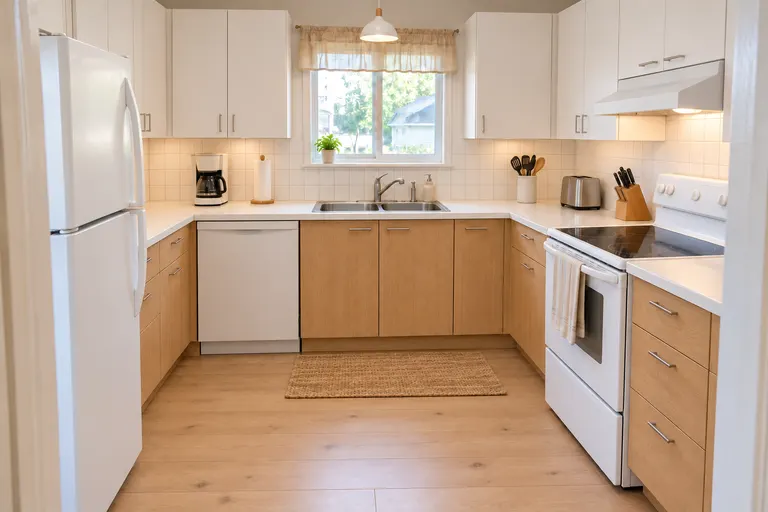
White upper cabinets · Light oak lower cabinets · White square tiles
 Created with AI
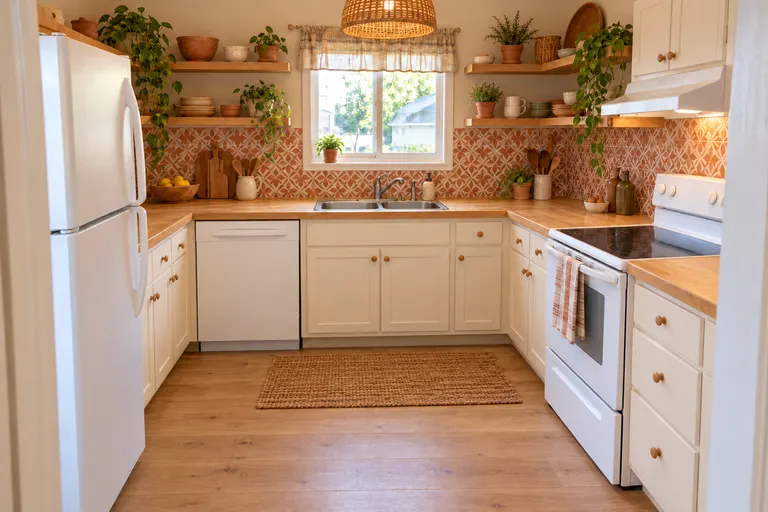
Open wooden shelves · Terracotta patterned tiles · Rattan pendant
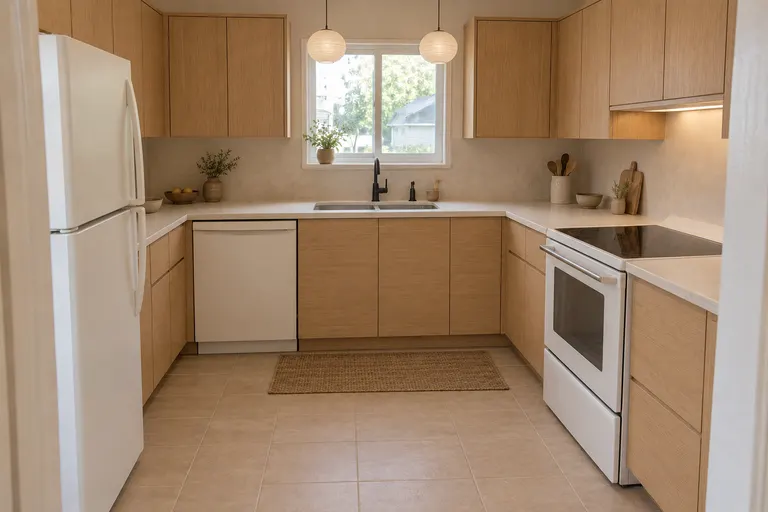 Created with AI
Flat light oak cabinets · Paper pendant lights · Matte black faucet
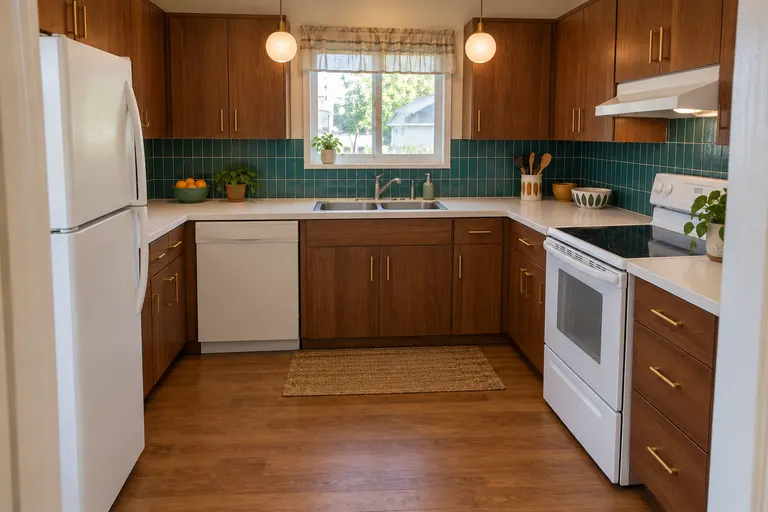 Created with AI
Walnut cabinets · Teal tile backsplash · Globe pendants
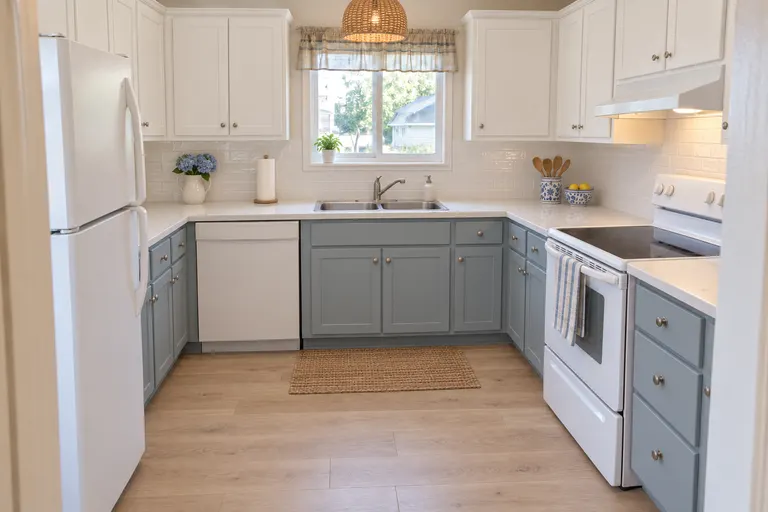 Created with AI
Blue-gray lower cabinets · Rattan pendant · Light oak floor
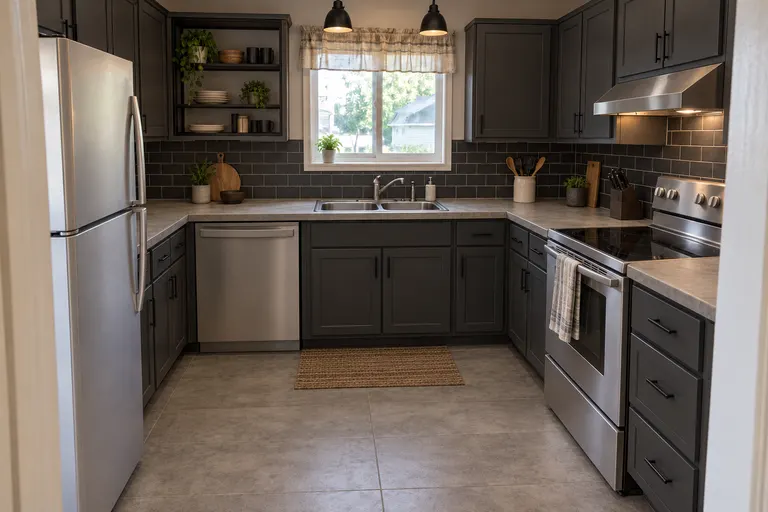 Created with AI
Charcoal cabinets · Black subway tile · Concrete-look floor
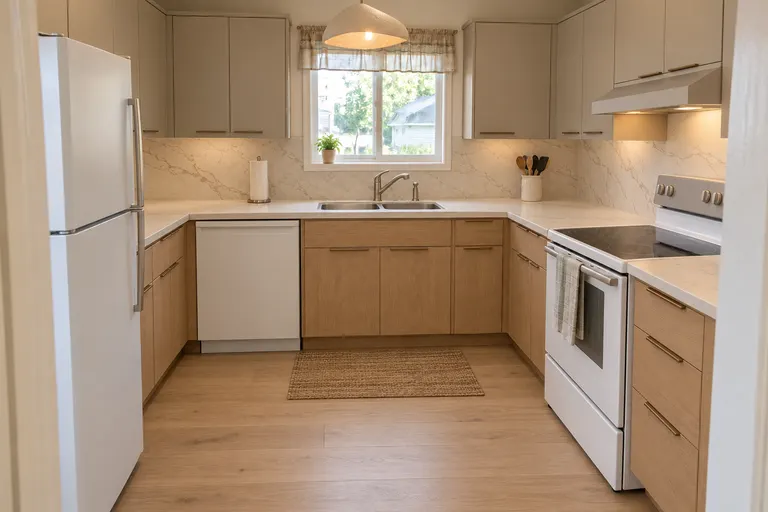 Created with AI
Two-tone cabinets · Stone slab backsplash · Sculptural pendant
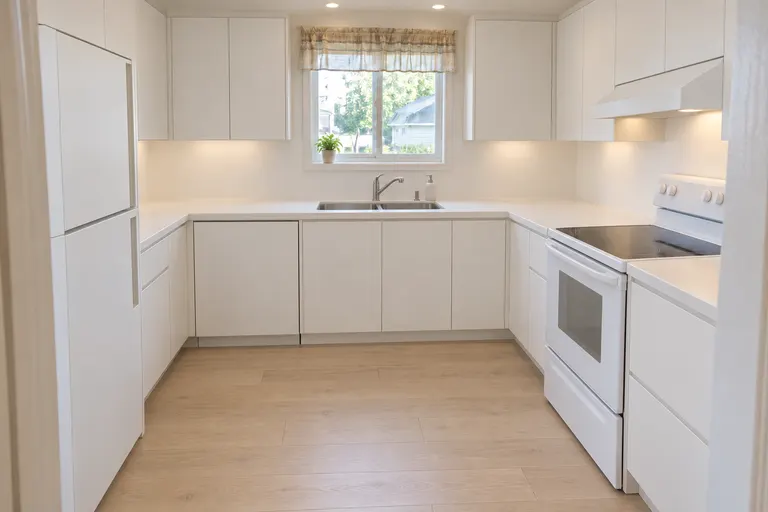 Created with AI
Handleless white cabinets · Clear counters · Light wood floor
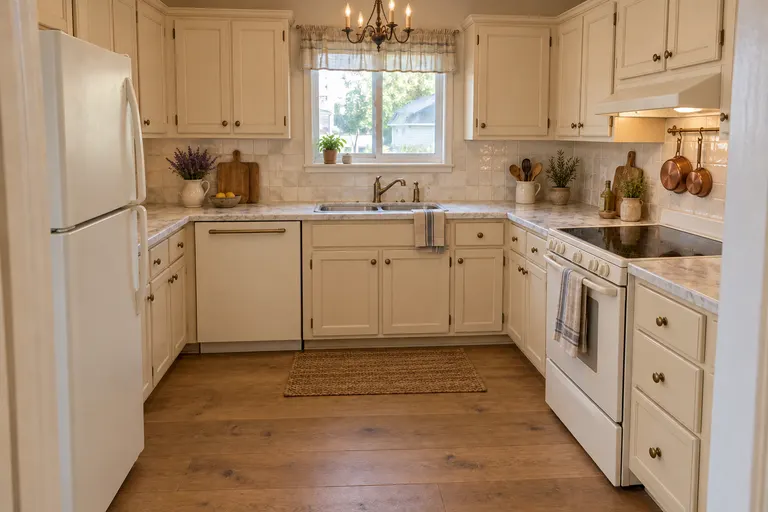 Created with AI
Cream painted cabinets · Copper pots · Iron candle chandelier
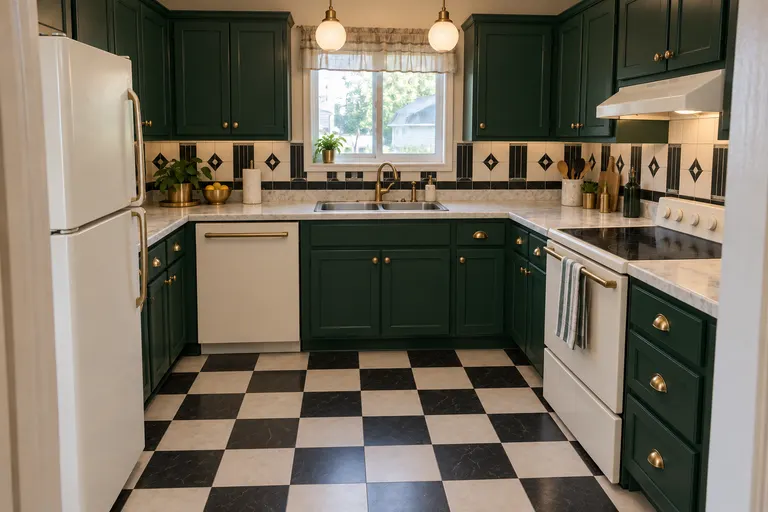 Created with AI
Emerald green cabinets · Checkerboard floor · Brass globe pendants
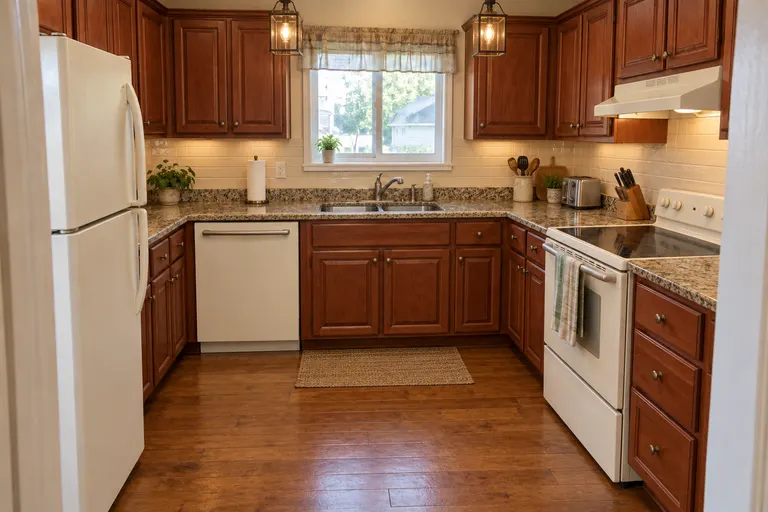 Created with AI
Cherry cabinets · Granite counters · Brass lantern pendants
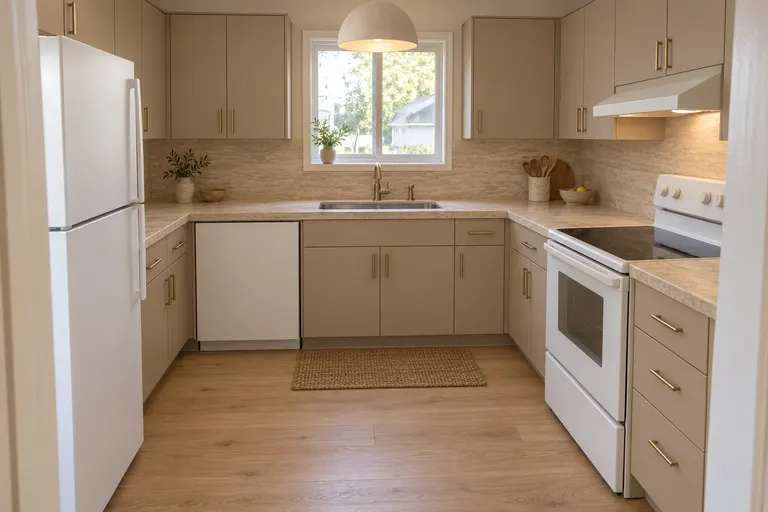 Created with AI
Greige cabinets · Travertine counters · Dome pendant
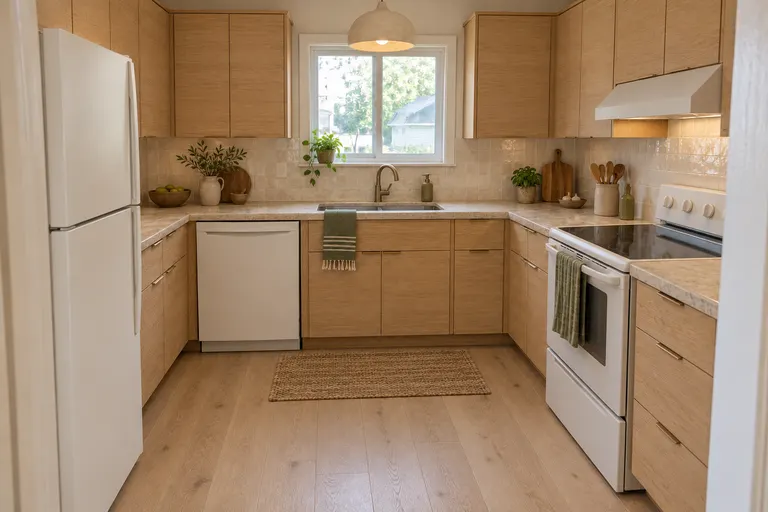 Created with AI
Light oak cabinets · Handmade cream tiles · Linen dome pendant
An AI kitchen remodel picture shows your own kitchen with new cabinets, counters, backsplash and lights, made from one photo before anyone quotes you a price. It's the cheapest way to find out whether you want white shaker or flat oak, butcher block or quartz.
Use it to decide, not to plan. Make two or three versions, put them next to a photo of the kitchen you have today, and see which one you still like the next morning.
It works as a kitchen remodel visualizer for the kitchen you already have: the same window, the same walls and the same view from the doorway, with new cabinets, counters and lights in them. Two styles side by side show which change matters most to you: the cabinet color, the counters or the floor.
Example photo, created with AIExample design, created with AIFlat cabinet doors, a plain backsplash and hidden handles, for a kitchen that looks bigger.
Shaker cabinets, wood and vintage lights, for a kitchen people gather in.
White and light wood with open shelves, for a bright, simple kitchen.
One design takes 1 credit at 1K, 2 at 2K and 3 at 4K. The packs are $11.90 for 35 credits or $32.90 for 125, paid once, with no subscription, and credits don't expire. See pricing.
It shows you what a remodel could look like in your own kitchen, before you spend anything. It doesn't know your plumbing, your wiring or the measurements, so a contractor still plans the real work.
It keeps the walls, windows and doors and usually the cabinet runs. It's a picture, not a plan: check anything you'd build against the real room.
Yes, that's what this page does. AI kitchen design from a photo keeps your walls, window and doors, and usually the cabinet runs, and changes the cabinets, counters, backsplash, floor and lights to the style you pick.
Kitchen interior design AI: it shows how your kitchen could look. A kitchen planner lays out cabinets to the inch; for that you need a kitchen designer, a store's planning tool or a contractor.
Sixteen, each on a photo of your own kitchen: modern, minimalist, Scandinavian, Japandi, mid-century modern, boho, industrial, farmhouse, coastal, contemporary, French country, Art Deco, quiet luxury, traditional, organic modern and Christmas. Every style but Christmas changes the cabinets, countertops, backsplash, floor and lights; Christmas only decorates. The layout, the sink, the appliances and the windows stay where they are.
A wide photo of the whole room, taken from a doorway or corner in daylight, with the floor, walls and windows in view. The AI restyles and furnishes what it sees, so a close-up of one corner can come out crowded or strange. Move personal items you don't want in the picture.
Yes. New accounts get 1 free design at standard size, with a small getairoomdesign.com mark: sign in with Google, no card needed, while the day's free designs last. After that, one design takes 1 credit at 1K, 2 at 2K and 3 at 4K, and the packs are $11.90 for 35 credits or $32.90 for 125, paid once with no subscription.