Virtual staging for real estate: furnish every empty listing photo
Virtual staging for real estate agents and sellers: upload the empty-room photos of your listing, up to 8 at once, pick one style, and get every room furnished in a few minutes. The walls, windows, doors and floor stay exactly as they are.
1 free design with Google sign-in, no card, while today's free designs last.
Your listing's photos
Tip: stand in a doorway or corner and fit the whole room in one wide photo, floor to ceiling. Close-ups of one corner give odd results.
Style
Examples created with AI.
Size
about 1 megapixel · 1 credit
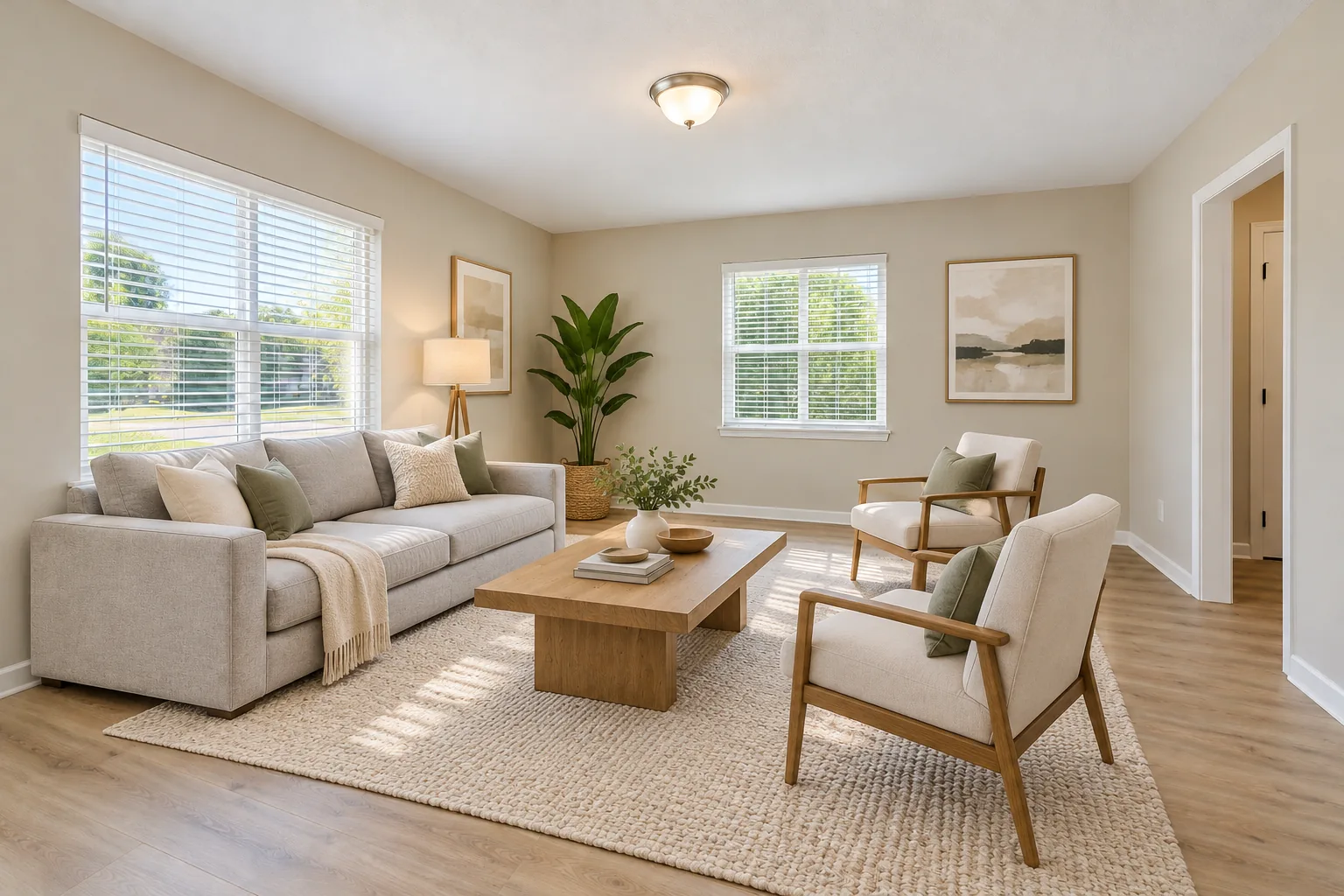
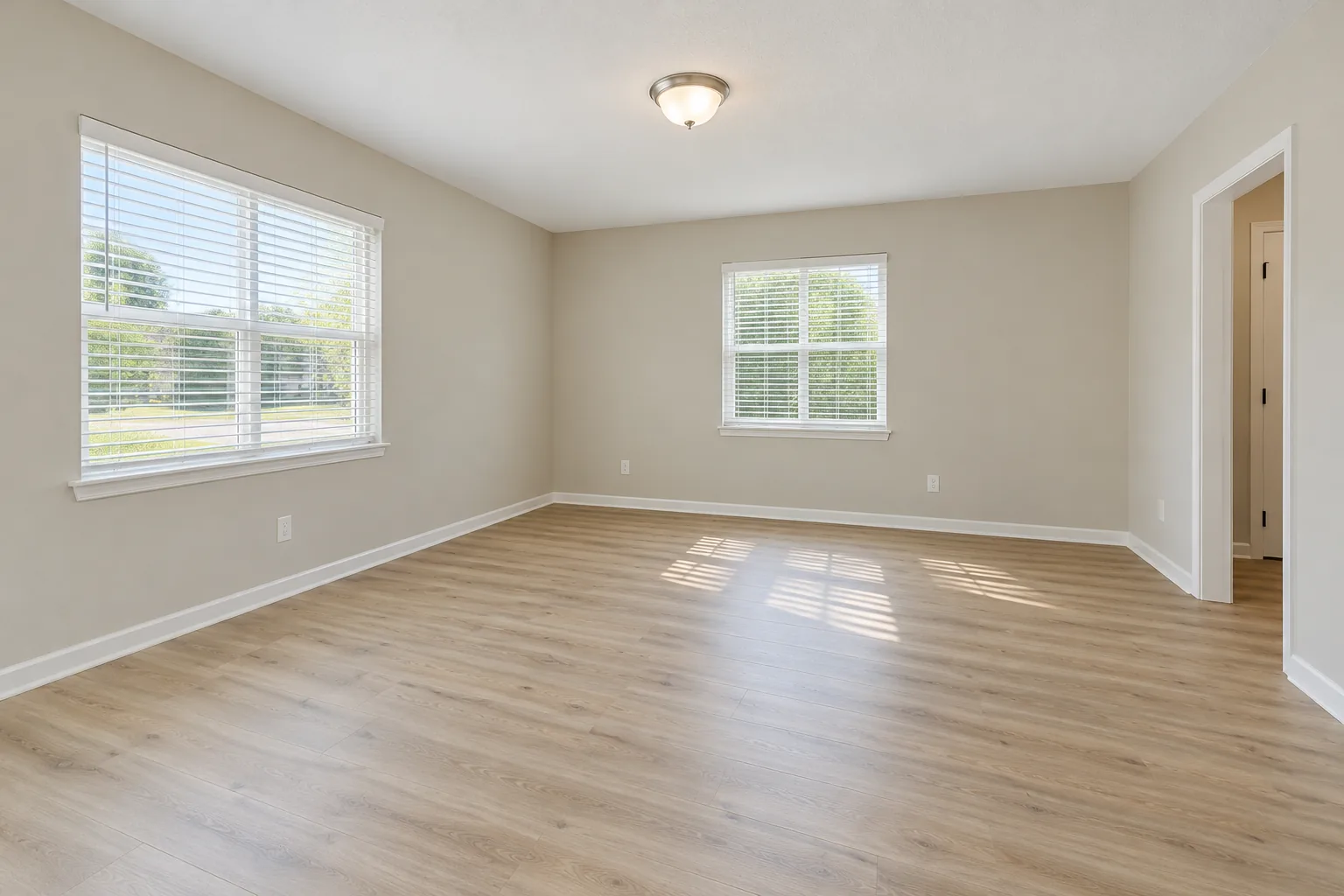 Before
Example: the empty room before, and staged in warm modern. Created with AI.
Your own image will show up here.
Designs are made with OpenAI's GPT Image 2.5. The AI is asked to keep your walls, windows and camera angle. Compare the result with your photo before making real changes.
One listing, one style
Buyers scroll a listing as one home. If the living room is Scandinavian and the bedroom is farmhouse, it looks staged; if every room shares one style, it looks lived in. Here is the same empty room in the three styles that suit most listings. Pick one, and the tool's Stage a whole listing puts it on every photo.
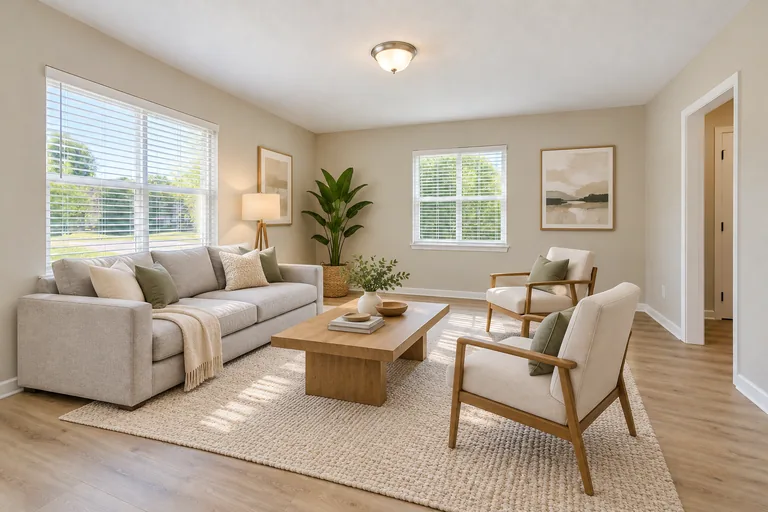 Created with AI
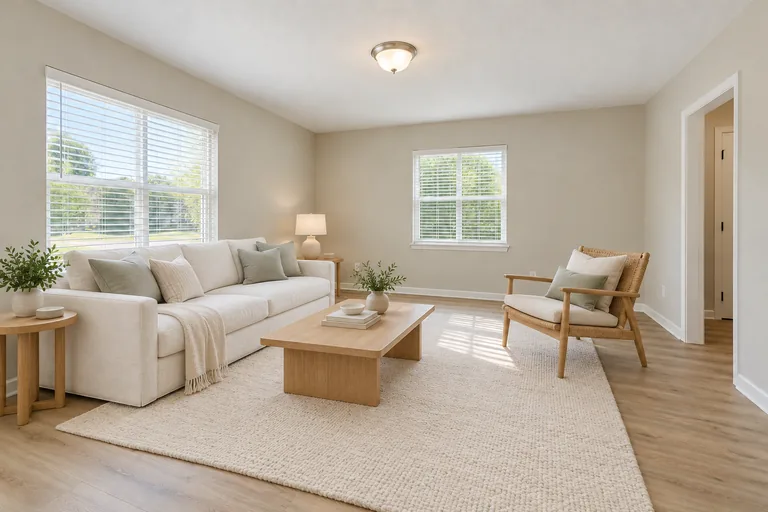 Created with AI
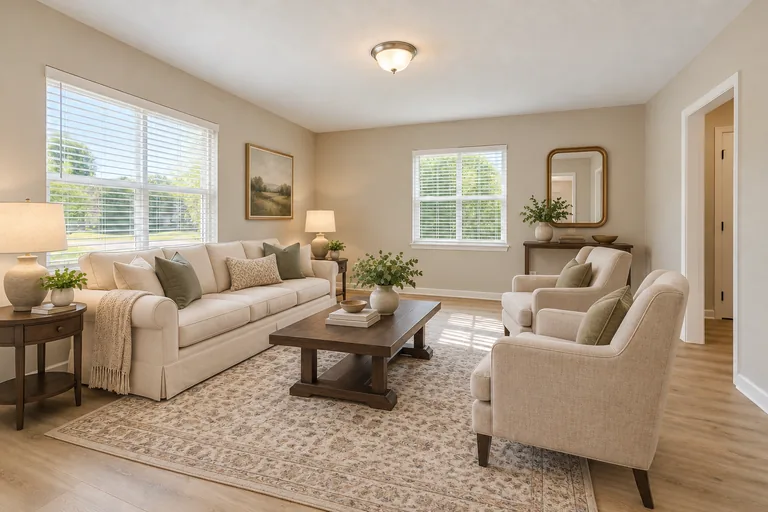 Created with AI
Example designs, created with AI.
Dining rooms and kitchens, in the same style
After the living room and the main bedroom, agents stage the dining room and the kitchen most. The tool stages both in the same seven styles, so a whole listing can share one.
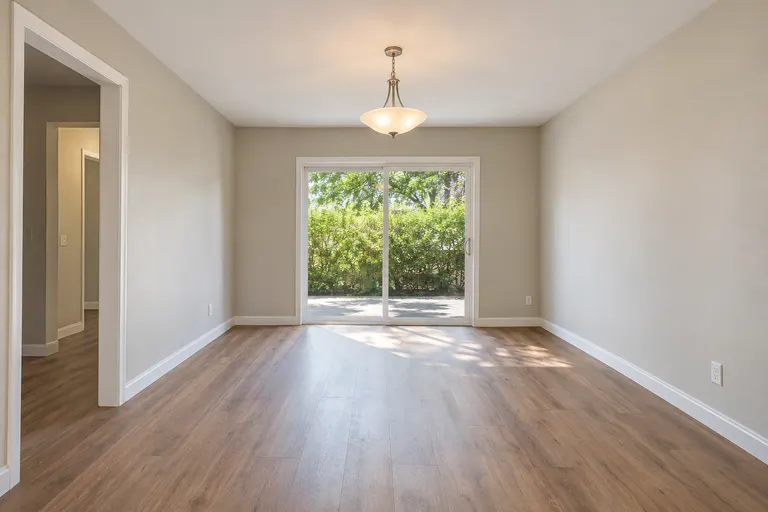 Before, created with AI
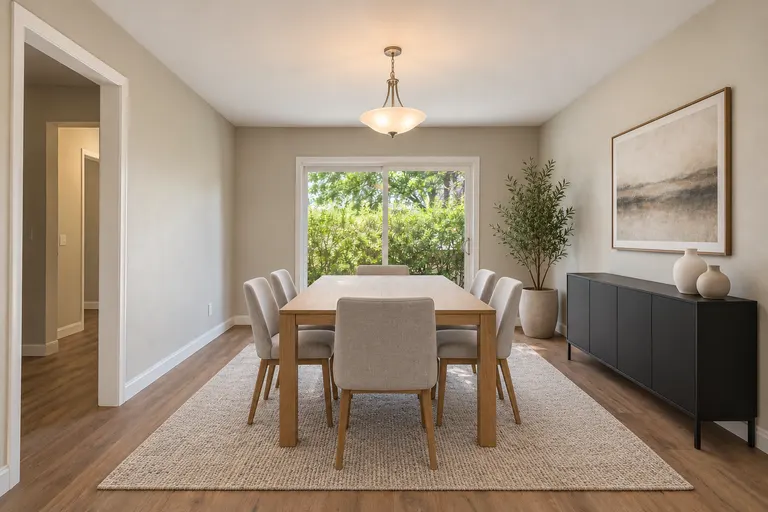 Modern, created with AI
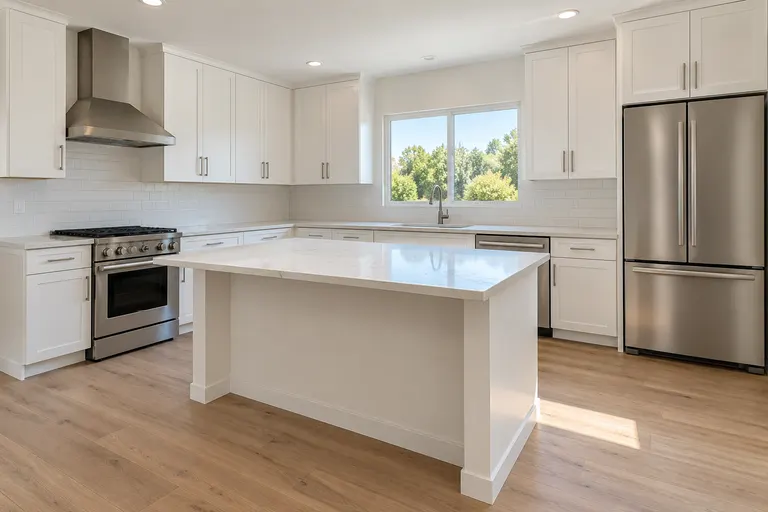 Before, created with AI
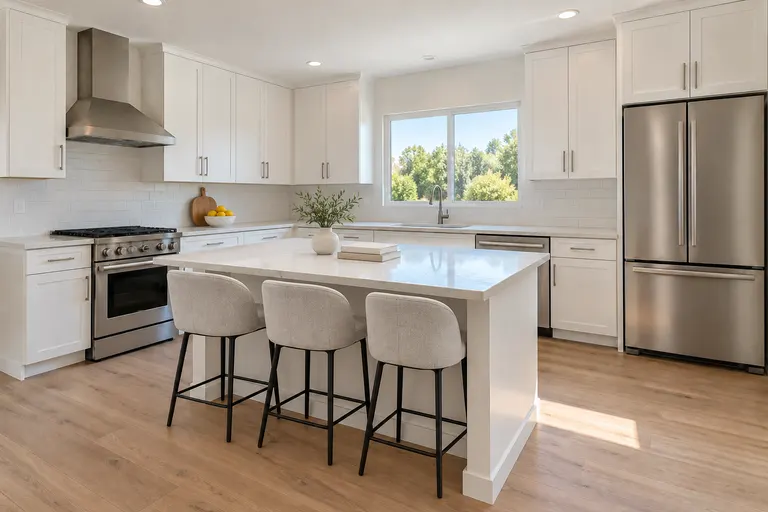 Modern, created with AI
Example designs, created with AI.
Four more staging styles, from Japandi to modern cottage, are on the AI virtual staging page, and the organic modern style guide shows one of them room by room.
A real empty room, shot on a phone
Listing photos aren't always this tidy. This one is a frame from a phone video of a newly finished flat, run through the tool at standard size, 1 credit each, and shown unedited. The window, radiator, tiled floor and ceiling light point stayed. The gift boxes in the corner were cleared as the empty living room was furnished. Clearing those boxes is an alteration too, so a photo like this gets the virtually staged label.
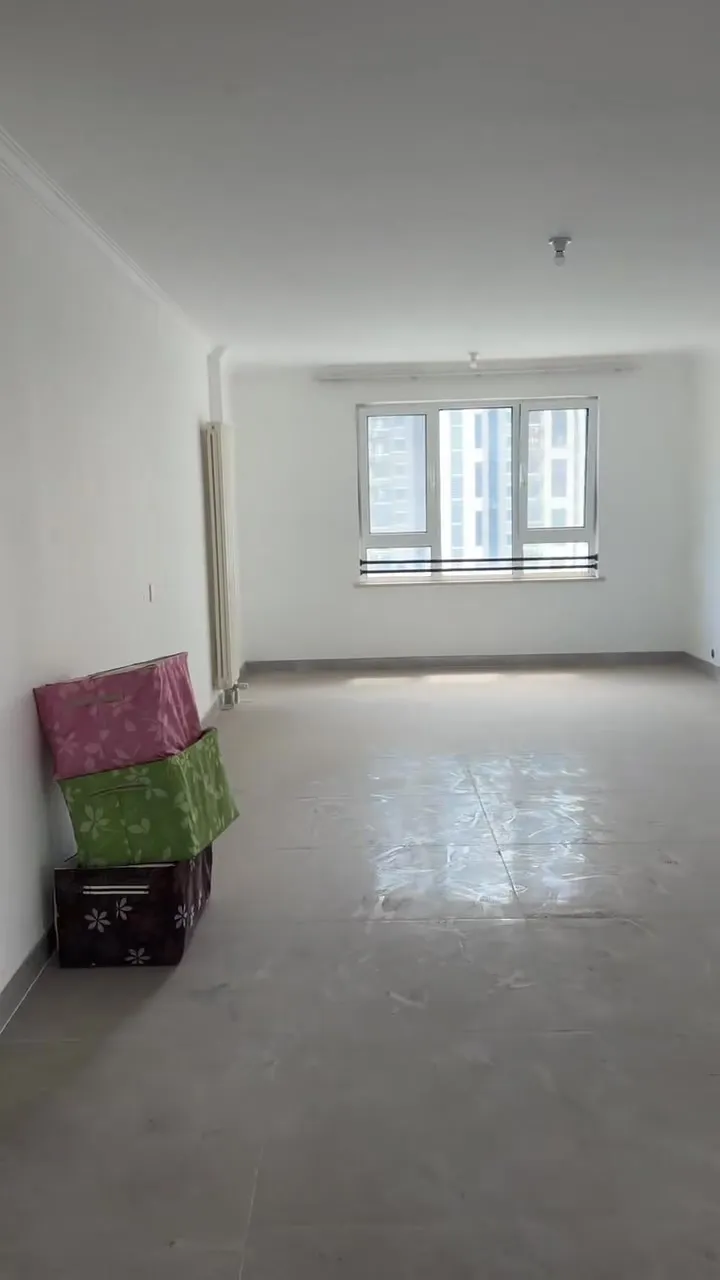
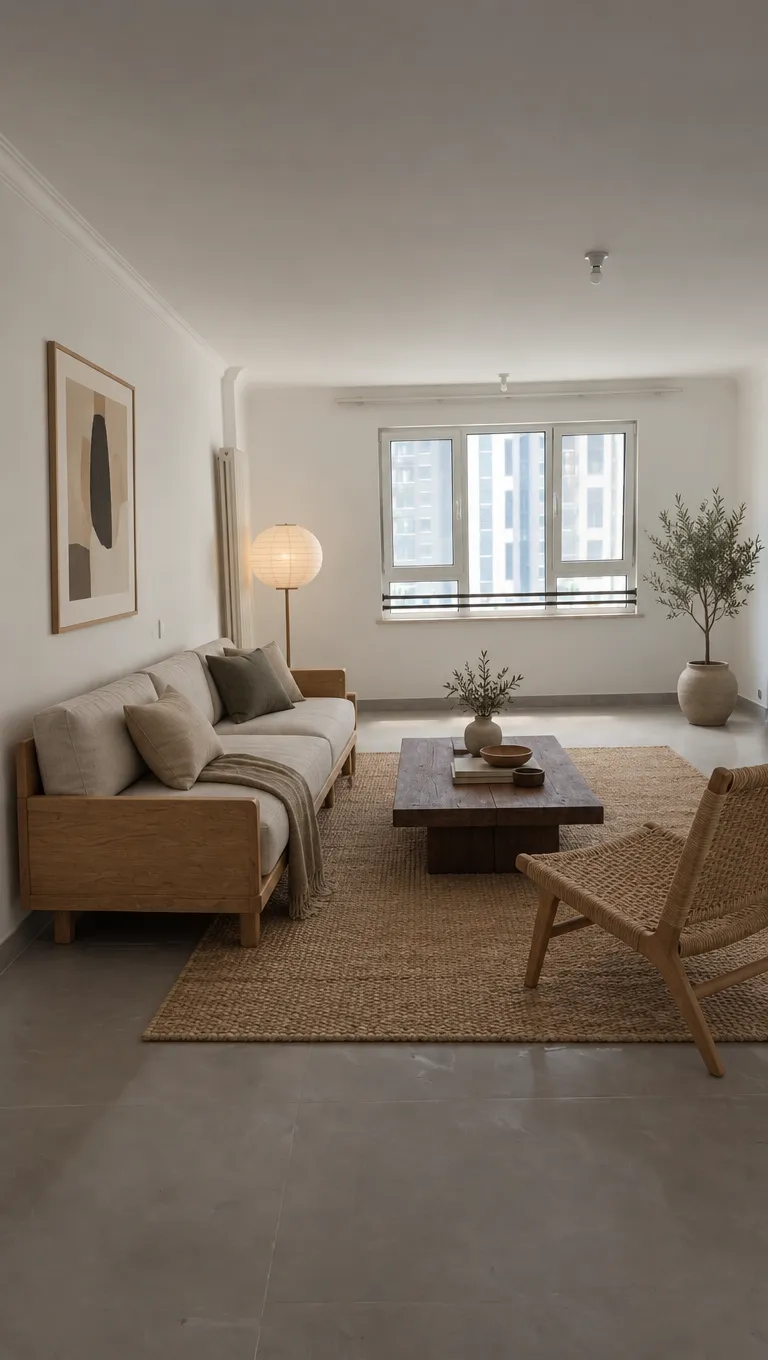
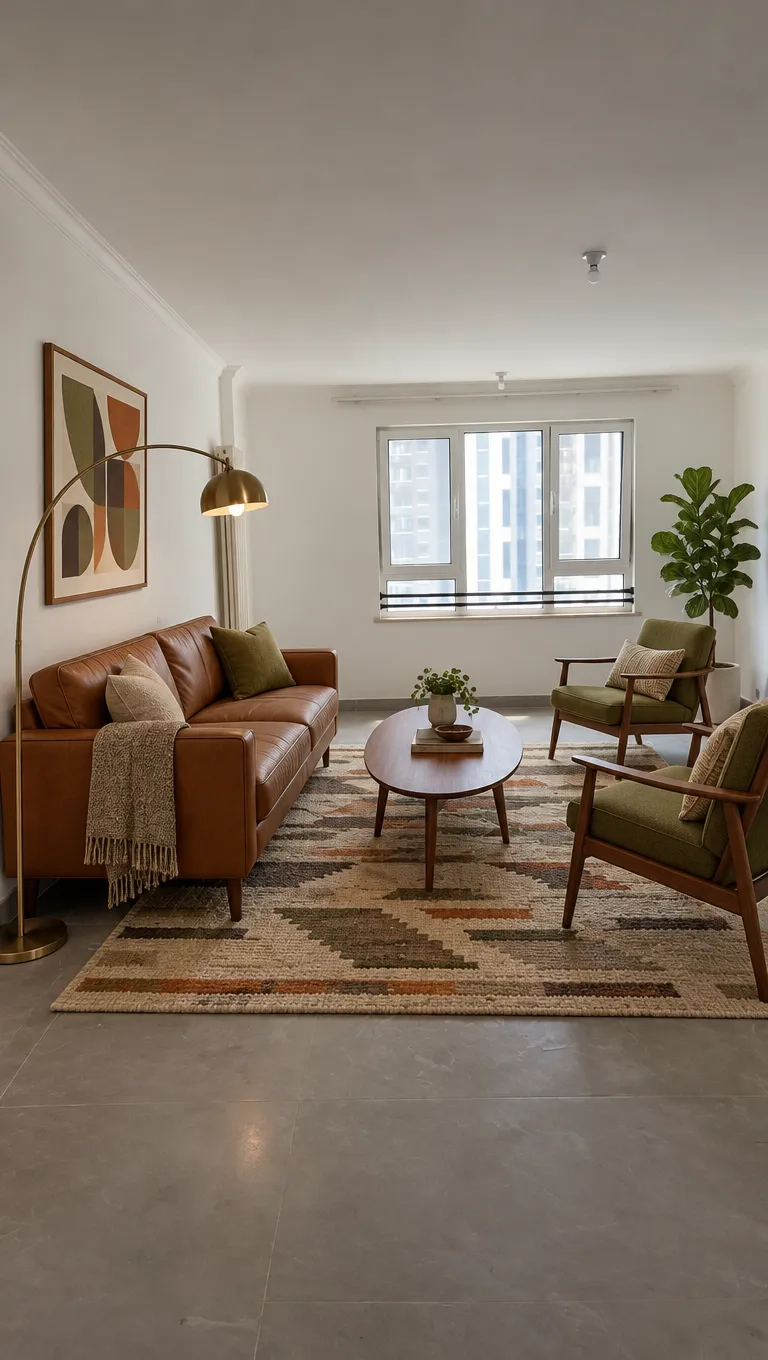
6 more rooms from the same test, with what stayed and what changed, are on the real phone photos page.
Virtual staging for realtors: a listing in four steps
Sellers' agents stage the living room most often (91%), then the primary bedroom (83%), the dining room (69%) and the kitchen (68%), according to the National Association of Realtors' 2025 Profile of Home Staging. The tool stages all four when they're empty; in the same survey, buyers rate the living room and the primary bedroom most important (37% and 34%), so start there.
01
Shoot each empty room
Daylight, lights on, blinds open, from a corner or a doorway so two walls and the windows are in the frame. One photo per room, two for the big ones.
02
Pick one style for the listing
Choose it for the buyers you expect, then use the same style in every room. The photos should read as one home, not six showrooms.
03
Stage them all in one click
With Stage a whole listing ticked, add up to 8 photos, mark each one living room, bedroom, dining room or kitchen, and Generate: 1 credit a photo, two staged at a time.
04
Label it and keep the original
Keep the Virtually staged label ticked when you download, and keep the empty-room photo in the listing as well, next to it or one click away.
Disclosing virtual staging: what California's AB 723 asks
- Since January 1, 2026, a California agent who uses a digitally altered image in a listing or an ad must say the image has been altered (Business and Professions Code section 10140.8).
- Virtual staging counts: the law covers images changed with photo editing software or AI to add, remove or change things such as furniture, fixtures, paint color or the view from a window.
- The statement has to be easy to see, on or next to the image.
- Online, the listing must also include the original, unaltered photo, or link to a page that shows it and says it's the original.
- Lighting, sharpening, white balance, color correction, straightening and cropping alone don't need a label.
A summary, not legal advice. Outside California, your MLS may have its own rules for altered photos: check them and your broker before you publish.
What virtual staging costs for one listing
A listing of six empty rooms, two angles each, is 12 photos. Here is what staging it costs three ways.
| What it costs | How long it takes | |
|---|---|---|
| Physical staging | $1,500 median for a staging service; $500 median when the agent stages it (NAR, 2025) | Furniture rented, moved in and moved out again |
| Human virtual staging service | Can be $20 or more a photo | Up to two days |
| This tool | 12 credits for 12 photos: $3.16 to $4.08, paid once | Under a minute a photo |
No subscription and no renewal: a pack is paid once and its credits are yours to use. See pricing.
Comparing options? See virtual home staging services next to doing it yourself, and what to look for in virtual staging software.
Stage a whole listing in one click
The tool on this page starts with Stage a whole listing ticked. Add up to 8 empty-room photos, mark each one living room or bedroom, pick one style and Generate: every photo gets the same style, 1 credit each, two staged at a time. Each download can carry a Virtually staged label in the corner, and the photos stay in your recent images to download again.
One thing it can't promise: two angles of the same room get the same style, but not always the same sofa. Stage the angle buyers see first.
Virtual staging for real estate FAQ
Do most realtors pay for staging?
Not most. In the National Association of Realtors' 2025 Profile of Home Staging, 21% of sellers' agents staged every listing and 10% staged only the hard-to-sell ones, while 51% didn't stage and told sellers to declutter and fix problems instead. Asked who pays, 23% said they offer to stage the home themselves, 17% said the seller pays before listing and 26% said it depends. Virtual staging costs a fraction of that, so it suits the empty listings that would otherwise go unstaged.
How much does virtual staging cost?
Here, a staged photo takes 1 credit at 1K, 2 at 2K and 3 at 4K. The packs are $11.90 for 35 credits or $32.90 for 125, paid once with no subscription, so a standard photo costs 26 to 34 cents and a 12-photo listing $3.16 to $4.08. For comparison, NAR's 2025 survey puts the median cost of a physical staging service at $1,500.
Is there free virtual staging?
New accounts get 1 free design at standard size, with a small getairoomdesign.com mark: sign in with Google, no card needed, while the day's free designs last. After that, a staged photo takes 1 credit at 1K, 2 at 2K and 3 at 4K; the packs are $11.90 for 35 credits or $32.90 for 125, paid once.
Do I have to disclose virtual staging?
In California, yes. Since January 1, 2026, AB 723 asks for a statement that the photo was altered, on or next to it, and the original photo in the online listing or a link to it. The tool can put a Virtually staged label in the corner of each download. Elsewhere, check your MLS and your broker. Labeling staged photos is good practice everywhere, and it keeps buyers from feeling misled at the showing.
Can I stage a whole listing at once?
Yes. Tick Stage a whole listing in the tool, add up to 8 empty-room photos, mark each one living room, bedroom, dining room or kitchen, pick one style and Generate. Each photo takes 1 credit at standard size, and the tool stages two at a time, so a full set is back in a few minutes.
Will two photos of the same room show the same furniture?
Not reliably. Each photo is staged on its own, so two angles of one room get the same style but not always the same sofa. Stage the angle buyers see first, or use one angle per room.
Which rooms can it stage?
Empty living rooms, bedrooms, dining rooms and kitchens. A bedroom gets a bed, not a sofa; a dining room gets a table and chairs; a kitchen keeps its cabinets, counters and appliances and gets counter stools and a few things on the counter. Empty offices aren't offered for staging yet. A room that still has furniture can be redesigned on the living room, bedroom and kitchen pages instead.
Can I put the staged photos on the MLS?
Yes. We don't claim any rights to the designs you make, so you can use them in listings and ads, subject to the law, your MLS's rules and the terms of the AI model's maker. Label each one as virtually staged.
More: the AI room design home page, AI virtual staging, the living room and bedroom pages for rooms that still have furniture, terms and pricing.