Virtual home staging services, done in minutes from your photos
Virtual home staging services without the wait: upload the empty-room photos of your listing, pick one style for the whole home, and get each room furnished in about a minute. The walls, windows, doors and floor stay as they are.
- How fast
- About a minute a photo; a whole listing in a few minutes
- Per photo
- 26 to 34 cents at the standard size, paid once, no subscription
- Can I use it
- Yes, in your listing and ads: we claim no rights to it
1 free design with Google sign-in, no card, while today's free designs last.
Your listing's photos
Tip: stand in a doorway or corner and fit the whole room in one wide photo, floor to ceiling. Close-ups of one corner give odd results.
Style
Examples created with AI.
Size
about 1 megapixel · 1 credit
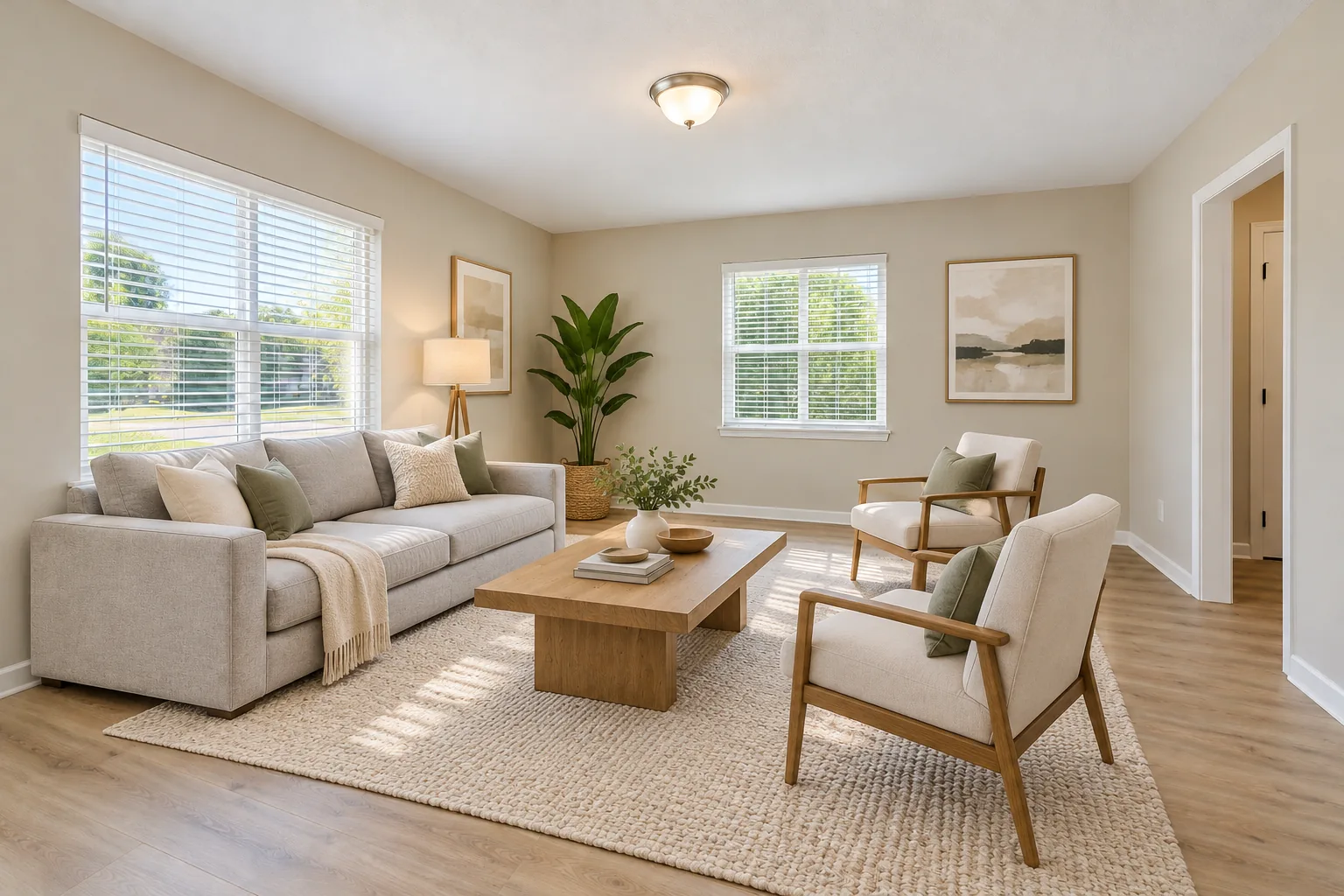
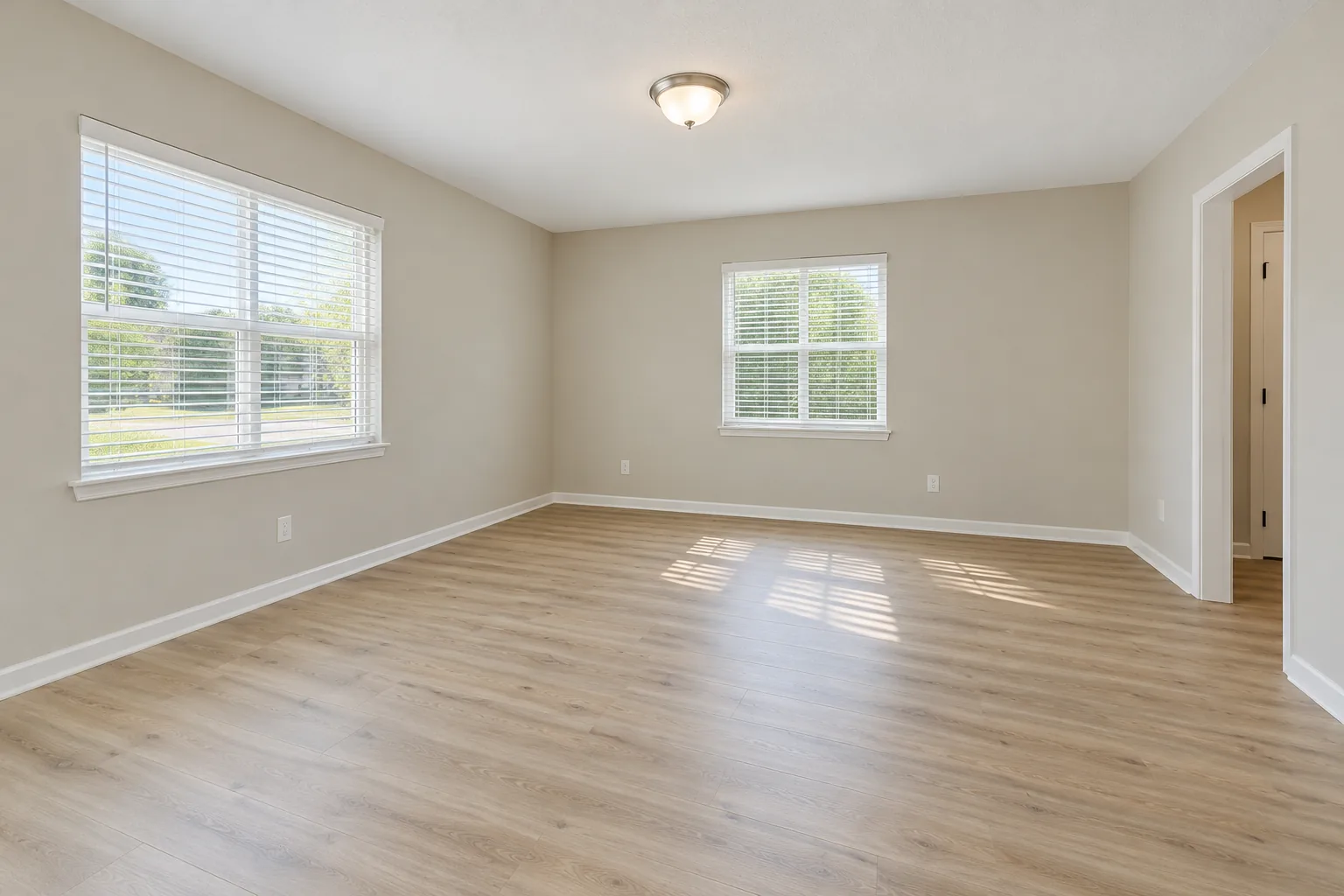 Before
Example: the empty room before, and staged in warm modern. Created with AI.
Your own image will show up here.
Designs are made with OpenAI's GPT Image 2.5. The AI is asked to keep your walls, windows and camera angle. Compare the result with your photo before making real changes.
How virtual home staging services usually work, and how this does
A staging company takes your photos, a designer furnishes them, and the files come back later. This does the same job in your browser: you choose the style, and the AI furnishes the room while you wait.
| A typical staging company | This tool | |
|---|---|---|
| Who does the staging | A designer, or a designer checking an AI's work. | You: upload, pick a style, generate. No designer in between. |
| How long it takes | Usually from a few hours to a day or two. | About a minute a photo. |
| How you pay | Per photo, often with a minimum order or a monthly plan. | Per photo, from packs paid once: $11.90 for 35 credits or $32.90 for 125. |
| Changes | A set number of revisions, by request. | Generate again, or try another style, for another credit. |
| Taking furniture out of a room | Often offered, for an extra fee. | No. It stages rooms that are already empty. |
Stage a whole listing in four steps
- Shoot each empty room in daylight from a corner, phone held sideways and level.
- Tick Stage a whole listing in the tool and add up to 8 photos; mark each one living room, bedroom, dining room or kitchen.
- Pick one style for the whole home and generate. Each photo comes back in about a minute.
- Download each one with the Virtually staged label, and keep the empty photo in the listing too.
Staging the 5 rooms buyers look at first costs $1.32 to $1.70 here. California's AB 723 asks for a label on altered photos; what it asks, and the rest of a listing's steps, are on the virtual staging for real estate page.
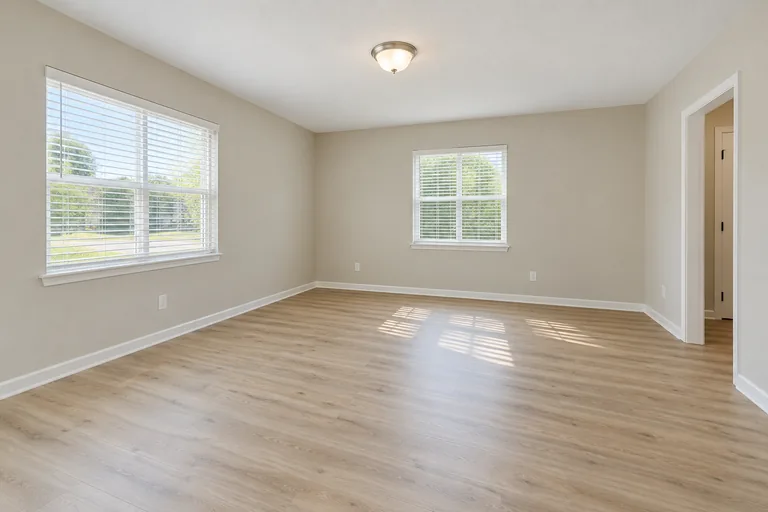 Example photo, created with AI
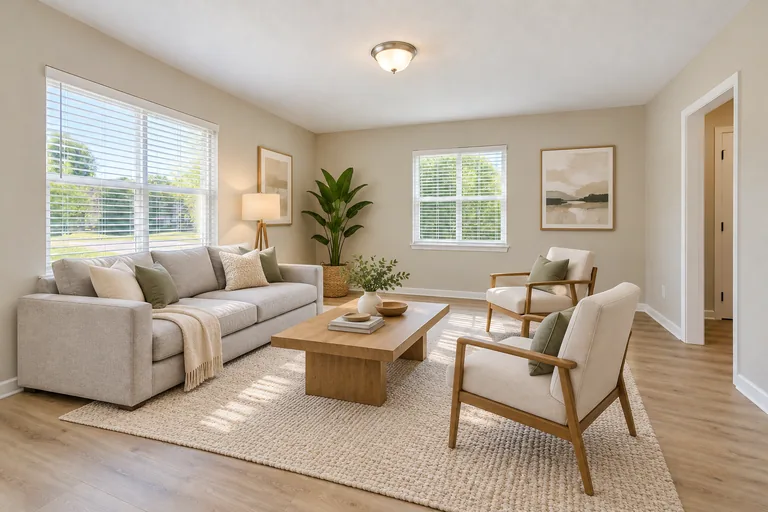 Example design, created with AI
Empty
Staged: warm modern
When to hire a person instead
A tool is the fast, cheap way to furnish empty rooms. A staging company or a designer is still the better choice for these:
- Taking old furniture out of a lived-in room before staging it.
- Showing a renovation: new floors, walls moved, a kitchen redone.
- Placing exact pieces from a real catalog at measured sizes.
- Fixing a very dark, very wide or badly tilted photo by hand.
Comparing tools rather than companies? See virtual staging software: what to look for and what this one does. Seven staging styles, each on the same empty room, are on the AI virtual staging page, and real phone photos with their unedited results on real photos.
Virtual home staging services FAQ
How much does it cost to virtually stage a house?
Here, a staged photo takes 1 credit at 1K, 2 at 2K and 3 at 4K, so 26 to 34 cents at the standard size depending on the pack. Staging the 5 rooms buyers look at first costs $1.32 to $1.70. The packs are $11.90 for 35 credits or $32.90 for 125, paid once with no subscription.
How fast are the staged photos ready?
About a minute a photo. In listing mode the tool stages two at a time, so 8 photos are back in a few minutes, while you're still at the property.
Is this a virtual staging company?
No: it's a tool you run yourself, with no designers in between. That's why it takes a minute and costs cents. If you need furniture taken out of a room or a renovation shown, hire a staging company or a designer for those photos.
Can I use the staged photos in my listing?
Yes. We don't claim any rights to the designs you make, so you can use them in listings and ads, subject to the law, your MLS's rules and the terms of the AI model's maker. Label each one as virtually staged and keep the original photo in the listing.
How can I virtually stage my home for free?
New accounts get 1 free design at standard size, with a small getairoomdesign.com mark: sign in with Google, no card needed, while the day's free designs last. After that, a staged photo takes 1 credit at 1K, 2 at 2K and 3 at 4K; the packs are $11.90 for 35 credits or $32.90 for 125, paid once.
What do realtors use for virtual staging?
Some send photos to a staging company and wait; others stage them with an AI tool like this one, which is faster and costs far less per photo. Either way, label staged photos as virtually staged.
Which rooms can it stage?
Empty living rooms, bedrooms, dining rooms and kitchens, in seven styles. A kitchen keeps its cabinets, counters and appliances and gets counter stools and a few things on the counter.
More: the AI room design home page and pricing.