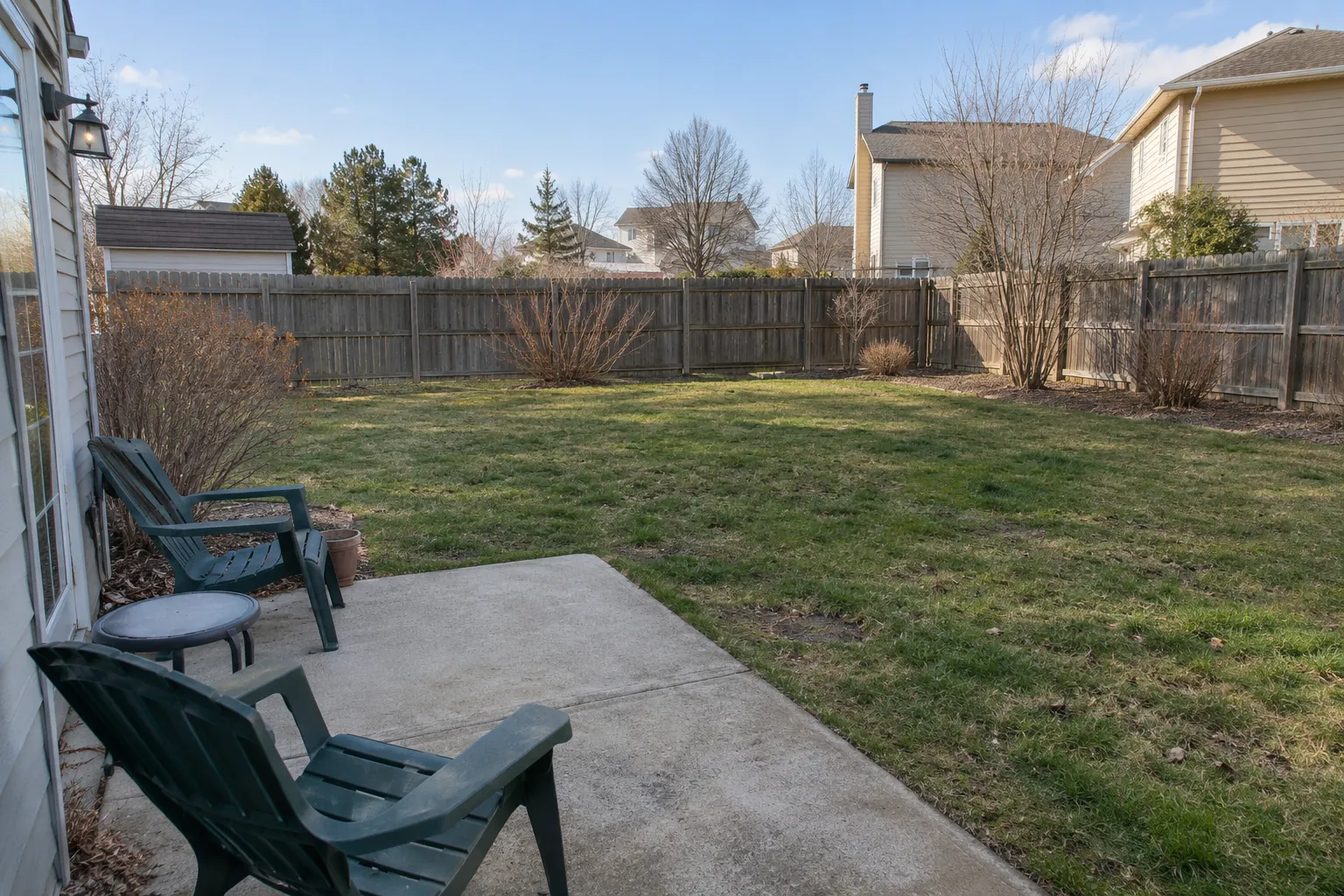
 Example photo, created with AI
- A patchy lawn
- A plain wooden fence
- A bare concrete patio
Your yard today
One backyard, six styles · Scroll to explore
AI landscape design for the yard you already have: upload a photo of your backyard, pick a style, and see new paving, planting, seating and lights inside the same fence.
The same backyard in six styles
Example photo, created with AIYour yard today
Example design, created with AI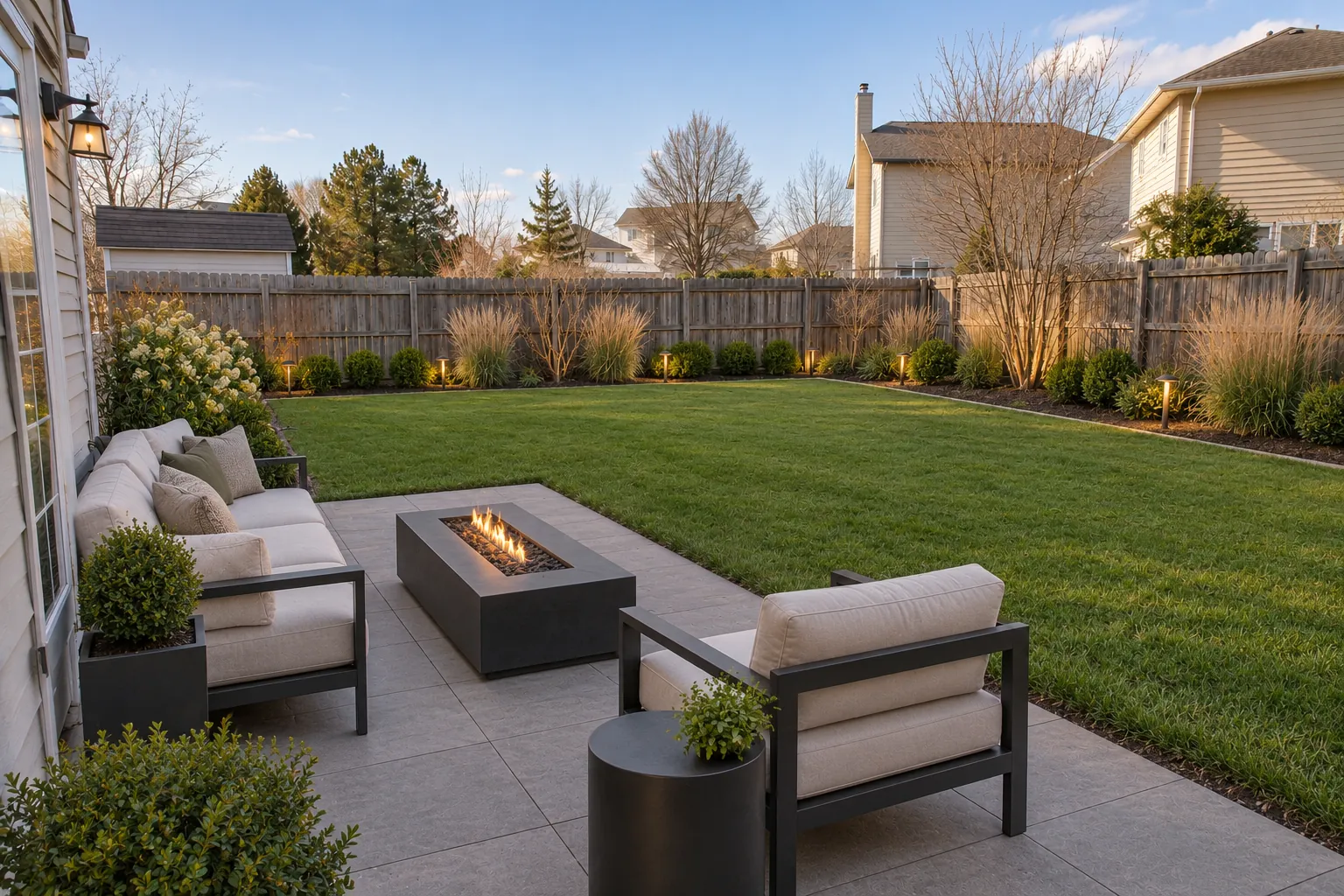 Example design, created with AI
 Example design, created with AI
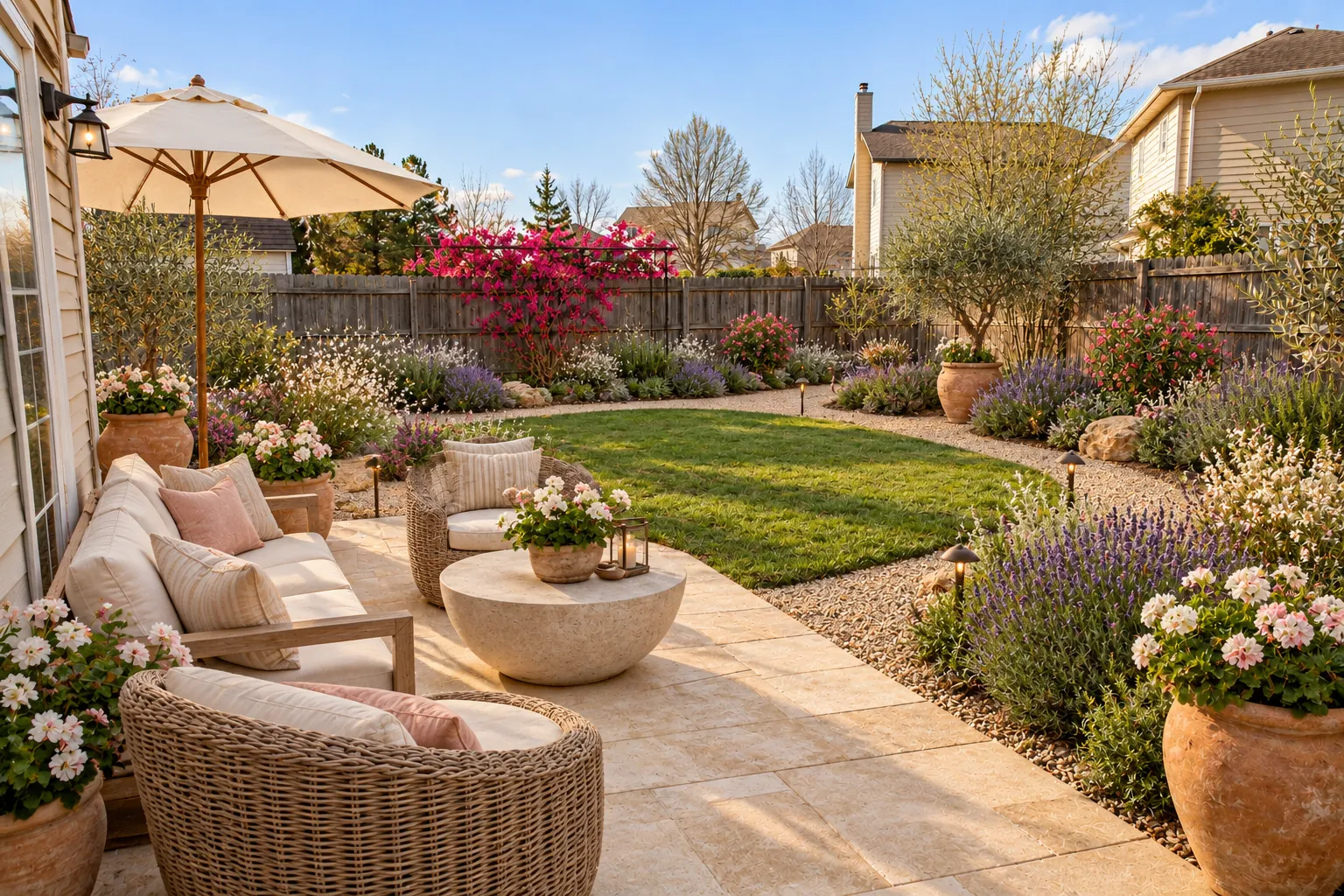 Example design, created with AI
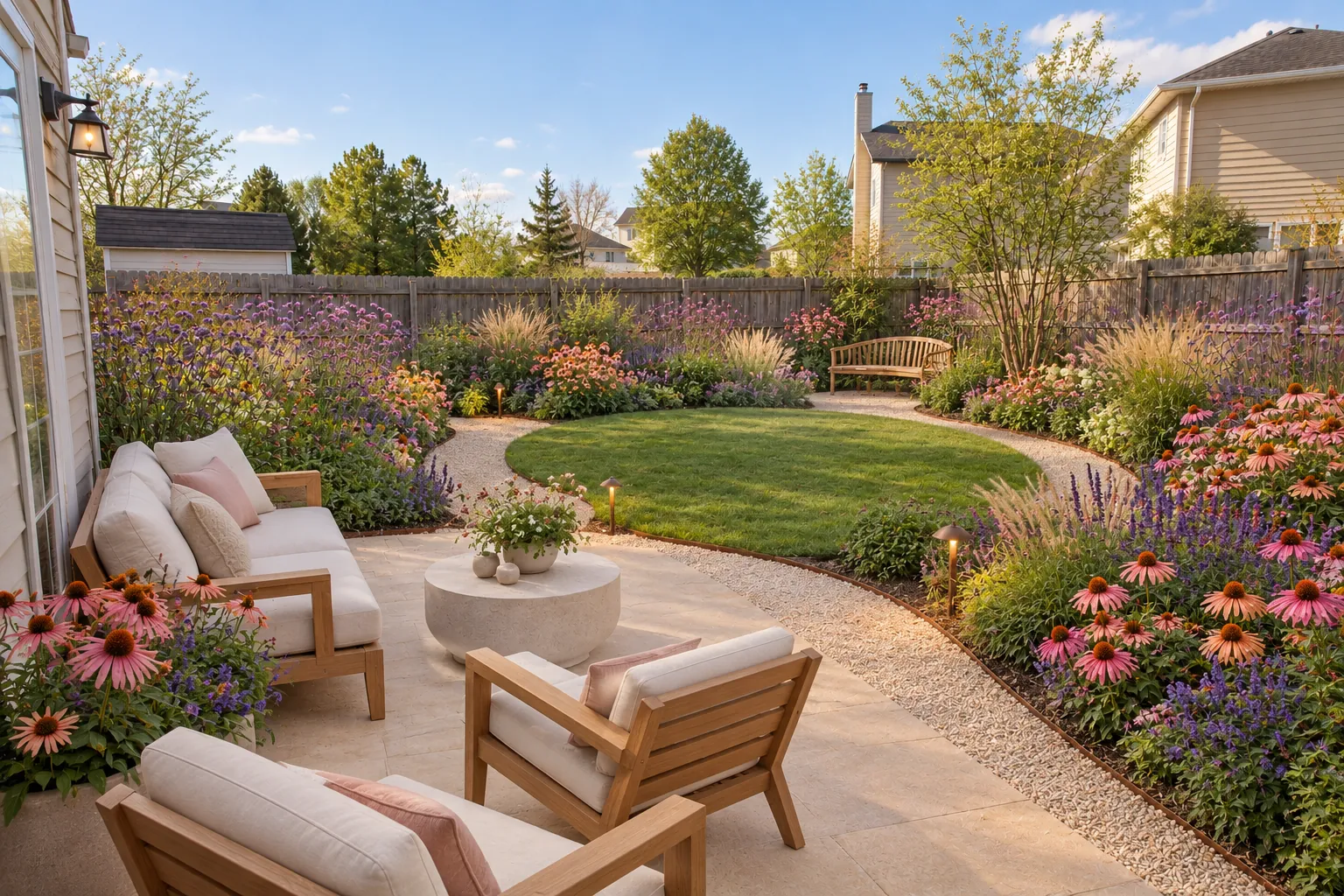 Example design, created with AI
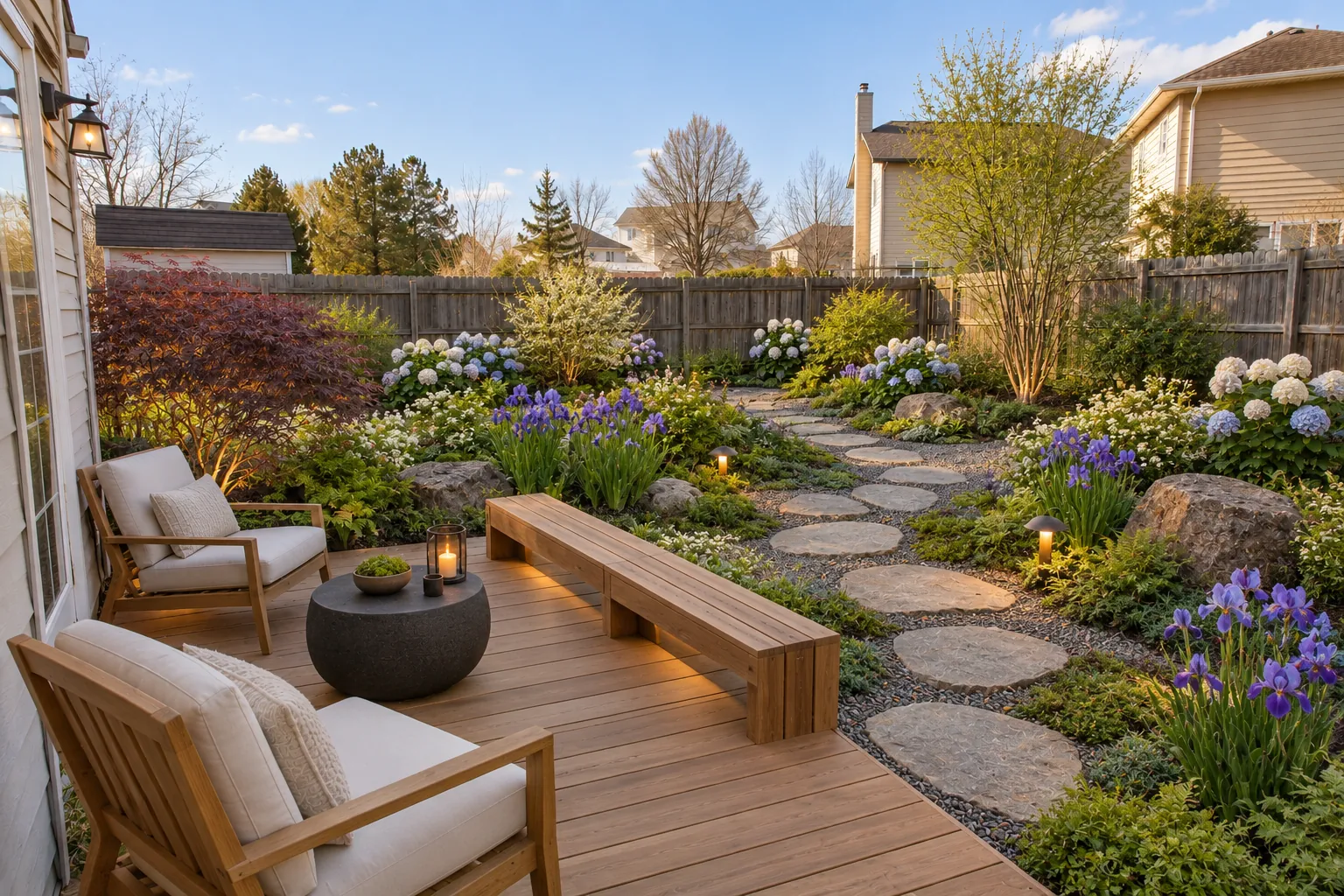 Example design, created with AI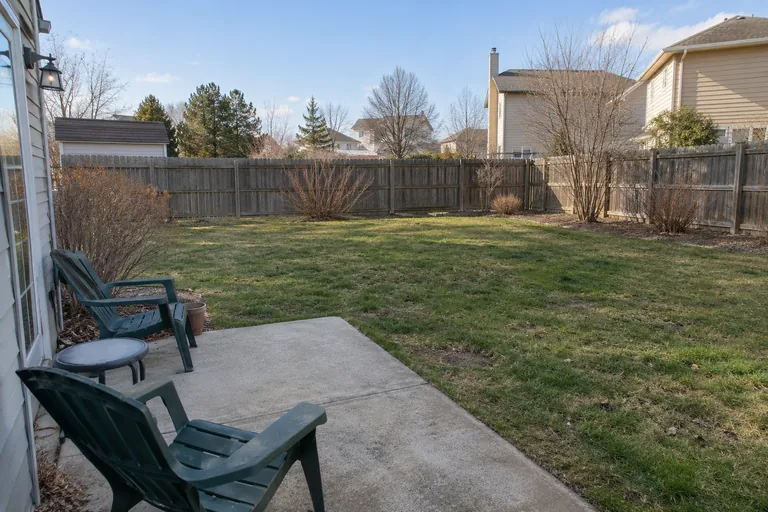
 Your turnExamples created with AI
$9.90 for 50 credits, $19.90 for 150 or $39.90 for 500, paid once. No subscription.
Upload a photo of your backyard, pick a style, and get the same backyard back in that style.
Your photo
Tip: stand in a doorway or corner and fit the whole room in one wide photo, floor to ceiling. Close-ups of one corner give odd results.
Style
Examples created with AI.
Size
about 1 megapixel · 1 credit
Your image will show up here.
Designs are made with OpenAI's GPT Image 2.5. The AI is asked to keep your walls, windows and camera angle. Compare the result with your photo before making real changes.
Most backyards start the same way: a patchy lawn, a fence and a slab of concrete by the back door. AI backyard design shows what that yard could be, a patio to sit on, borders full of flowers or gravel that never needs mowing, on a photo of your own yard instead of someone else's.
Try the styles side by side before you buy pavers or plants. A picture of the yard you want also makes the first talk with a landscaper shorter: they can see what you mean.
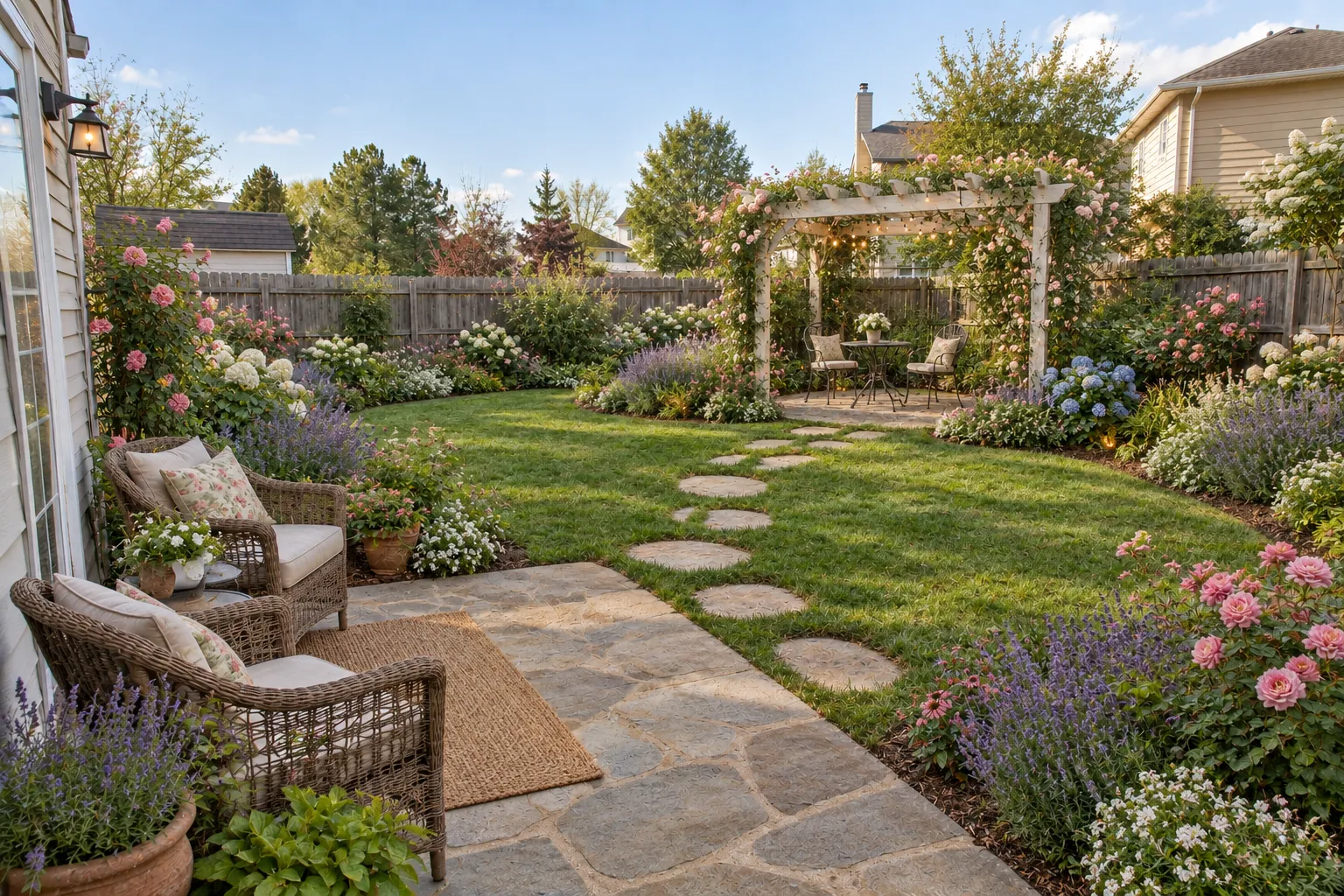
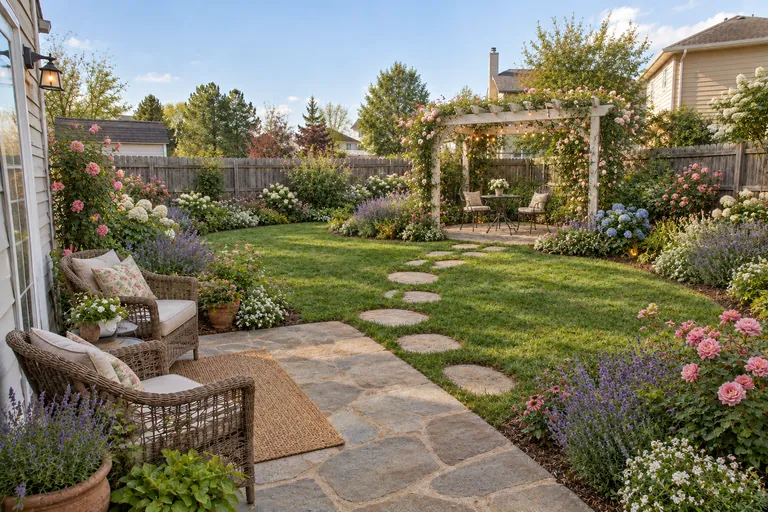
Example photo, created with AIExample design, created with AIFlower borders, a stepping-stone path and a pergola turn a plain lawn into a garden.
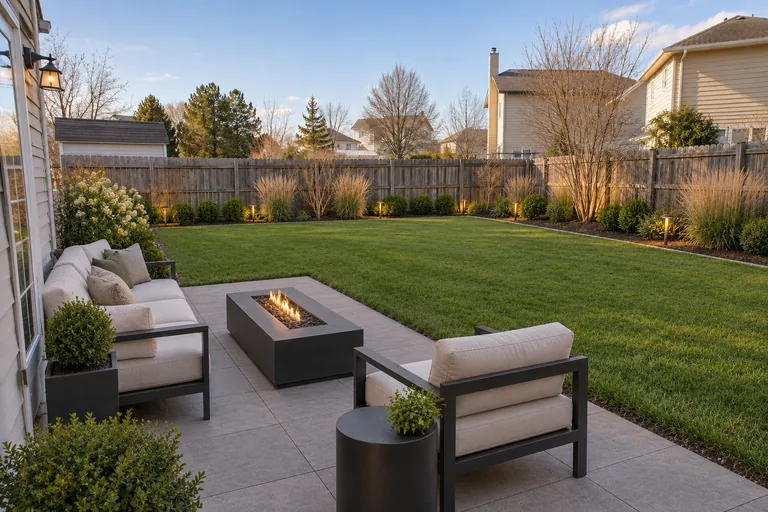
A bigger paver patio, clean lawn edges and a fire table make the yard a place to sit.
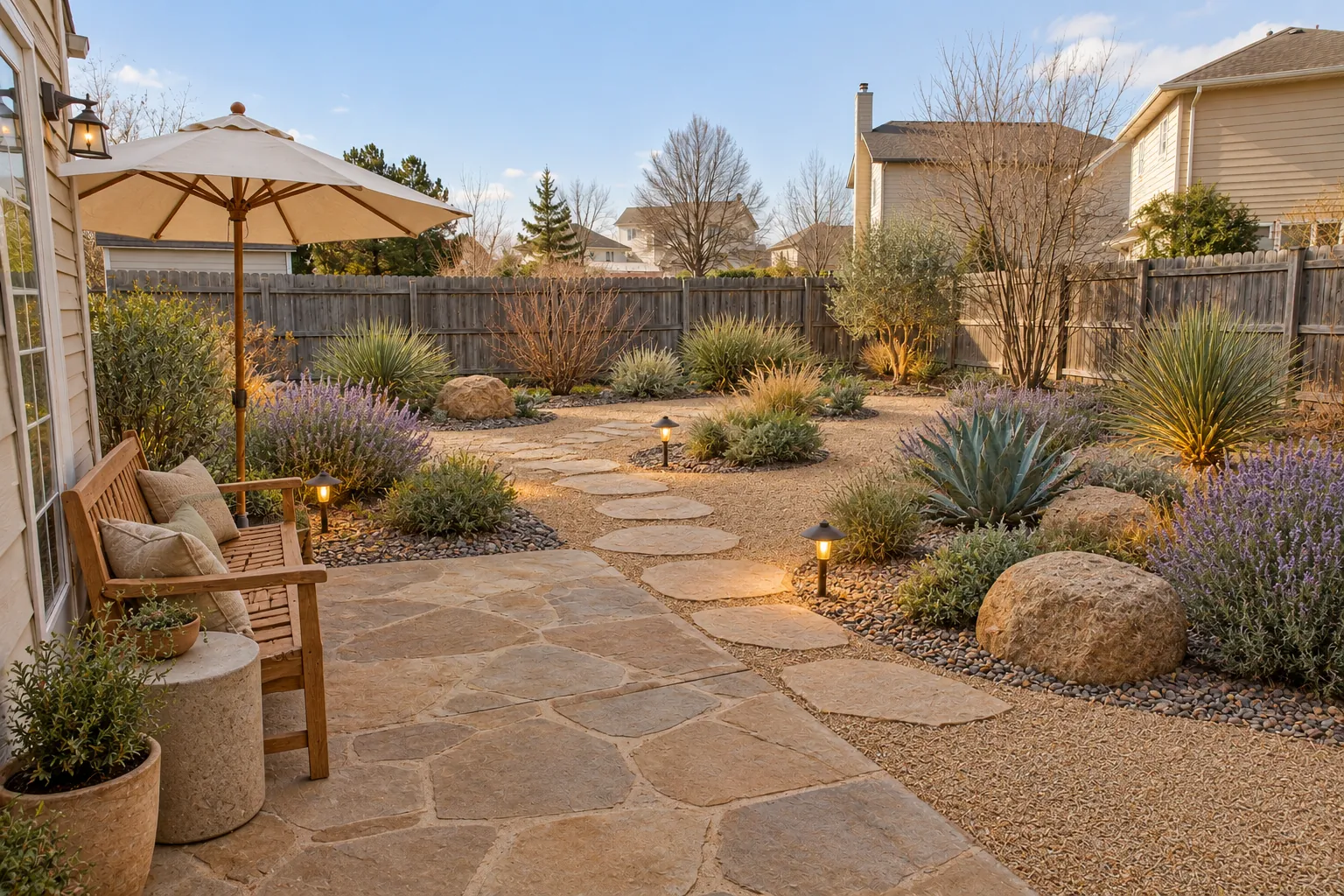
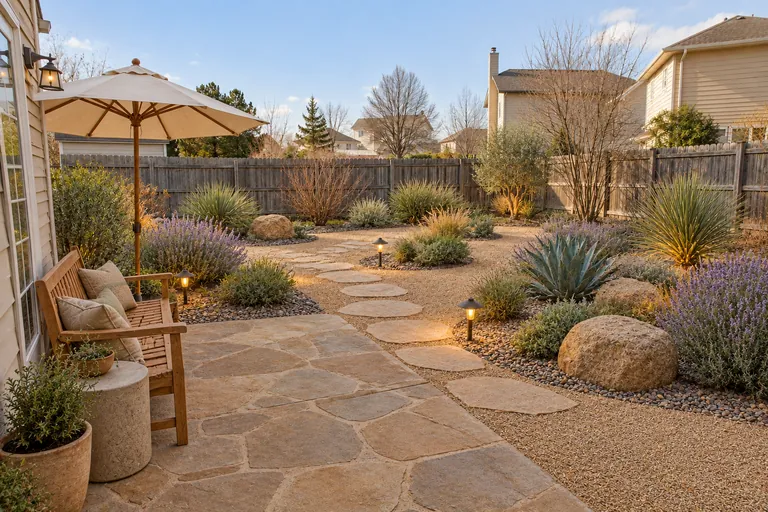
Gravel, stone and drought-tolerant plants: no lawn to water or mow.
Terracotta, lavender and bougainvillea: a holiday terrace that takes the sun.
Meadow-like drifts of flowers and grasses that look good from spring to frost.
A deck, stepping stones and a few chosen plants: calm in a small space.
Style guides: Japandi interior design, Art Deco interior design, Mid-century modern interior design, Minimalist interior design, Boho interior design, Industrial interior design, Traditional interior design, Coastal interior design, French country interior design.
One design takes 1 credit at 1K, 2 at 2K and 3 at 4K. The packs are $9.90 for 50 credits, $19.90 for 150 or $39.90 for 500, paid once, with no subscription, and credits don't expire. See pricing.
Yes: it redraws your own backyard in the style you pick, keeping the fence, the house wall, the back door and the camera angle. It's a picture to decide with, not a planting plan with measurements.
No. It picks plants that look right for the style, not for your climate, soil or sun. Take the picture to a local nursery or landscaper and ask for plants like those that suit your yard.
Yes, as a picture of what you want. It isn't a landscape plan, so a landscaper will still measure the yard, check drainage and price the work.
A wide photo of the whole room, taken from a doorway or corner in daylight, with the floor, walls and windows in view. The AI restyles and furnishes what it sees, so a close-up of one corner can come out crowded or strange. Move personal items you don't want in the picture.
Yes. New accounts get 1 free design at standard size, with a small getairoomdesign.com mark: sign in with Google, no card needed, while the day's free designs last. After that, one design takes 1 credit at 1K, 2 at 2K and 3 at 4K, and the packs are $9.90 for 50 credits, $19.90 for 150 or $39.90 for 500, paid once with no subscription.