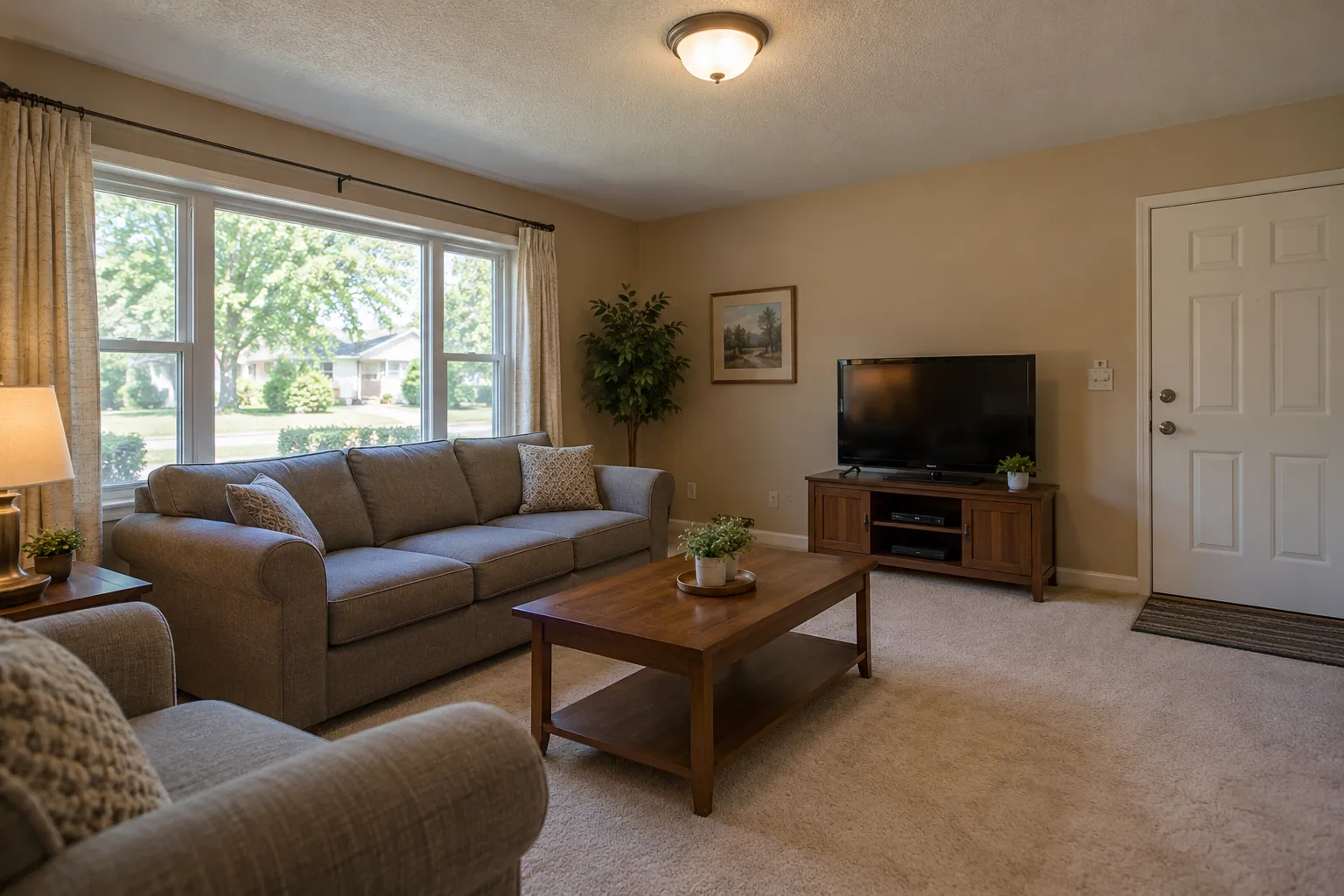
 Example photo, created with AI
- Beige walls and carpet
- A plain gray sofa
- Window on the left, door on the right
Your room today
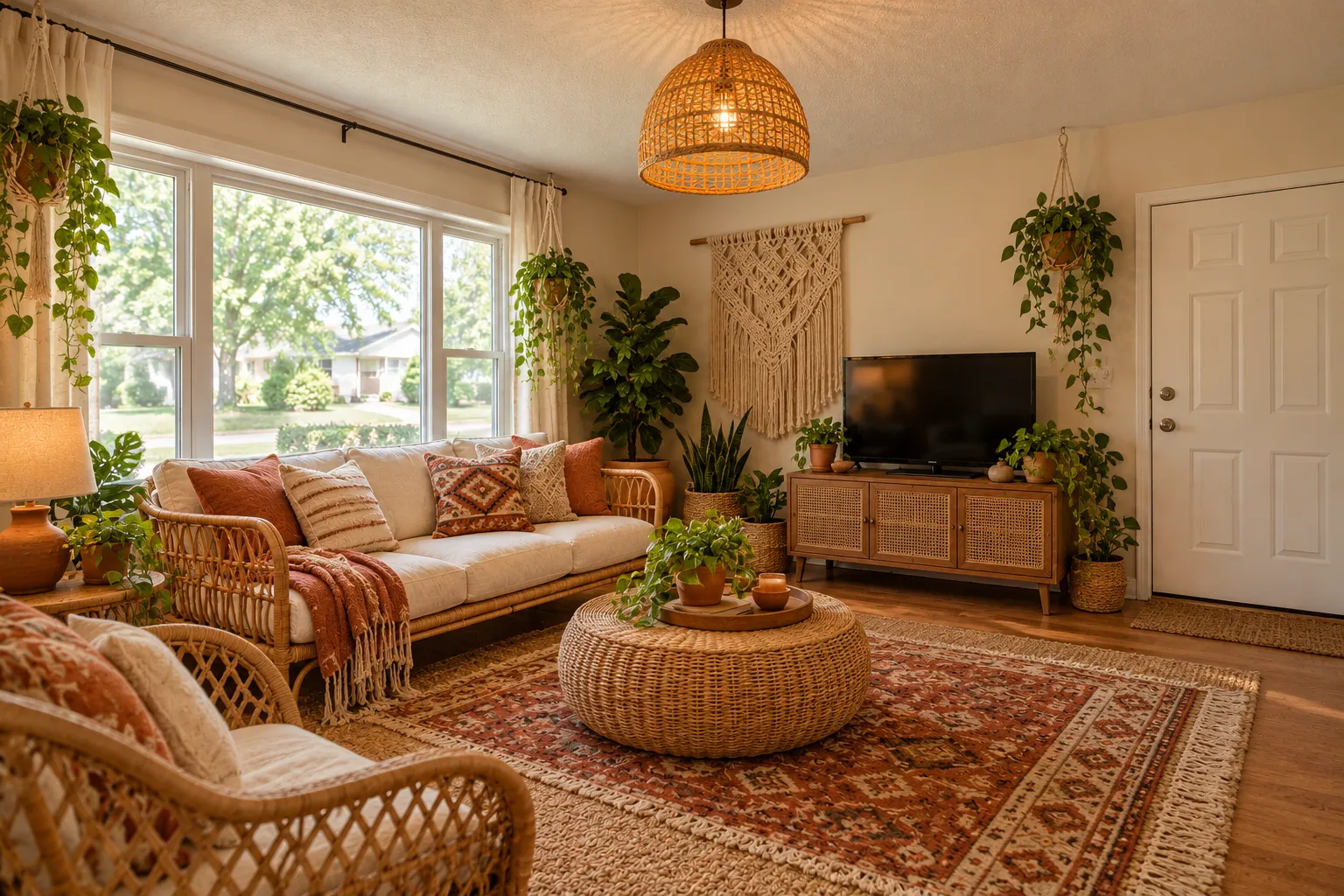
One living room, decorated four ways · Scroll to explore
An AI room decorator for the room you already have: upload one photo, pick a look, and see the same room with new furniture, rugs, lamps, curtains and decor, the walls and windows where they were.
1 free design with Google sign-in, no card, while today's free designs last.
The same living room in four looks
Example photo, created with AIYour room today
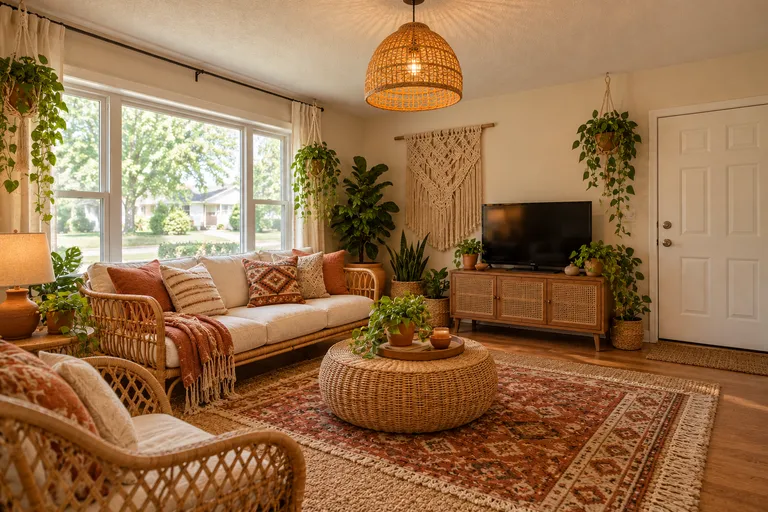
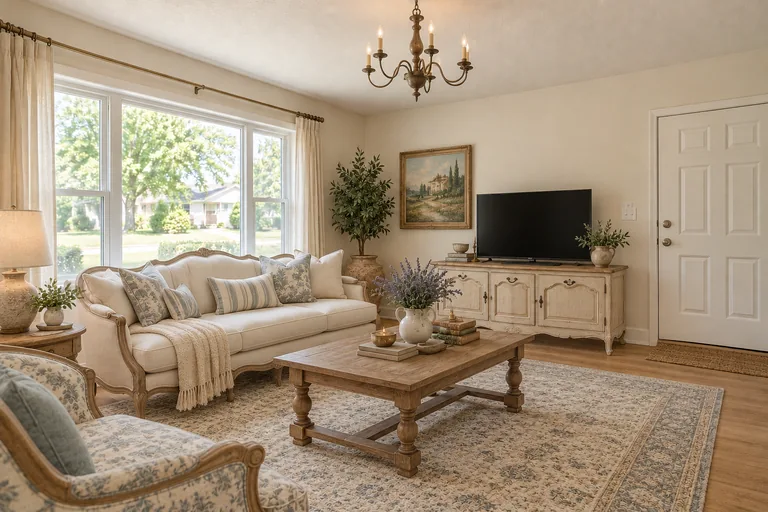
Example design, created with AI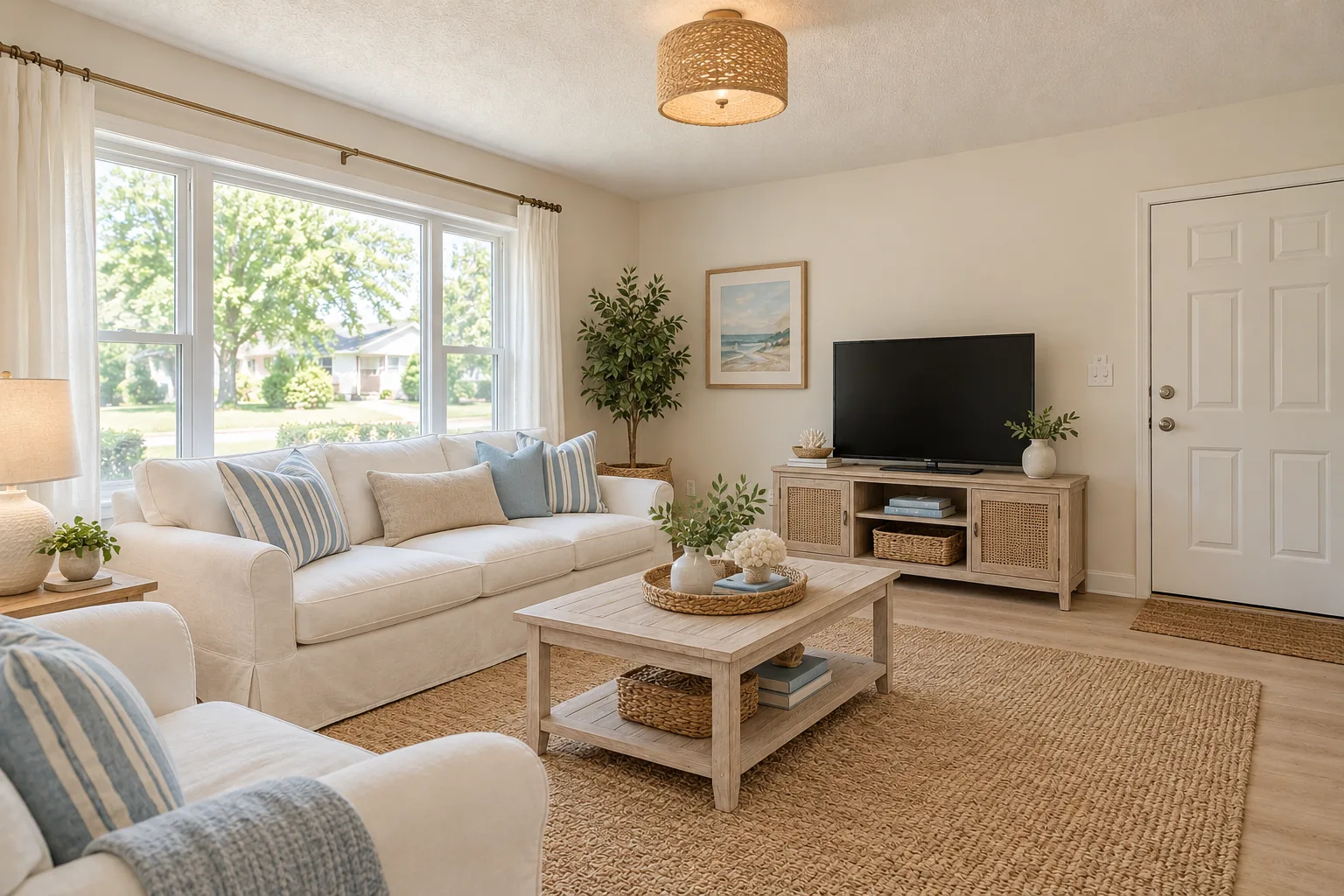 Example design, created with AI
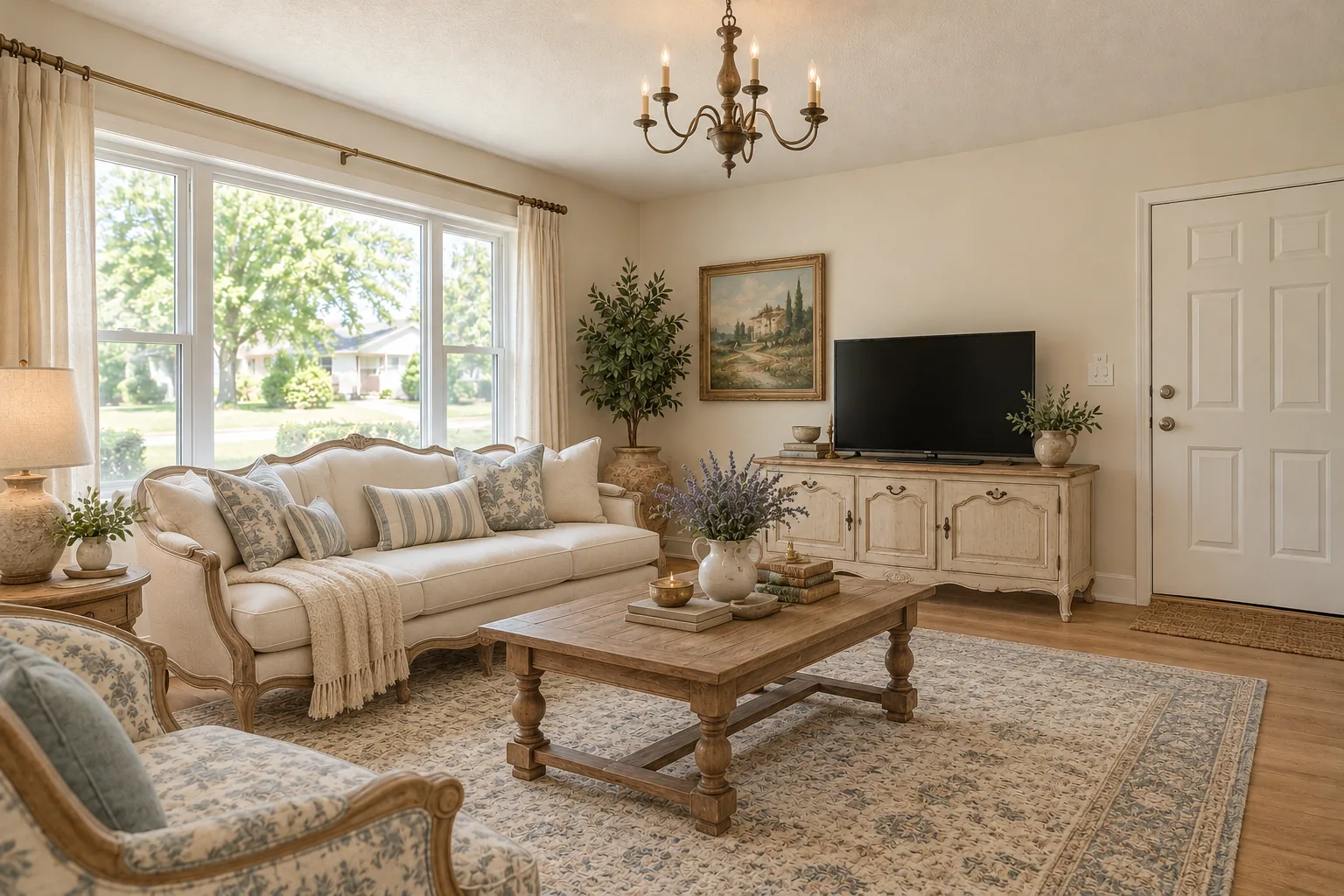 Example design, created with AI
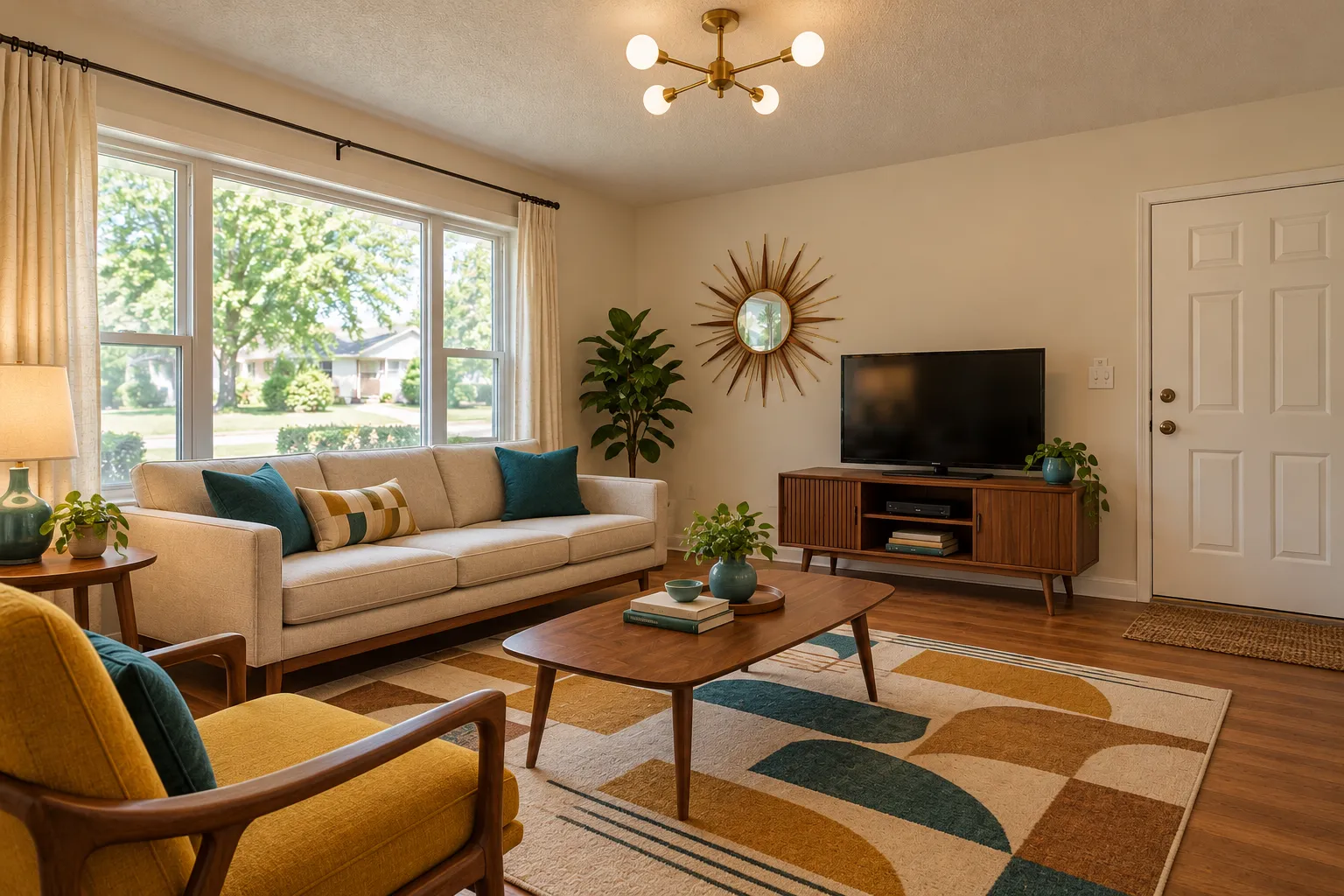 Example design, created with AI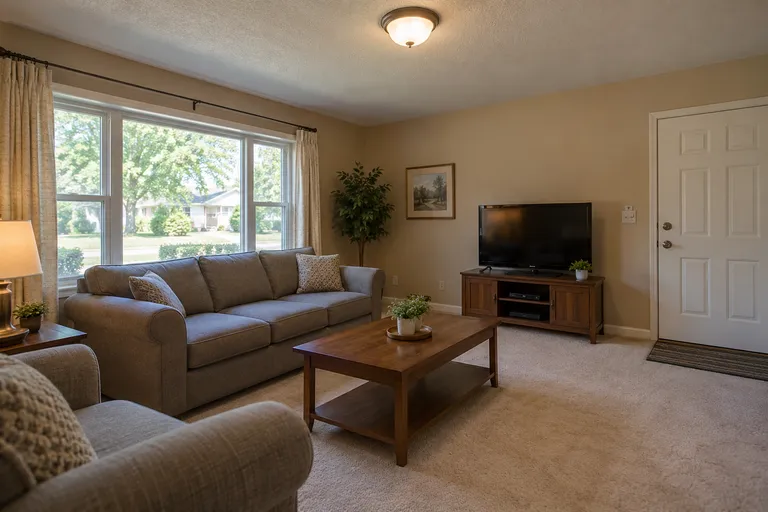
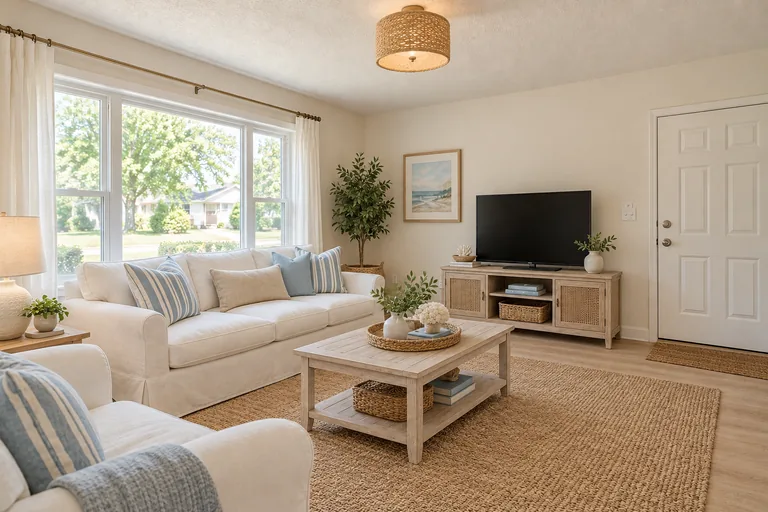
 Your turnExamples created with AI
$9.90 for 50 credits, $19.90 for 150 or $39.90 for 500, paid once. No subscription.
Upload a photo, pick the room and a look, and get the same room back decorated. Empty rooms work too: switch to Empty room.
Your photo
Tip: stand in a doorway or corner and fit the whole room in one wide photo, floor to ceiling. Close-ups of one corner give odd results.
Style
Examples created with AI.
Size
about 1 megapixel · 1 credit
Your image will show up here.
Designs are made with OpenAI's GPT Image 2.5. The AI is asked to keep your walls, windows and camera angle. Compare the result with your photo before making real changes.
Decorating is everything you could carry out of the room: the sofa, the rug, the curtains, the lamps, the art, the plants and the cushions, plus the wall color. That's what the decorator changes. It keeps what stays put: the walls, the windows, the doors, the ceiling and the angle you took the photo from.
So the picture shows your own room with new things in it, not a showroom that happens to have a window. It doesn't measure anything and the pieces in it aren't products you can order: it's a picture to decide with, before you spend a weekend or a paycheck.
Example photo, created with AIExample design, created with AIBefore
Decorated: Boho
The same idea in every room: one photo of the room as it is, one look, and the room comes back decorated. Each pair below is one room before and after.
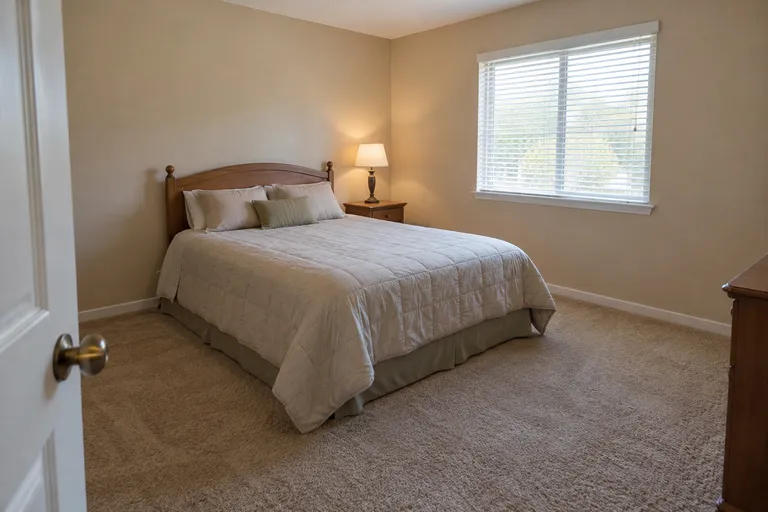 Before, created with AI
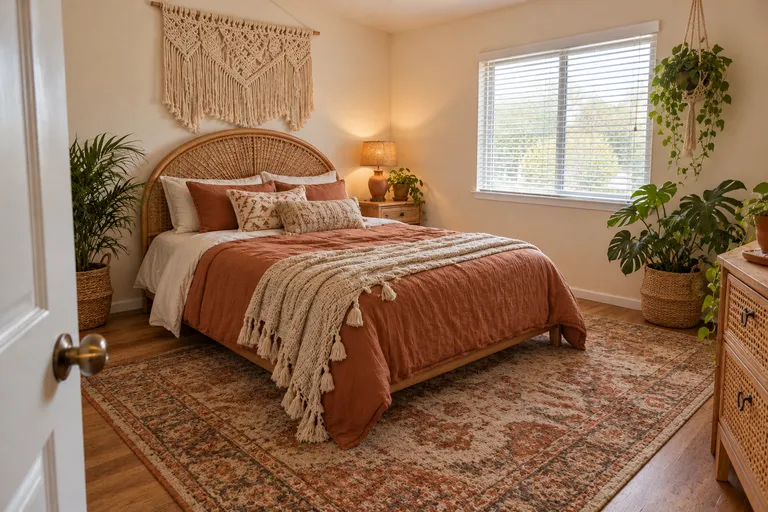 Boho, created with AI
Bedding, a headboard, a rug and two lamps change a bedroom more than anything else, and they're the easiest things to swap.
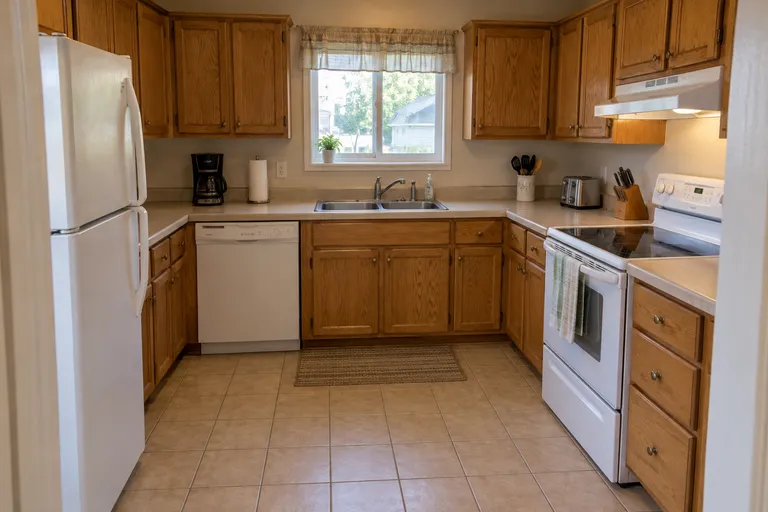 Before, created with AI
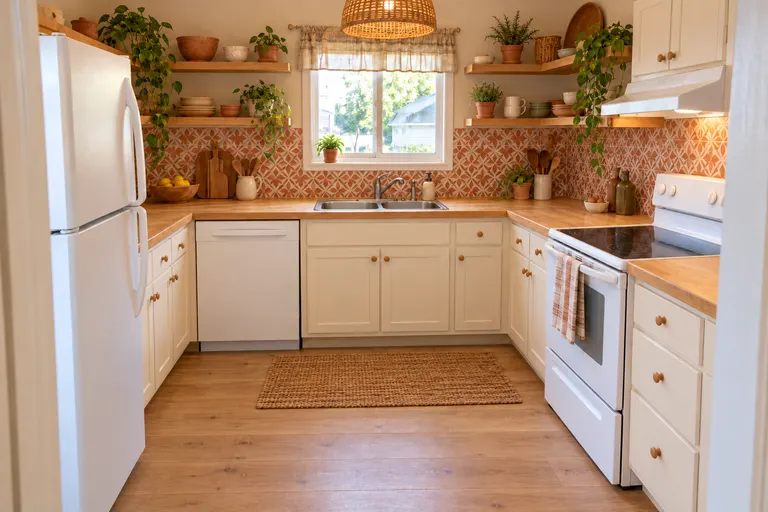 Boho, created with AI
Open shelves, pendant lights, a tile backsplash and plants. Cabinets and counters can change too, if a refresh is on the cards.
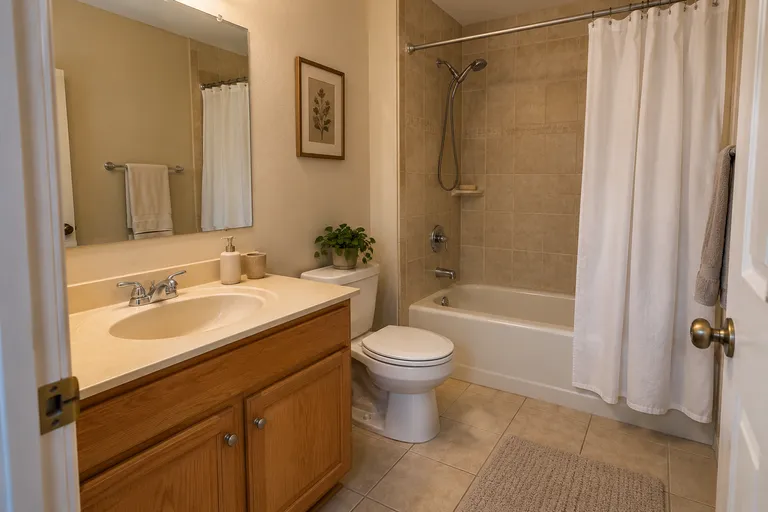 Before, created with AI
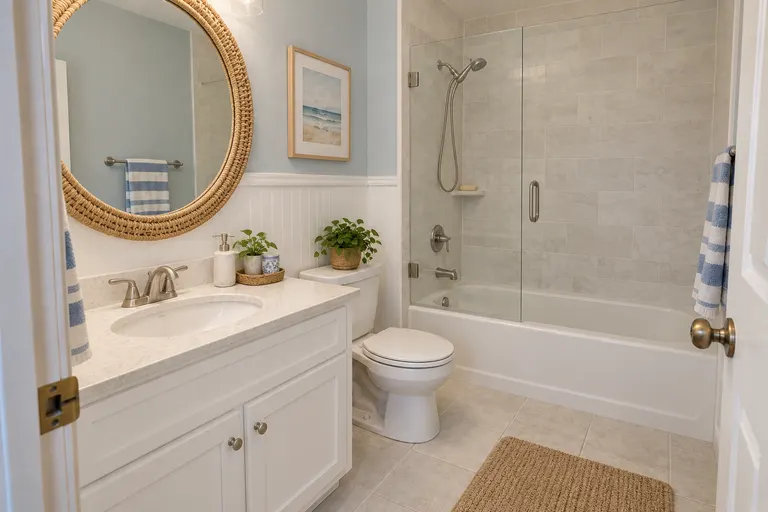 Coastal, created with AI
A mirror, towels, a shower curtain, a rug and a new wall color: a weekend's work in a small room.
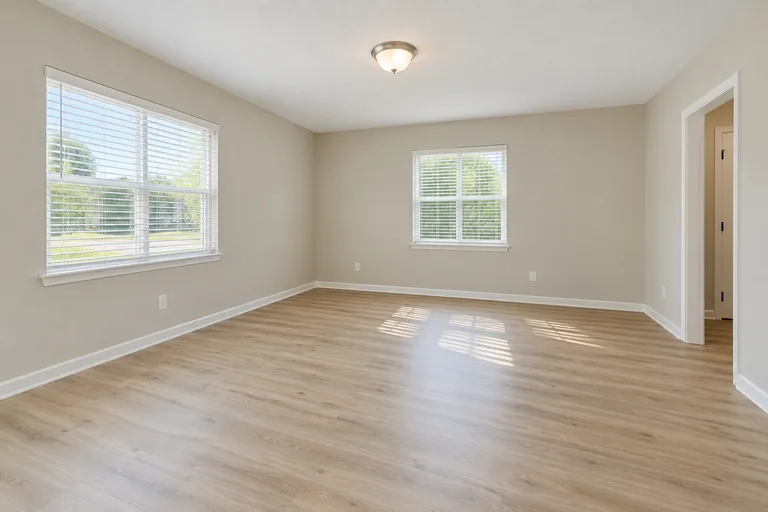 Before, created with AI
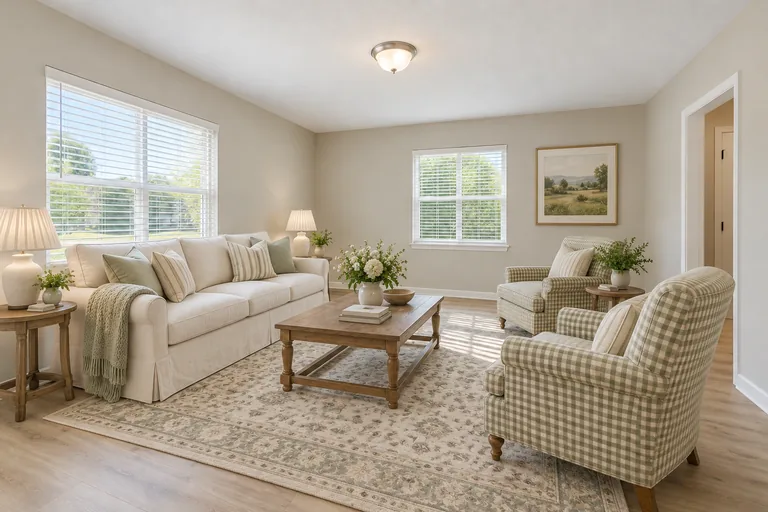 Modern cottage, created with AI
An empty room gets furniture and decor and nothing else: the walls, the floor and the windows stay as they are.
Example designs, created with AI.
01
Stand in a corner in daylight, phone held sideways. Clear the floor and the tables first: what's in the photo tends to stay.
02
Then a color or material if you have one in mind, like sage green or light wood, and the design keeps to it. Or switch to Custom and describe the look in your own words.
03
Restyle the same photo in a second look and put the two side by side. Most people know which room is theirs in seconds.
04
Take the picture to a store, or search for pieces like the ones in it. Measure first: the picture shows a look, not sizes.
Not sure which look is yours? The style guides show what makes each one: Japandi, Art Deco, mid-century modern and minimalist.
Laundry, boxes and toys left in the photo tend to come back in the design. Clear them first and the decorator has the room to work with.
Every style starts to blur after the fifth. Pick two or three you could live with and compare only those.
The design doesn't measure the room. A sofa that looks right in the picture can still be a foot too long for your wall.
A deep green room on a screen looks darker on a gray afternoon. Look at the design next to your real window before you paint.
A tool that redecorates a photo of your room. You upload the photo and pick a look, and it draws the same room with new furniture, rugs, lamps, curtains, colors and decor. Here the walls, windows, doors and camera angle stay, so it's still your room.
Yes, one design. New accounts get 1 free design at standard size, with a small getairoomdesign.com mark: sign in with Google, no card needed, while the day's free designs last. After that, one design takes 1 credit at 1K, 2 at 2K and 3 at 4K, and the packs are $9.90 for 50 credits, $19.90 for 150 or $39.90 for 500, paid once with no subscription.
Yes. Switch the tool to Empty room: it adds furniture and decor and leaves the walls, the floor and the windows as they are. That's virtual staging, and it works for listing photos too.
Pick a look that suits it, or a color or material that matches it. In Custom you can also say it in your own words, like "keep the gray sofa, add a jute rug and a paper lamp". An AI design can still change a piece, so check the picture before you shop.
No. The furniture in the design isn't a product you can order, and the picture has no sizes. Use it as the brief: take it to a store, or search for pieces like the ones you see.
Yes. It runs in the browser on a phone, a tablet or a computer, with nothing to install, and on a phone you can take the photo and upload it in one go.
More: the AI room design home page, the room visualizer with a line to drag between before and after, AI virtual staging for empty rooms, AI interior design for every room and pricing.