Room visualizer: see your own room before you change it
A room visualizer for the room you already have: upload one photo, pick a style and, if you like, a color or material, and see the same room with new furniture, floors, colors and lighting before you buy a thing.
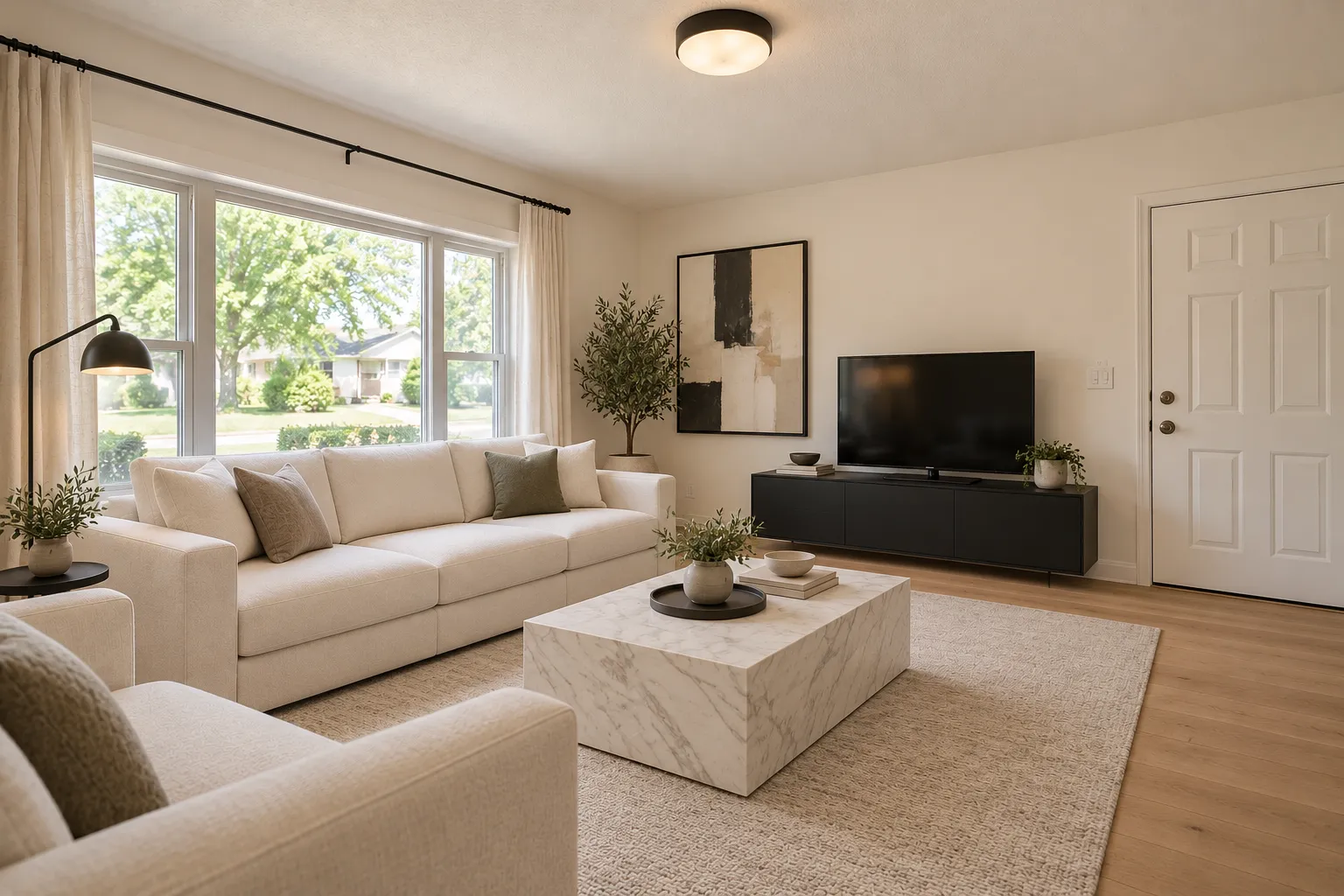
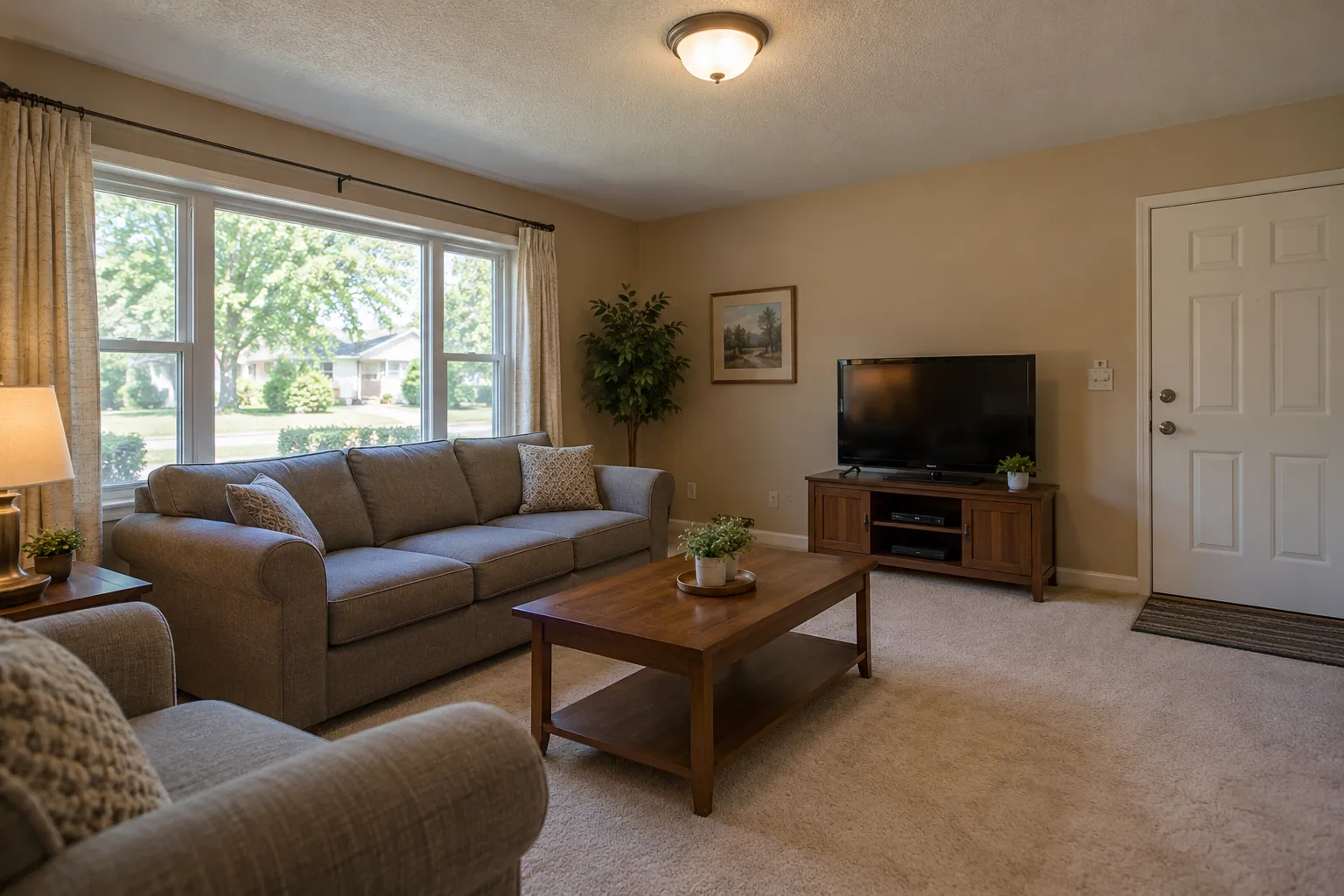 Examples created with AI
Drag the line to compare.Try Modern on my living room
1 free design with Google sign-in, no card, while today's free designs last.
Visualize your own room
Upload a photo, pick the room and a style, and get the same room back in that style.
Your photo
Tip: stand in a doorway or corner and fit the whole room in one wide photo, floor to ceiling. Close-ups of one corner give odd results.
Style
Examples created with AI.
Size
about 1 megapixel · 1 credit
Your image will show up here.
Designs are made with OpenAI's GPT Image 2.5. The AI is asked to keep your walls, windows and camera angle. Compare the result with your photo before making real changes.
What a room visualizer shows you
Paint and flooring visualizers show one product on one surface, often in a sample room. This one redraws your own room: the furniture, the rug, the curtains, the lamps, the wall color and the floor all change together, in one style, while the walls, windows, doors and camera angle stay where they are.
Settled on a color or material already? Pick it and the design keeps to it: light wood, dark wood, warm neutrals, black and white, sage green, navy blue, terracotta, marble. Try the same style with two of them and you see which one suits the room.
What it can't tell you
The exact paint
A color you pick is drawn by AI, not matched to a paint brand's chip. Try a sample pot on the wall before you buy gallons.
Sizes
It doesn't measure the room, so check that a sofa or a bed like the one in the picture fits before you order one.
Products
The furniture in the picture isn't a product you can buy. Take the picture to a store, or search for pieces like it.
What's behind the walls
In a kitchen or a bathroom, pipes and wiring decide what can move. A contractor still plans the real work.
Visualize every room
Drag the line on each one. Every style starts from the same photo of that room, so only the style changes.
Bedroom
AI bedroom design in more styles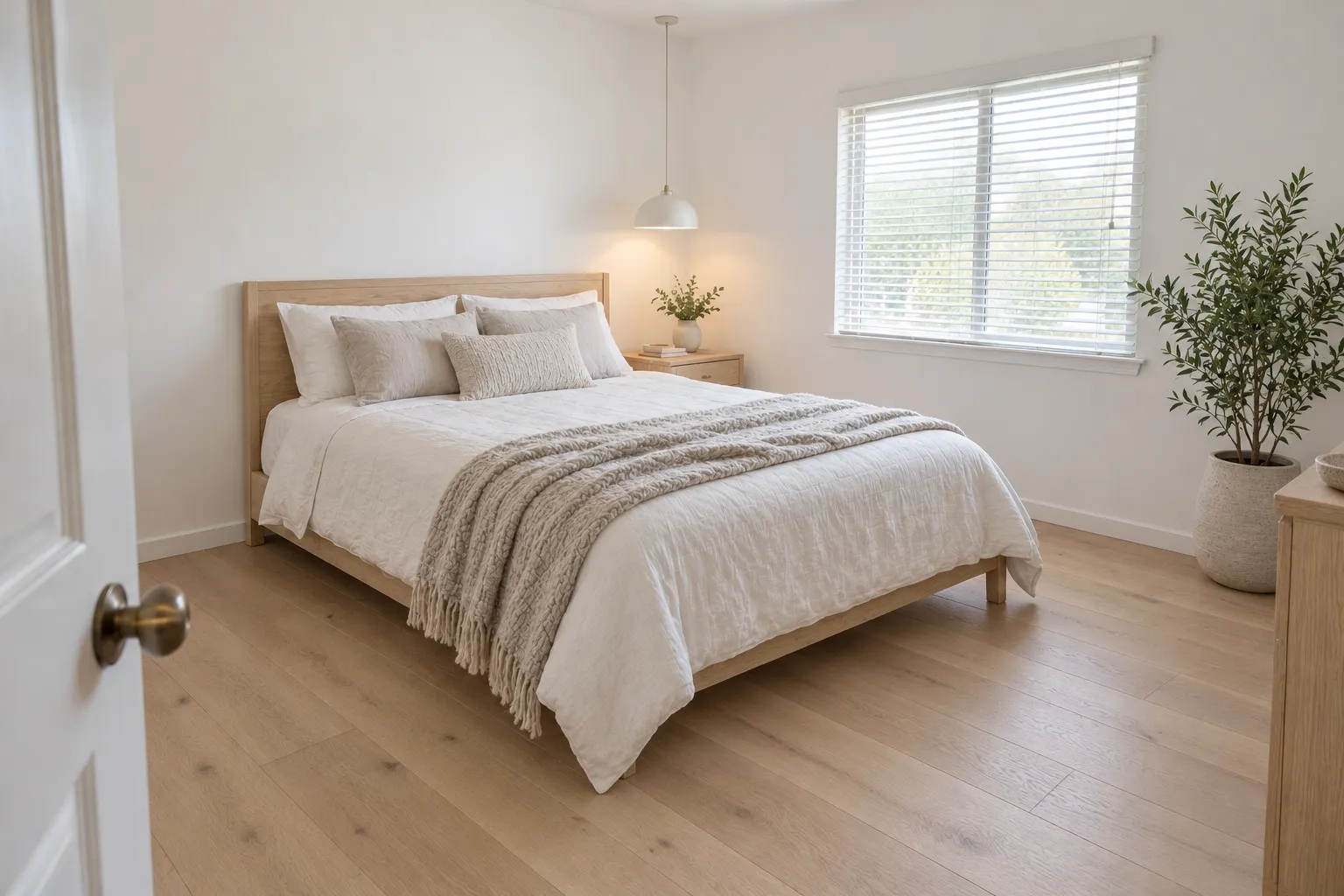
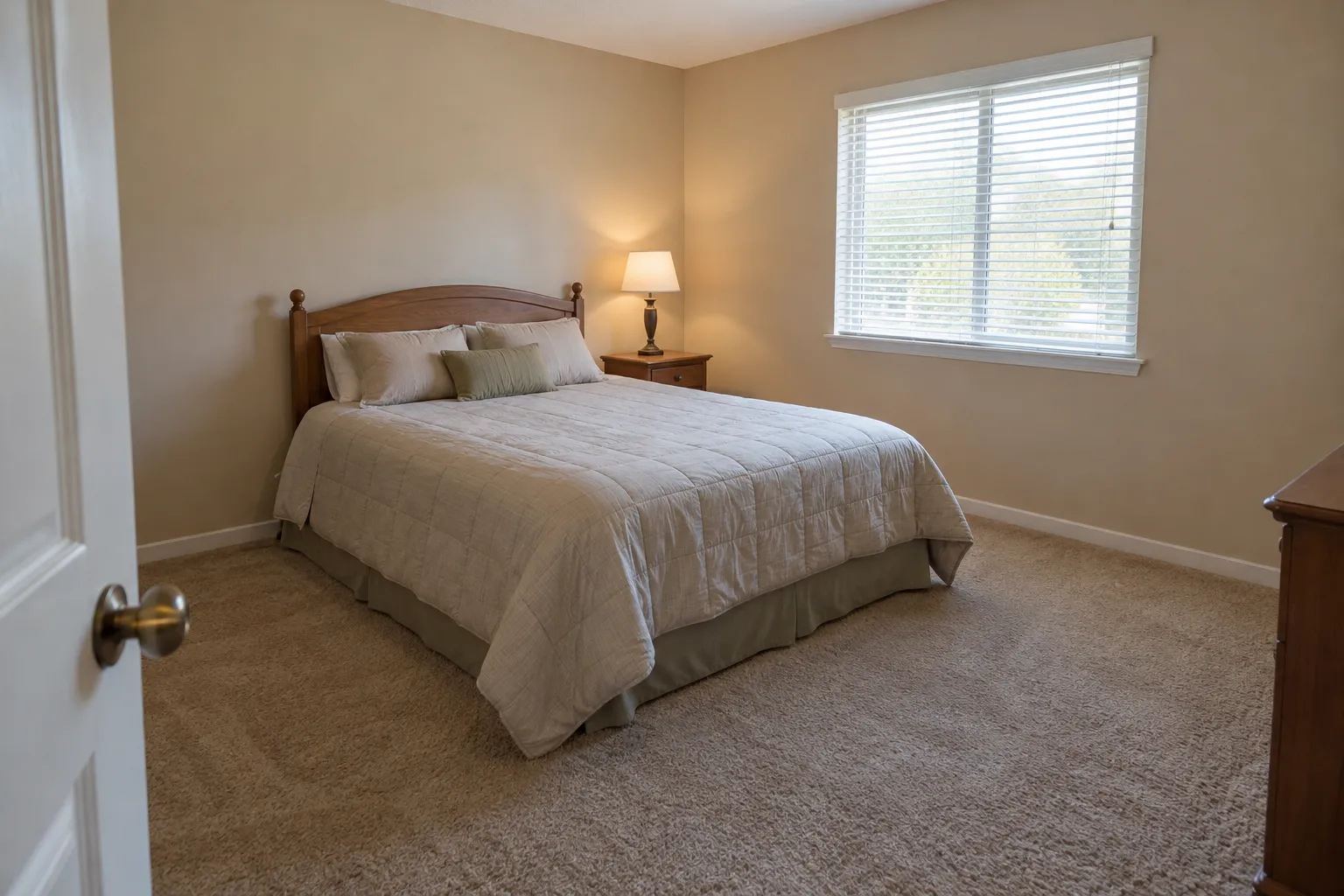 Examples created with AI
Drag the line to compare.Try Scandinavian on my bedroom
Kitchen
AI kitchen design in more styles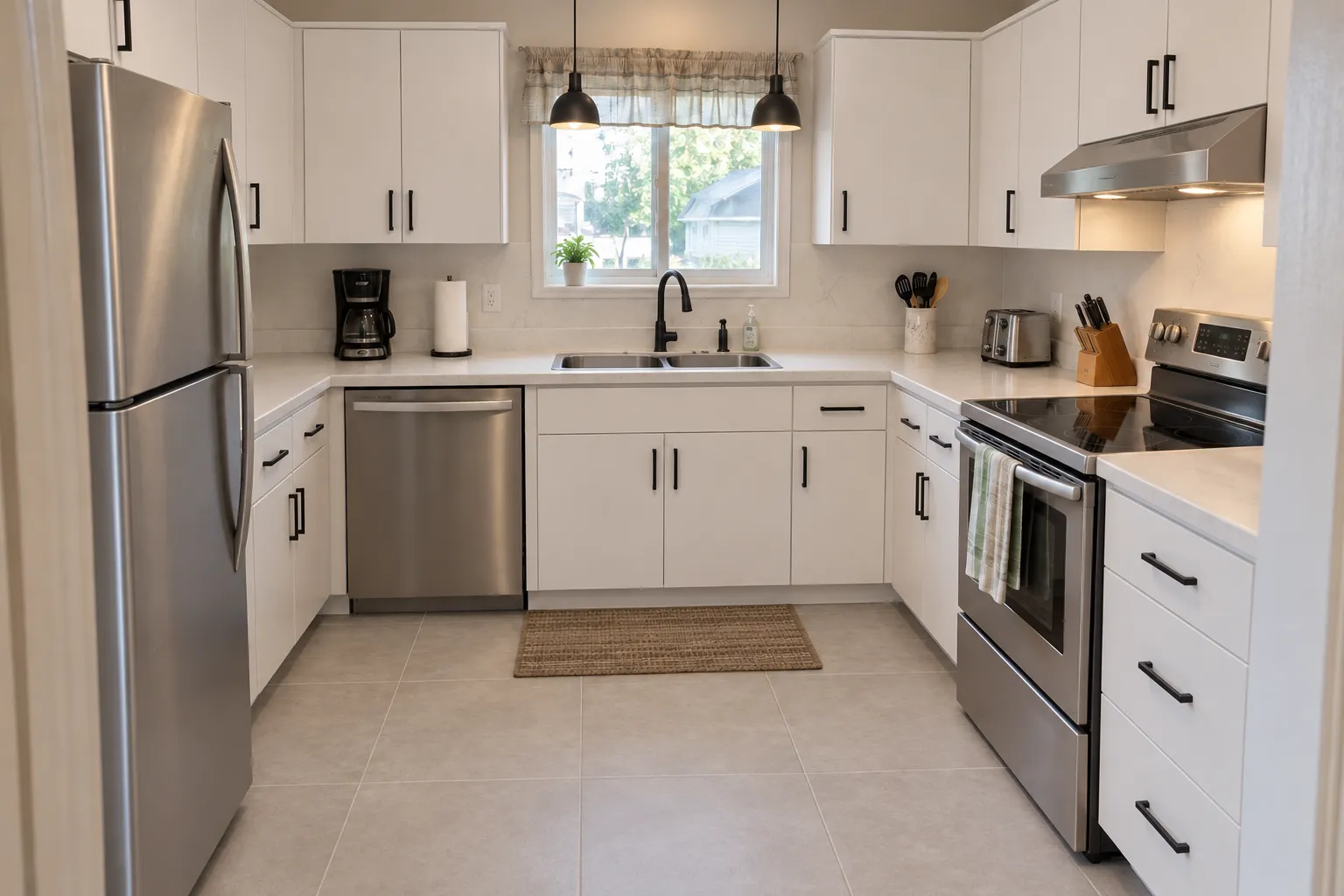
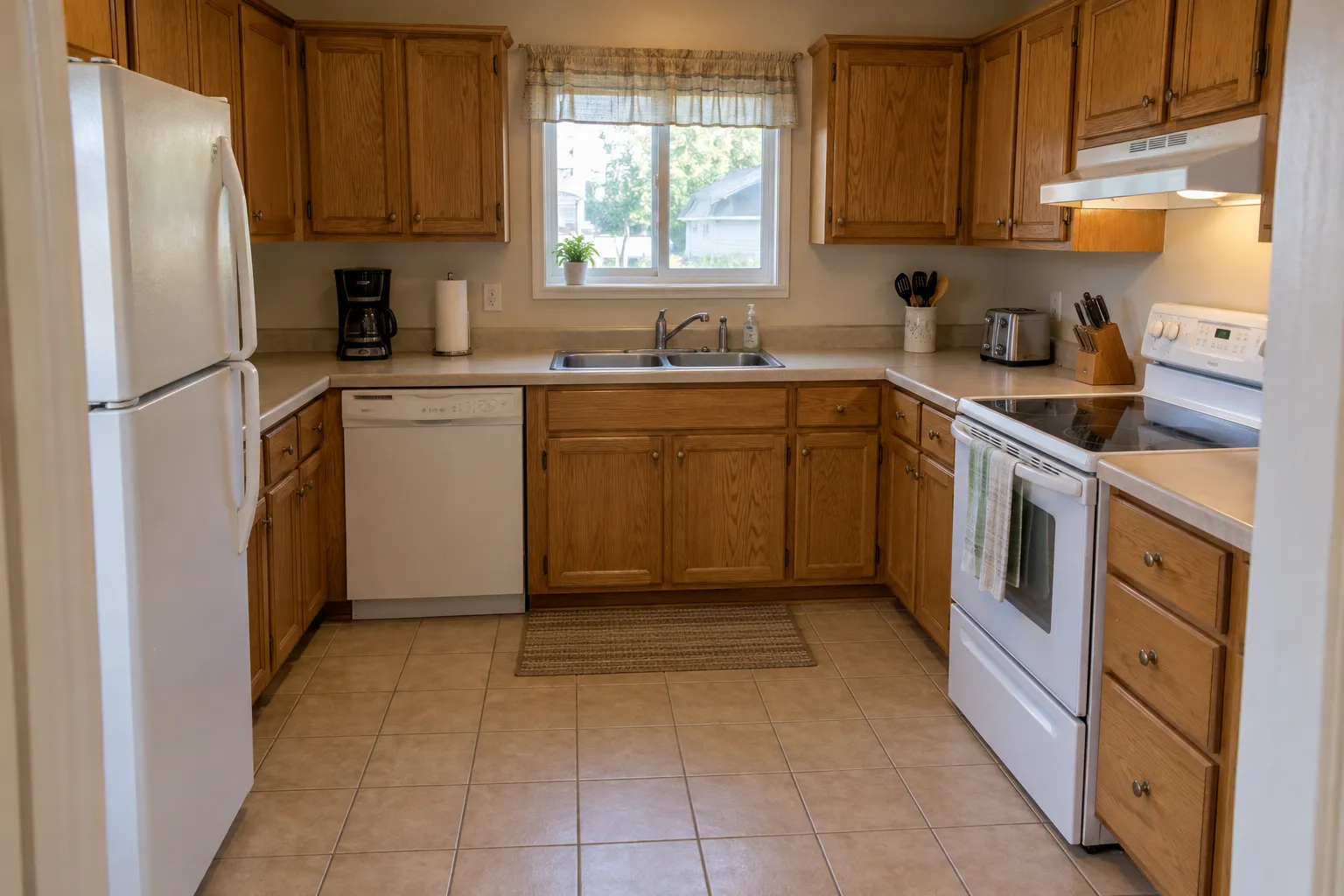 Examples created with AI
Drag the line to compare.Try Modern on my kitchen
Bathroom
AI bathroom design in more styles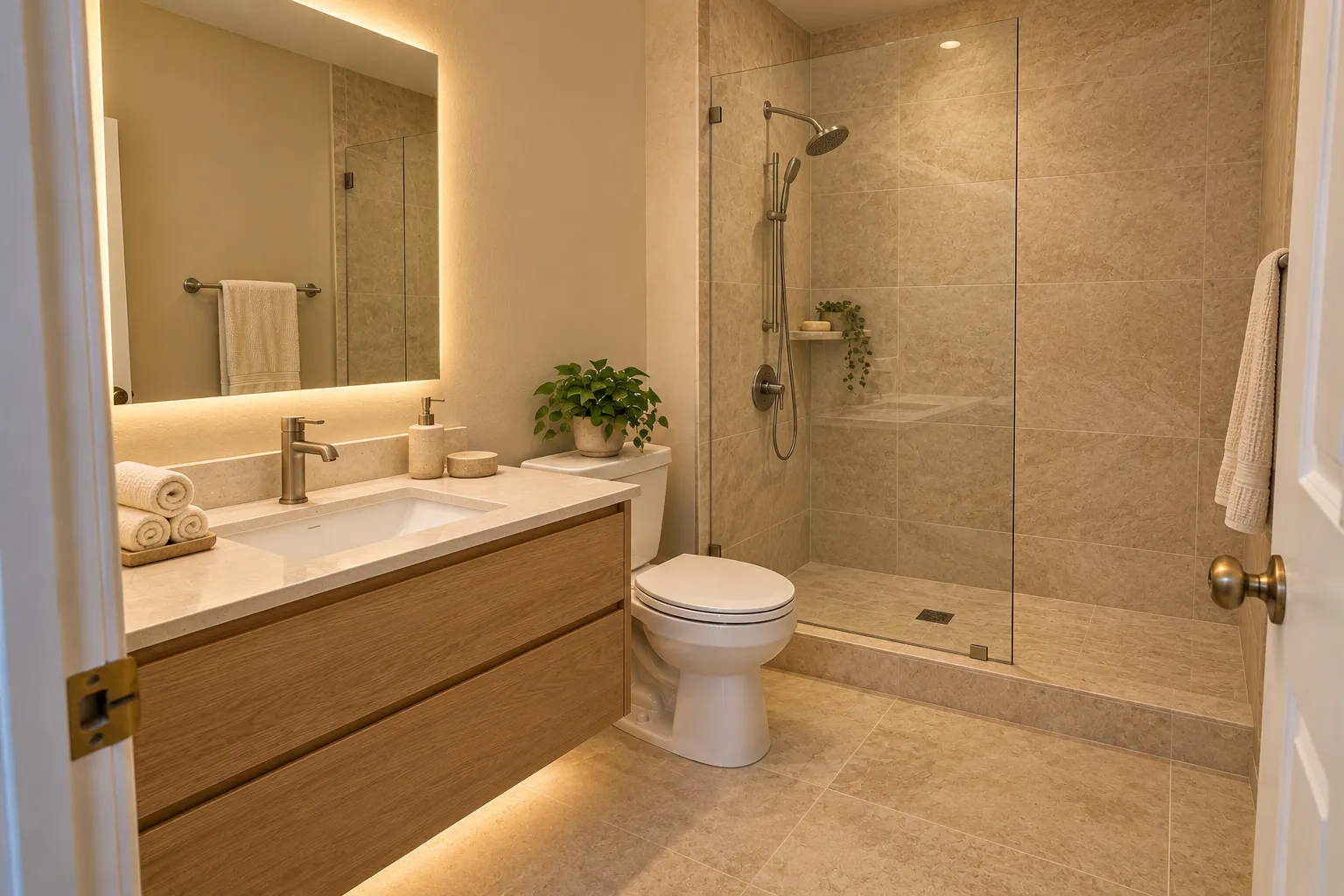
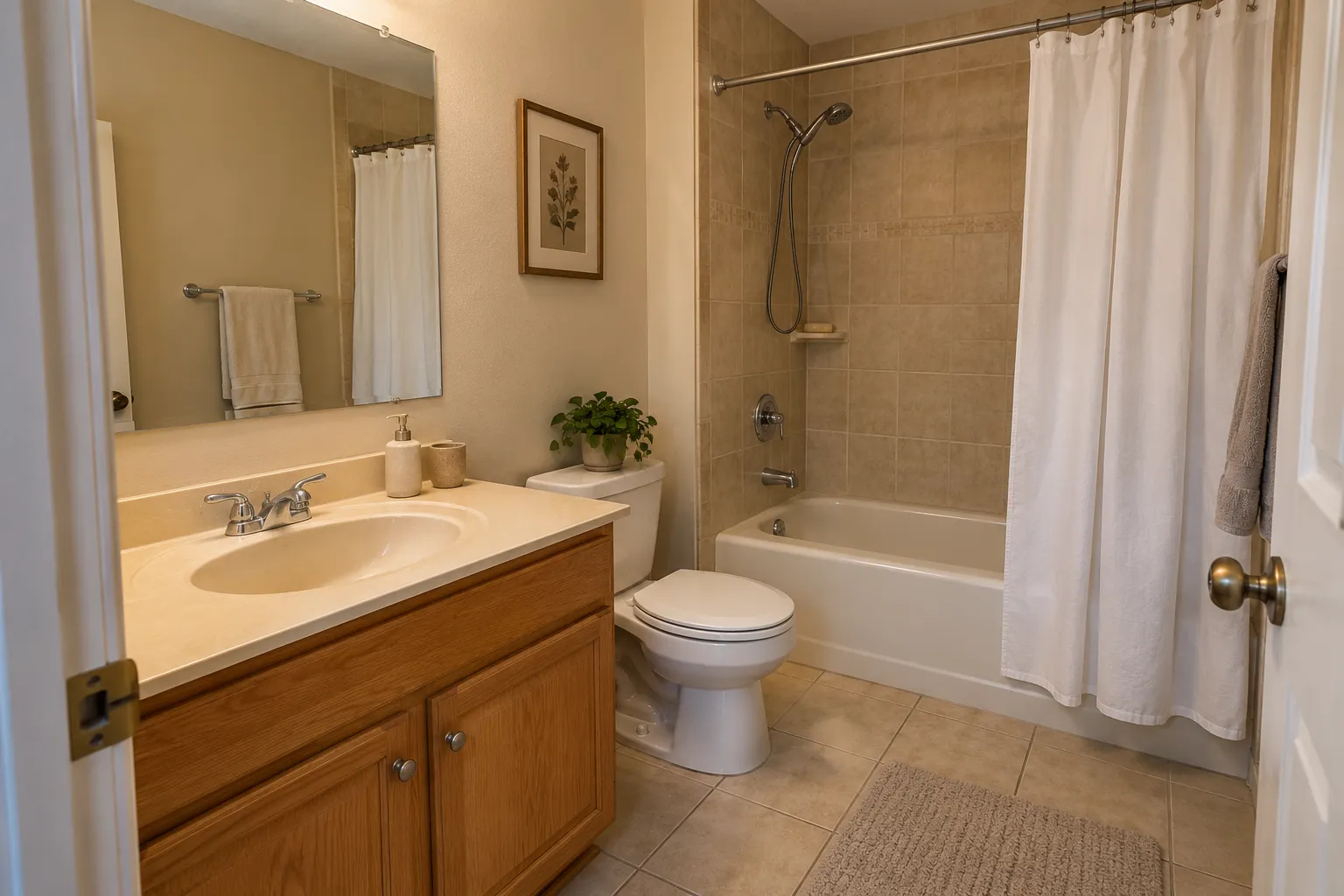 Examples created with AI
Drag the line to compare.Try Spa on my bathroom
Example designs, created with AI, each one from the room's own before photo.
Get a picture you can decide with
- Shoot the room the way you see it every day: from the doorway or a corner, in daylight, with the lights on.
- Clear the clutter first. What's in the photo tends to stay in the design.
- Change one thing at a time: one style in two colors, or two styles with no color, then compare.
- Look at the result next to the real room, at the time of day you use it most.
Know the style before you pick it
A style name is easier to pick when you know what it means. The guides show what makes each one and how to get it at home: Japandi, Art Deco, mid-century modern and minimalist. To furnish an empty room instead, use AI virtual staging.
Room visualizer FAQ
What is a room visualizer?
A tool that shows a room as it could look before you change anything. This one works from a photo of your own room: pick a style and, if you like, a color or material, and the same room comes back with new furniture, floors, colors and decor, with the walls, windows and camera angle kept.
Can I visualize paint colors on my walls?
You can pick a color, like sage green or navy blue, and the design uses it, but it's a picture made by AI, not a match to a paint brand's chip. Use it to choose a direction, then test a sample on the real wall.
Can I see new flooring?
The floor changes with the style: light wood in a Scandinavian room, dark wood in a traditional one, tile in many kitchens and bathrooms. Picking light wood or dark wood steers it. It won't show one particular product.
Is there a free room visualizer?
Yes, one design. New accounts get 1 free design at standard size, with a small getairoomdesign.com mark: sign in with Google, no card needed, while the day's free designs last. After that, one design takes 1 credit at 1K, 2 at 2K and 3 at 4K, and the packs are $9.90 for 50 credits, $19.90 for 150 or $39.90 for 500, paid once with no subscription.
Can I visualize the outside of my house or my yard?
Yes, on their own pages: the house exterior page for siding, trim and the front door, and the landscape design page for the backyard. The tool there is set to the house front or the yard.
Do I need to download an app?
No. It runs in the browser on a phone, a tablet or a computer.
More: the AI room design home page, the AI room decorator, the house exterior and backyard pages, AI interior design and pricing.